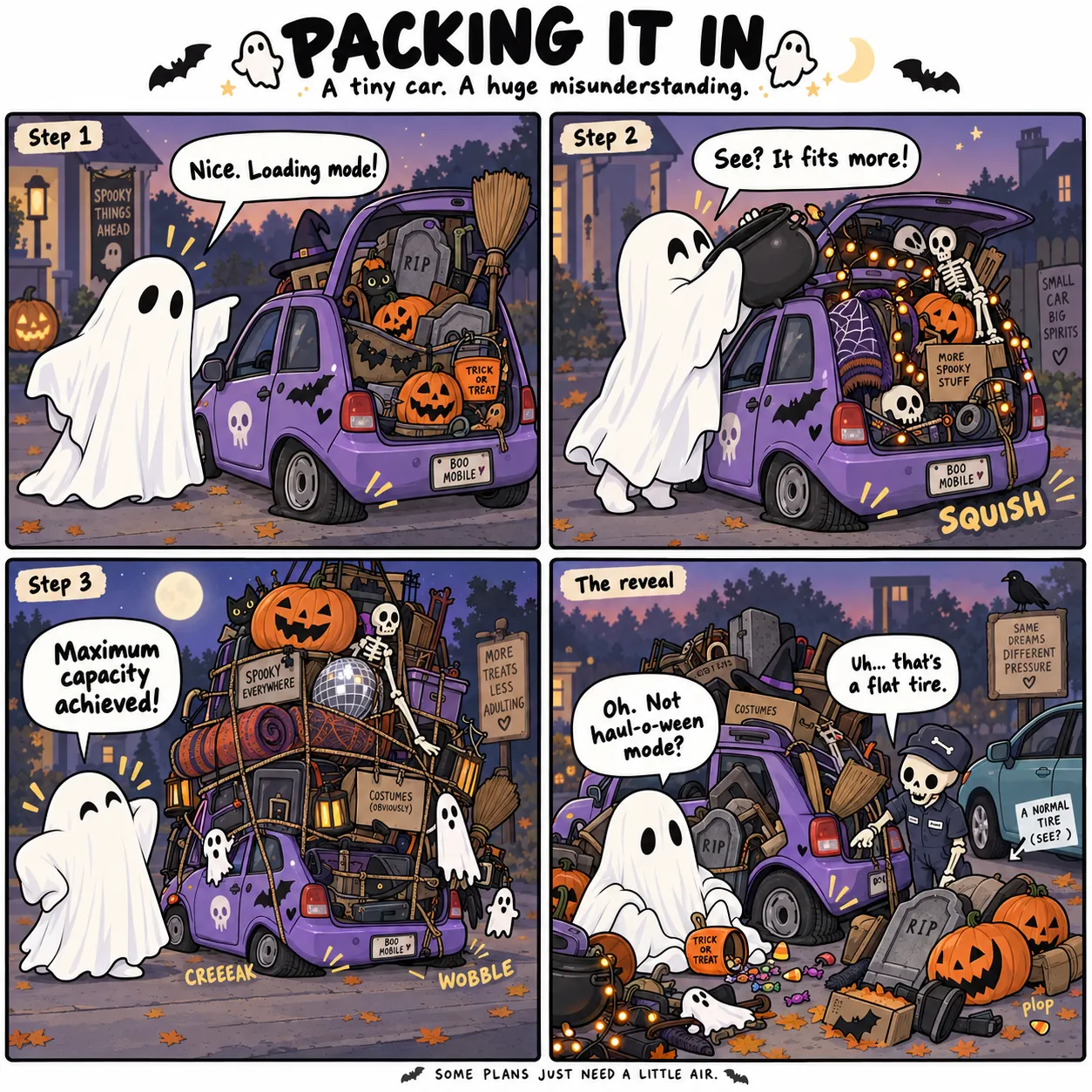
Every new design brings the same decisions: Which character? What scenario? What joke? What visual direction? After a few concepts, you’re staring at the blank page all over again.
The bottleneck: constant brainstormingHalloween Creator Studio gives you ready-to-paste prompts for ChatGPT, DALL·E, Midjourney and more. Pick your creative options, generate the prompt, then paste it into your AI image tool. Create artwork for Etsy, POD, social content and KDP projects. No drawing skills. No prompt engineering. No blank-page guessing.
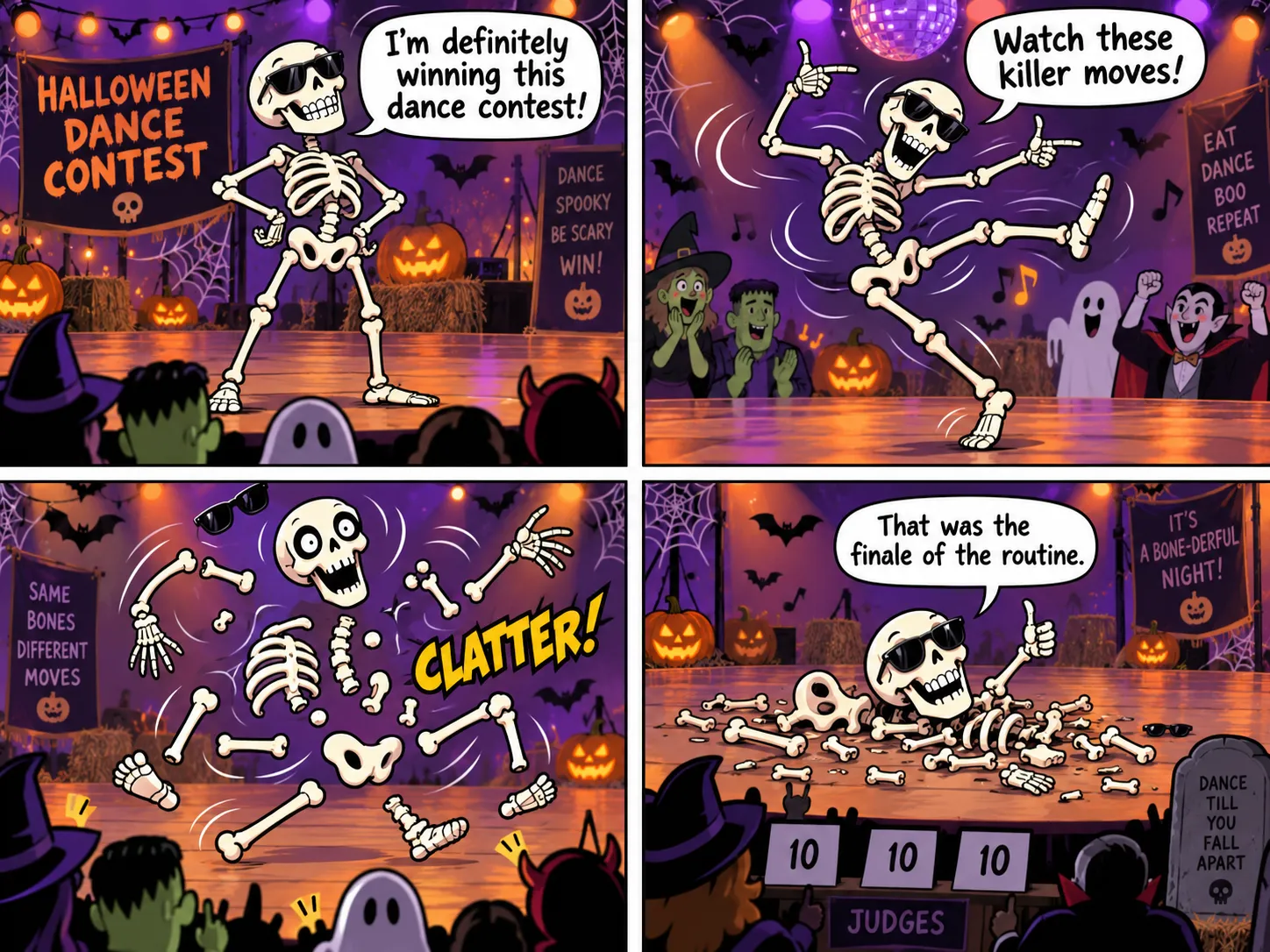
AI can make the artwork. But before you ever click “Generate,” you still need the character, the scene, the visual direction, the joke and a prompt clear enough to pull everything together.
Every new design brings the same decisions: Which character? What scenario? What joke? What visual direction? After a few concepts, you’re staring at the blank page all over again.
The bottleneck: constant brainstormingHaving the idea is only the beginning. You still need to explain the subject, style, scene, format and output clearly enough for your AI image tool to follow.
The bottleneck: rebuilding prompts from scratchOne prompt works. The next one falls flat. Without a repeatable structure, your ideas can drift in style and execution — making it harder to keep the creation process moving.
The bottleneck: no repeatable creation systemYou don’t need to brainstorm harder. You need a repeatable system that turns the next Halloween idea into a structured AI prompt.
Instead of reopening a blank prompt box every time you want to make something new, start with one structured Halloween workflow and use it to explore different output types. Move from a single idea into comics, memes, quote designs, seamless patterns and sticker concepts without rebuilding the whole process.
A character, a scene or a joke direction can become multiple Halloween outputs instead of a single result.
Comic, Meme, Quote, Pattern and Sticker all stay inside the same workflow, so the creative process feels cleaner.
Spend less time reconstructing prompts and more time turning Halloween ideas into usable visual directions.
Work through the same simple controls inside the studio — choose your format, character, style and creative direction, then generate a structured prompt ready for your AI image tool.
Panel count
Comic style
Character group
Scenario group
Target tool
Aspect ratio
No complicated prompt engineering. Work through the controls, generate the prompt, then take it straight into your AI image tool.
Pick your ingredients, generate the prompt and move straight into creating.
No complicated prompt writing — the studio builds the structure for you.
36 characters + 140 scenarios give every new session somewhere to begin.
Switch between four defined Halloween looks without rewriting the visual direction.
Give funny Halloween ideas a clear structure instead of guessing at the punchline.
Build prompts for ChatGPT, DALL·E, Midjourney or Universal output.
Comic, Meme, Quote, Pattern or Sticker — all inside the same workflow.
Use Randomize when you want a fresh direction without another brainstorming session.
Start with the same Halloween idea, then take it in a different direction depending on what you want to create — without changing the workflow or rebuilding the prompt from scratch.
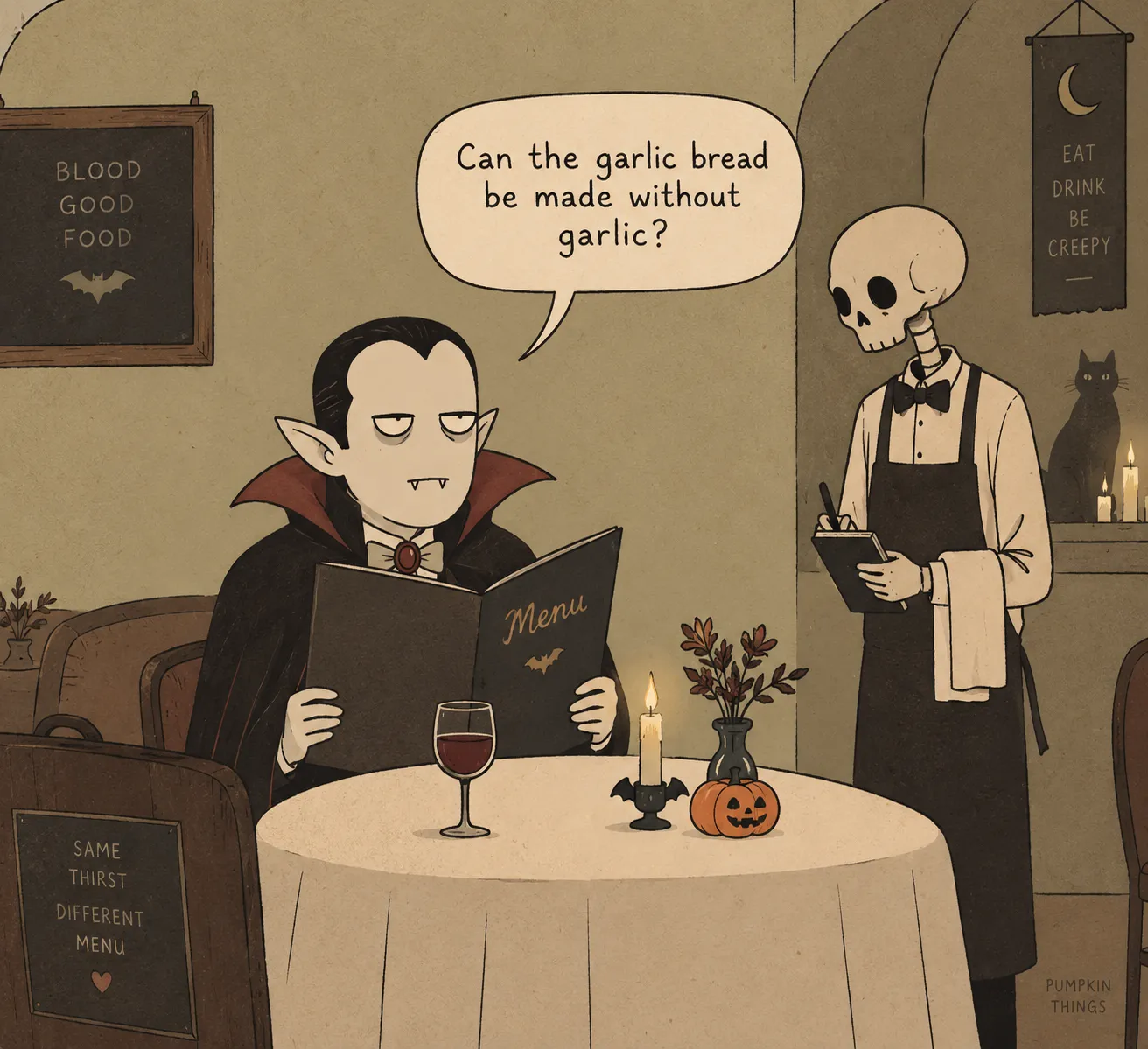
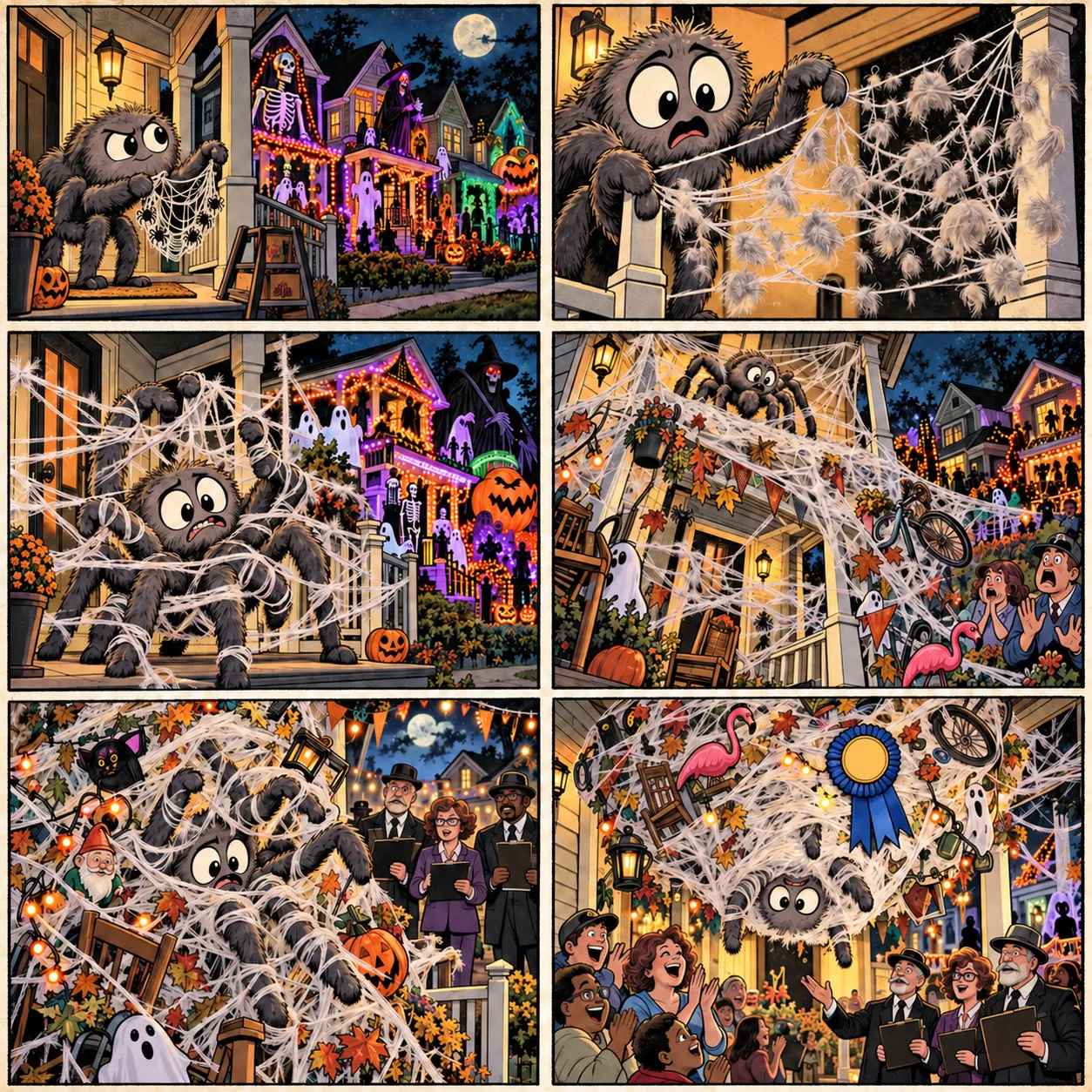
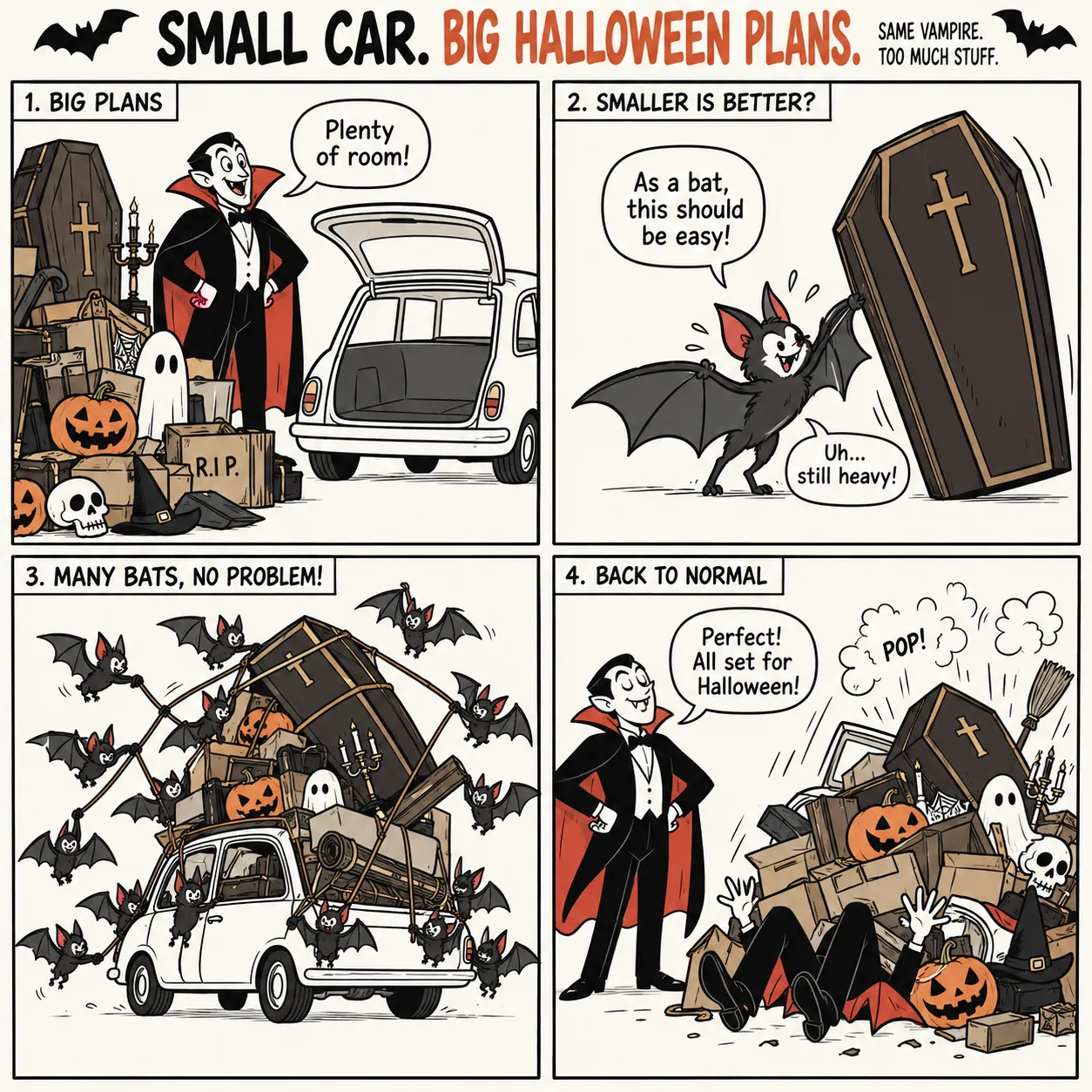
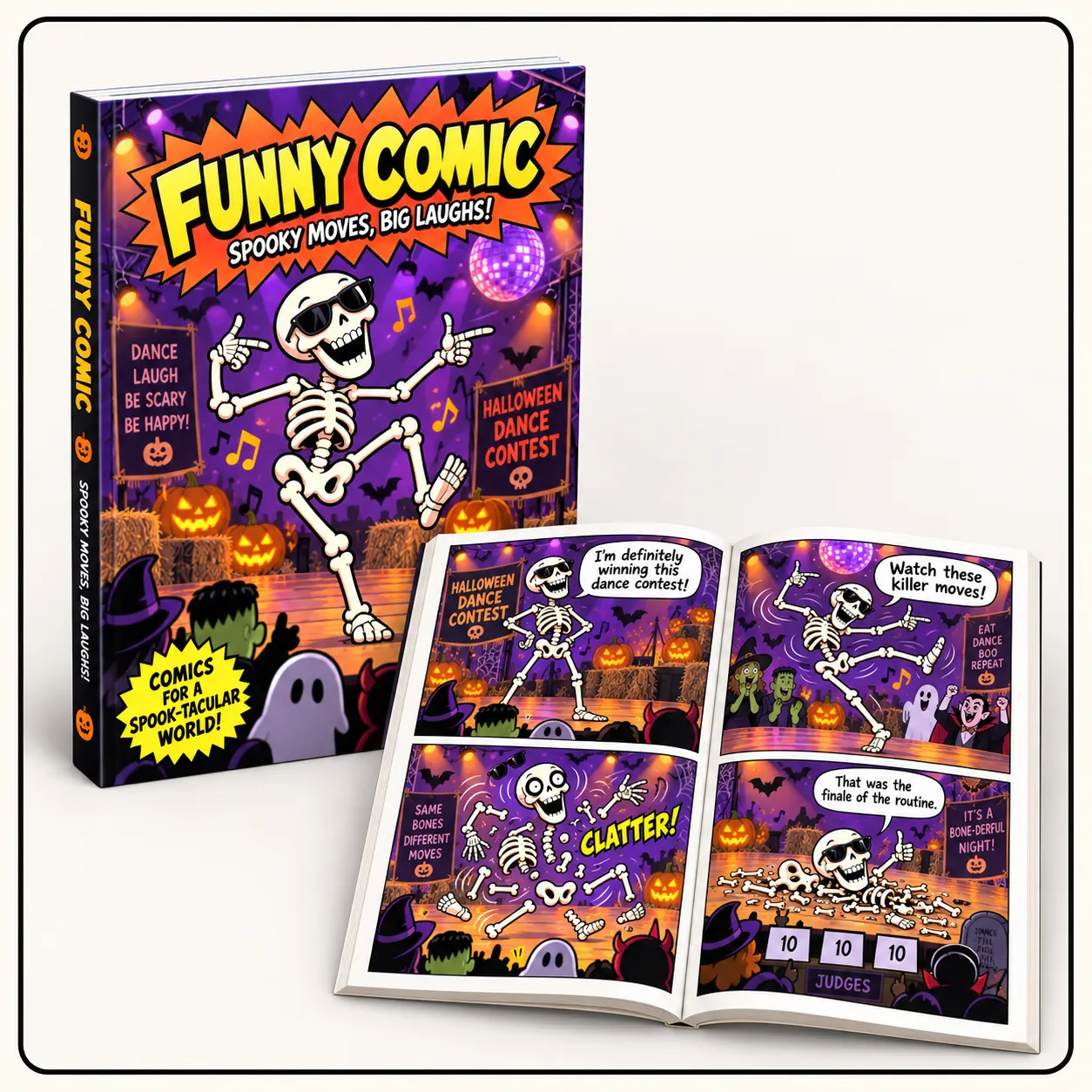
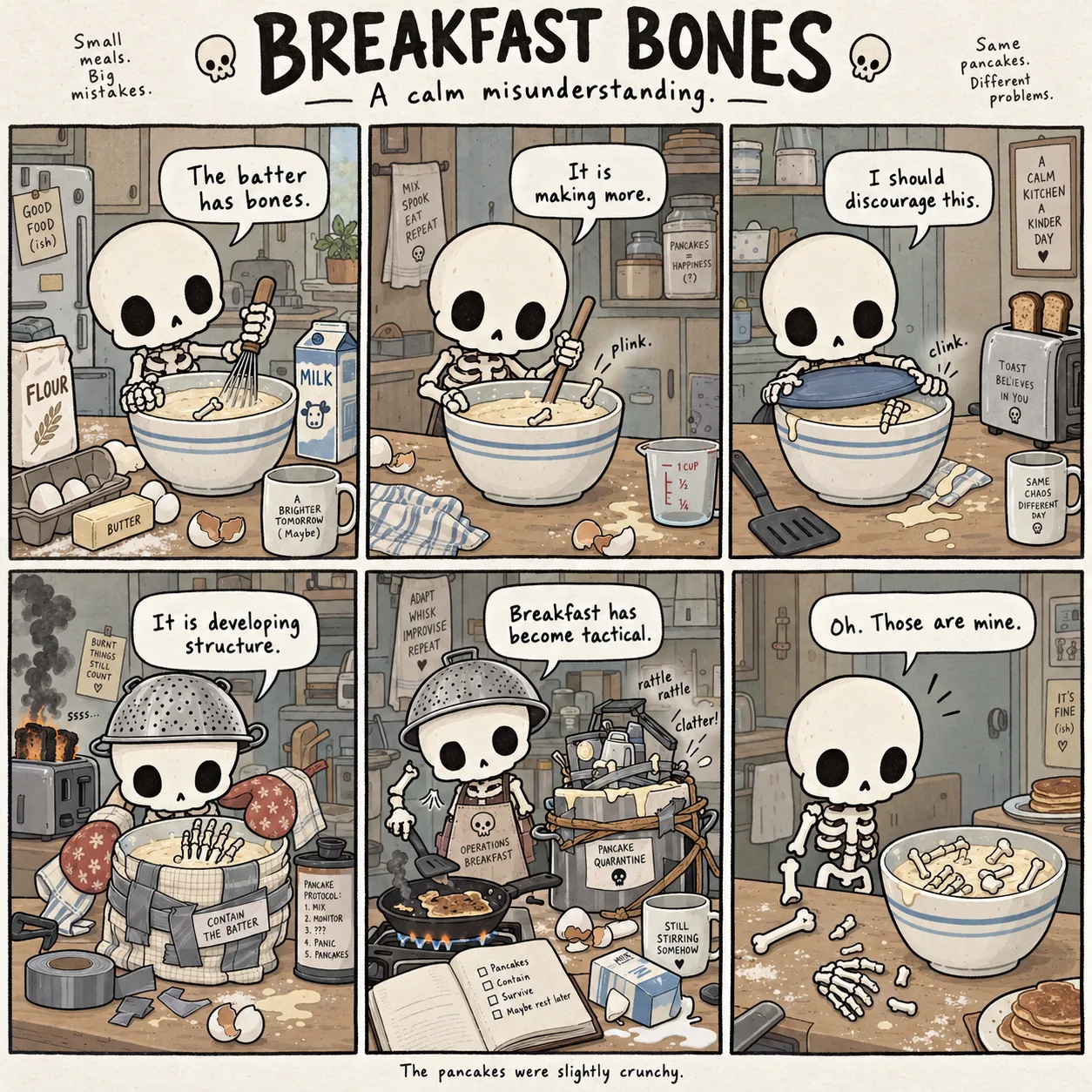
Build funny Halloween stories as structured 4-panel or 6-panel comic directions.
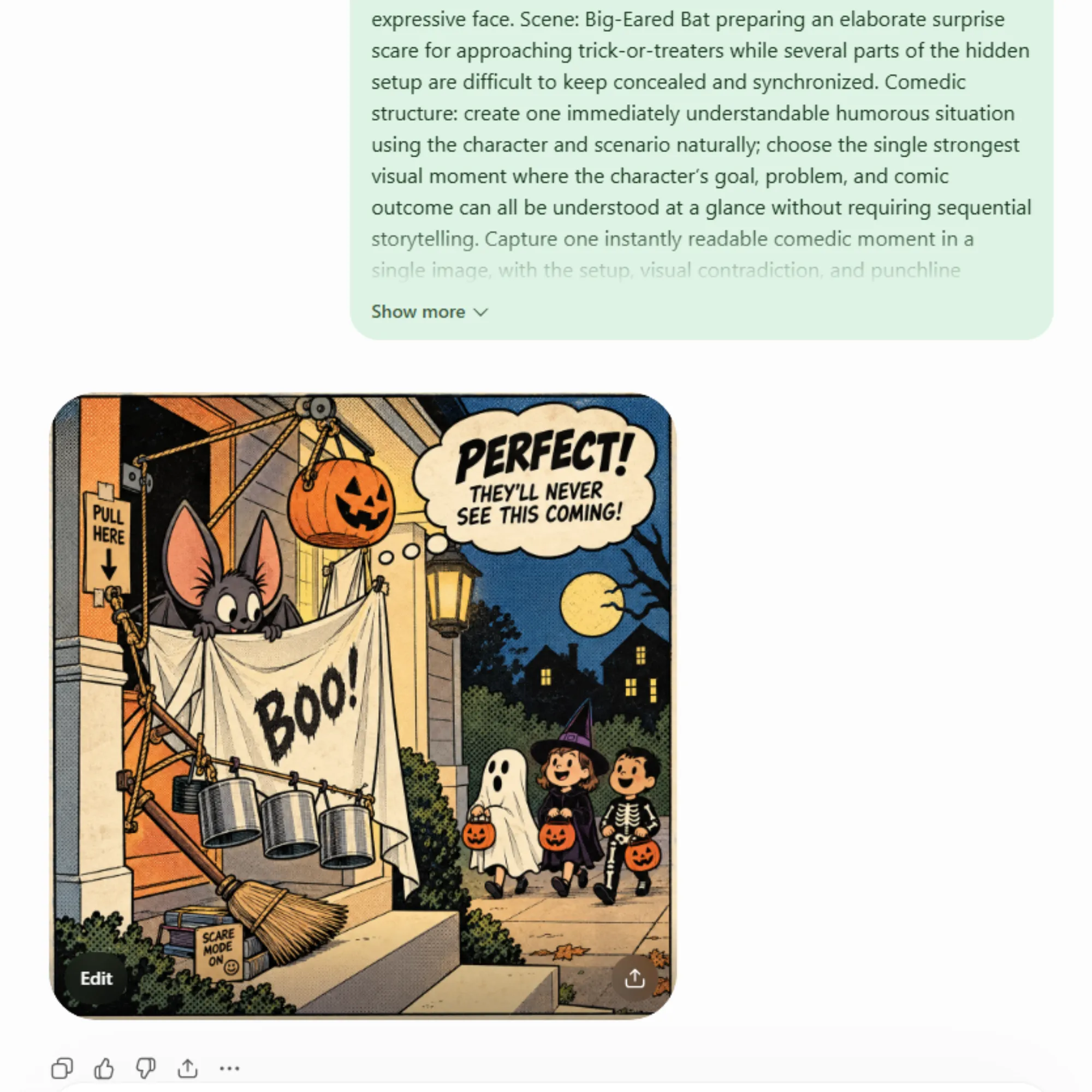
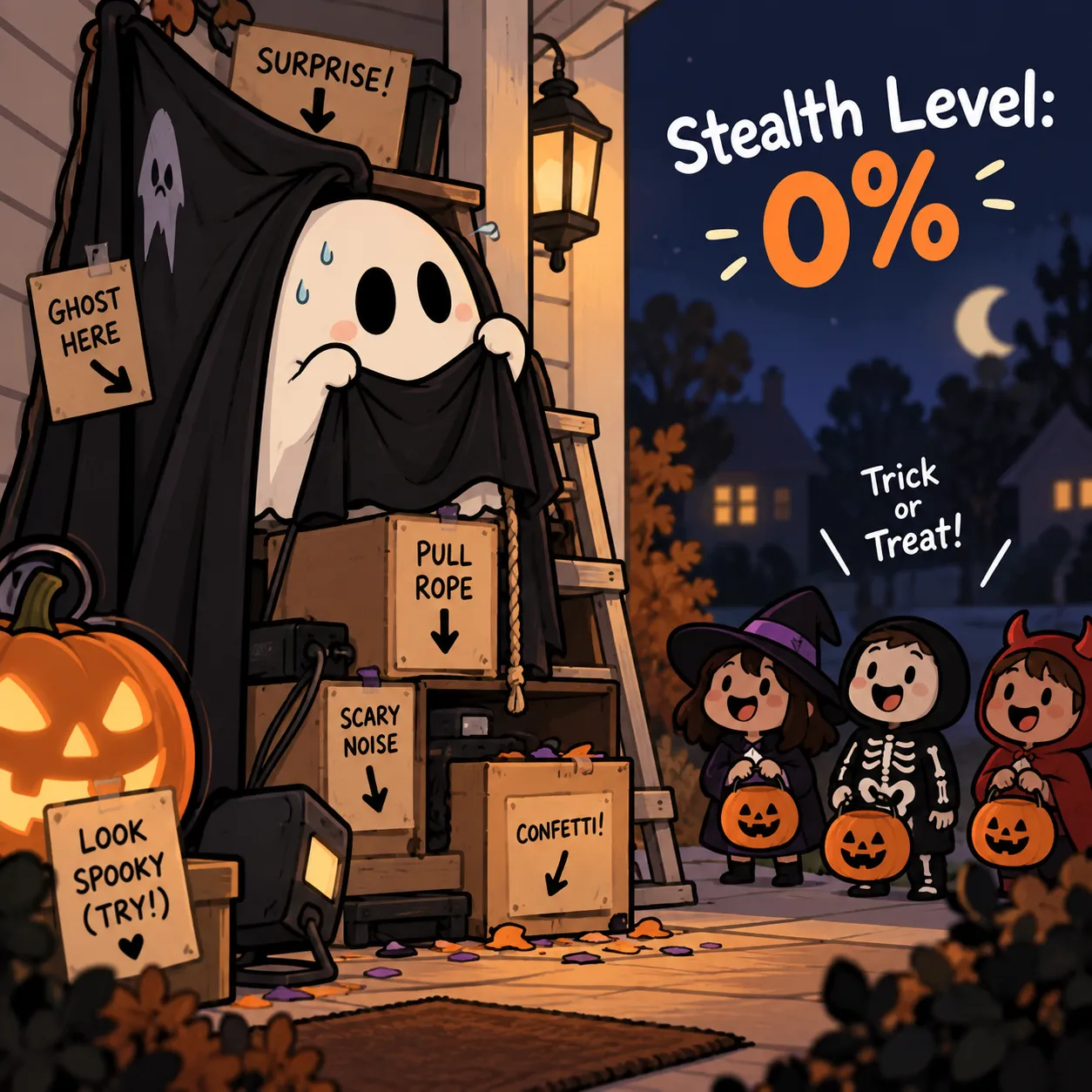
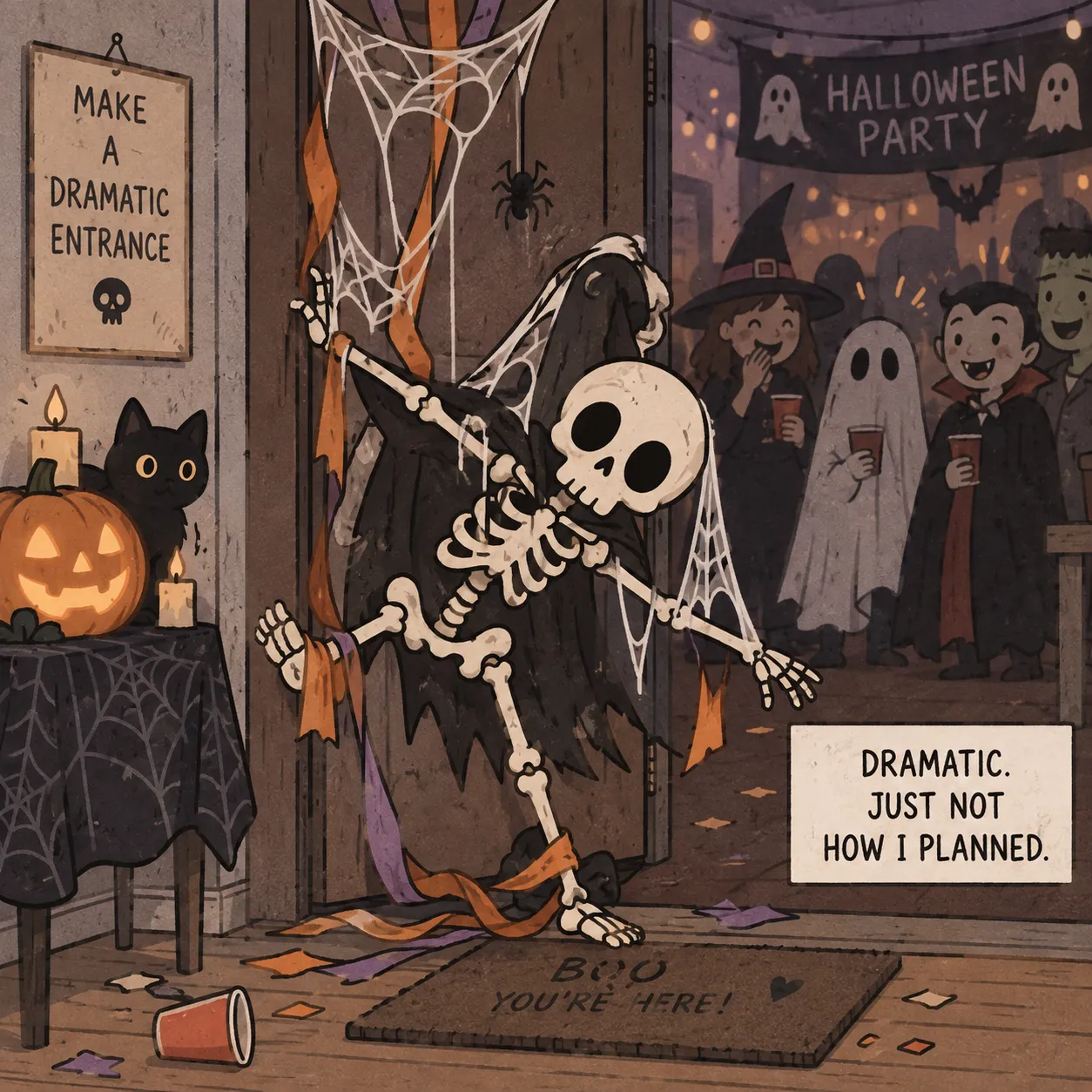
Turn relatable Halloween situations into simple, punchy visual concepts made for quick sharing.
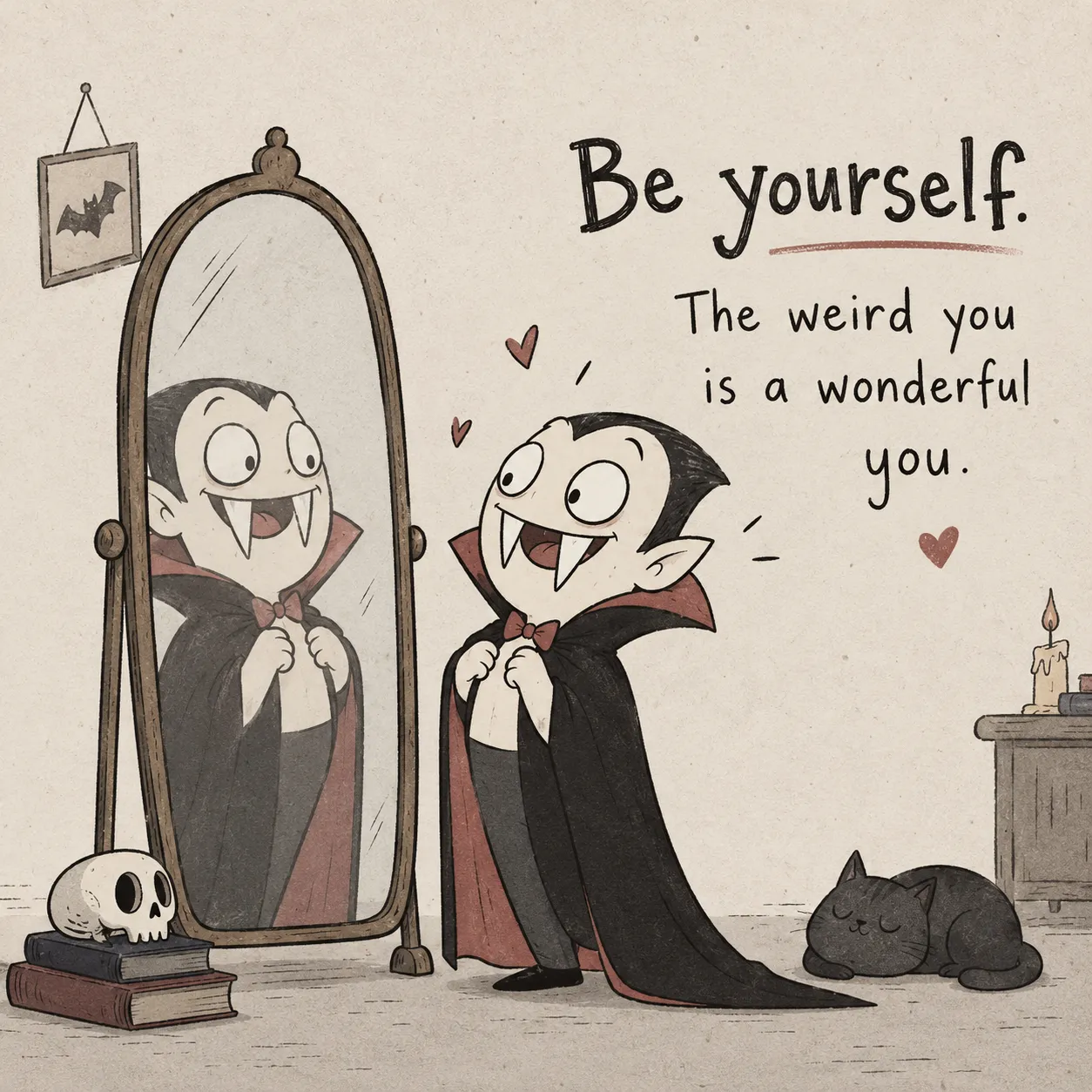
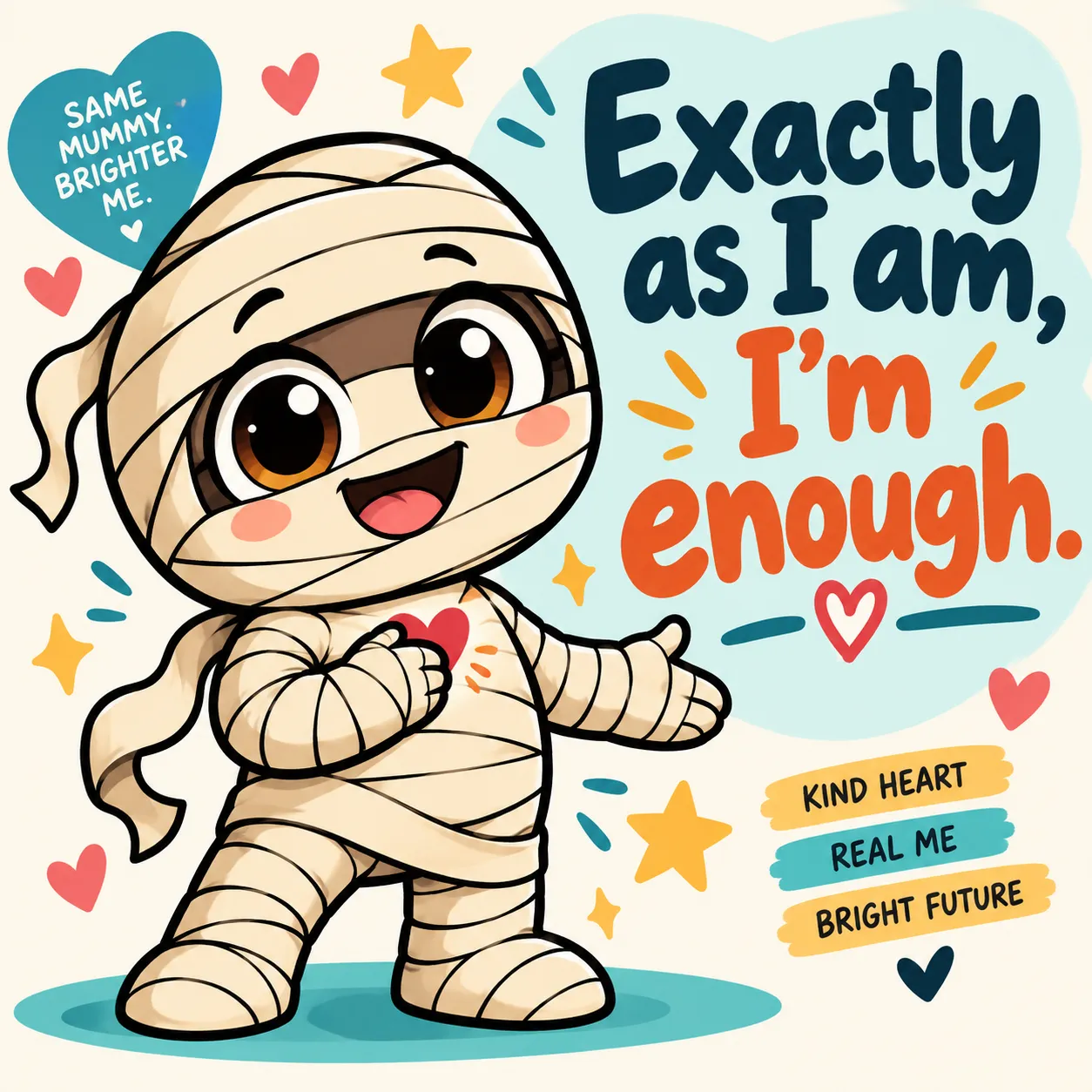
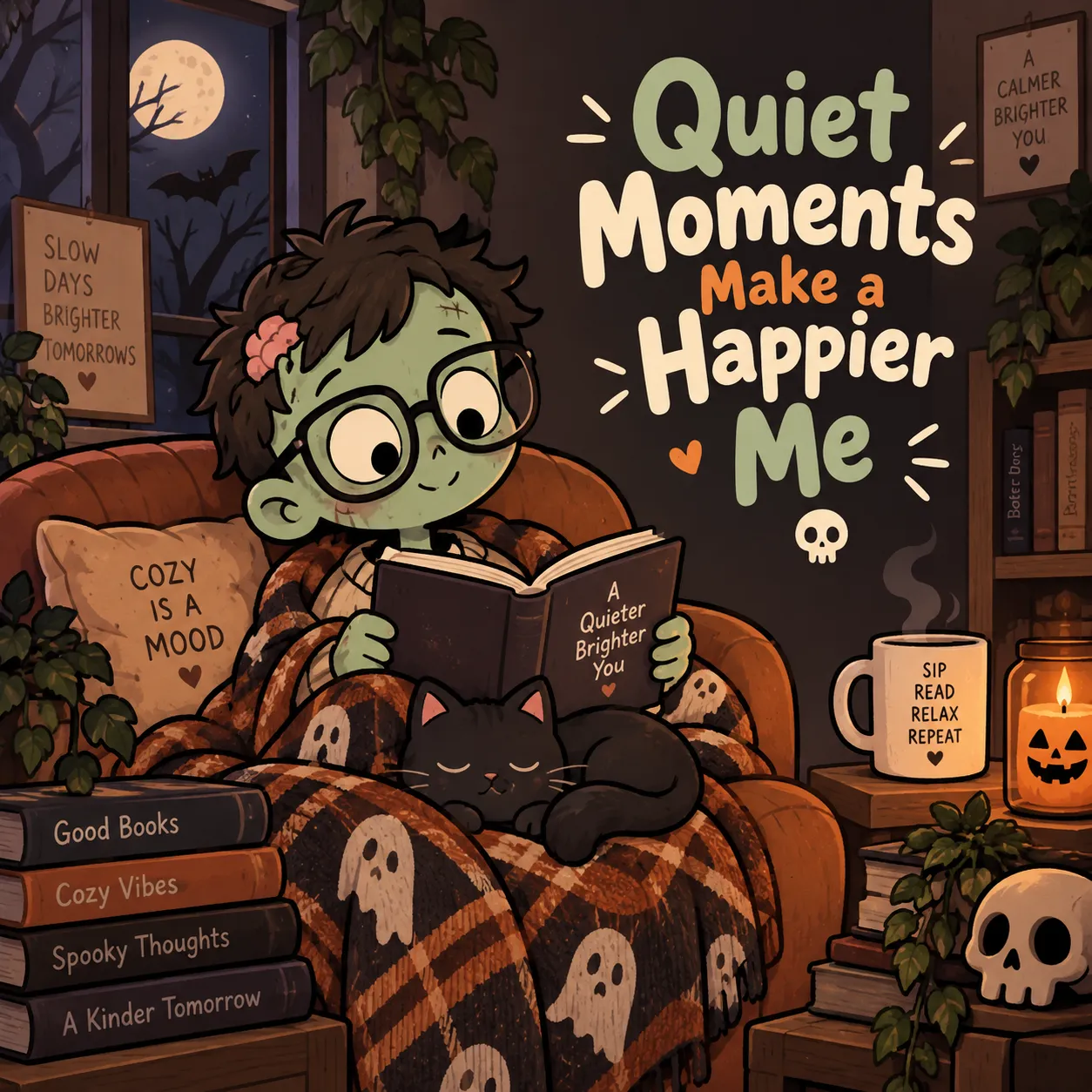
Pair Halloween characters with short quote-driven visual concepts for seasonal artwork.
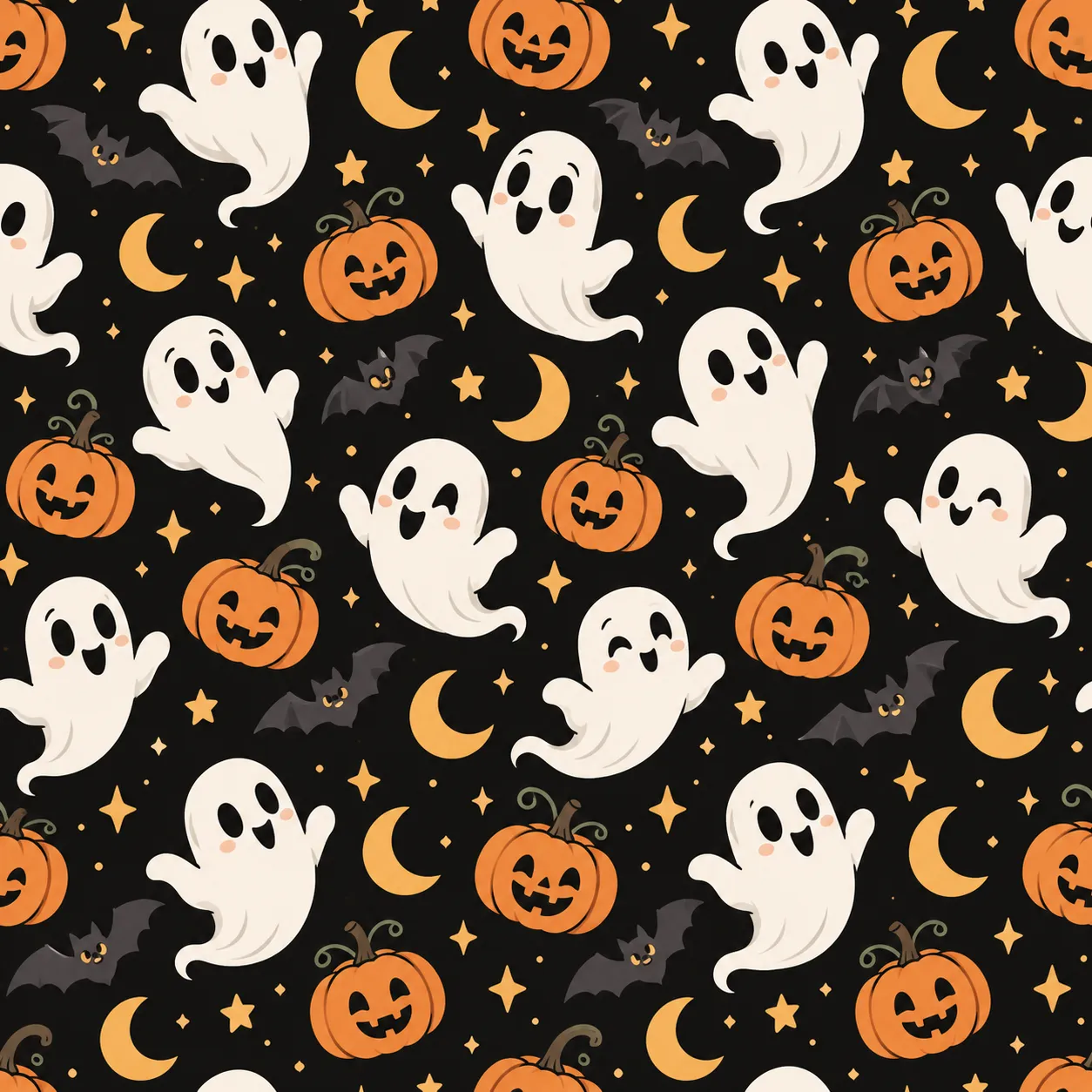
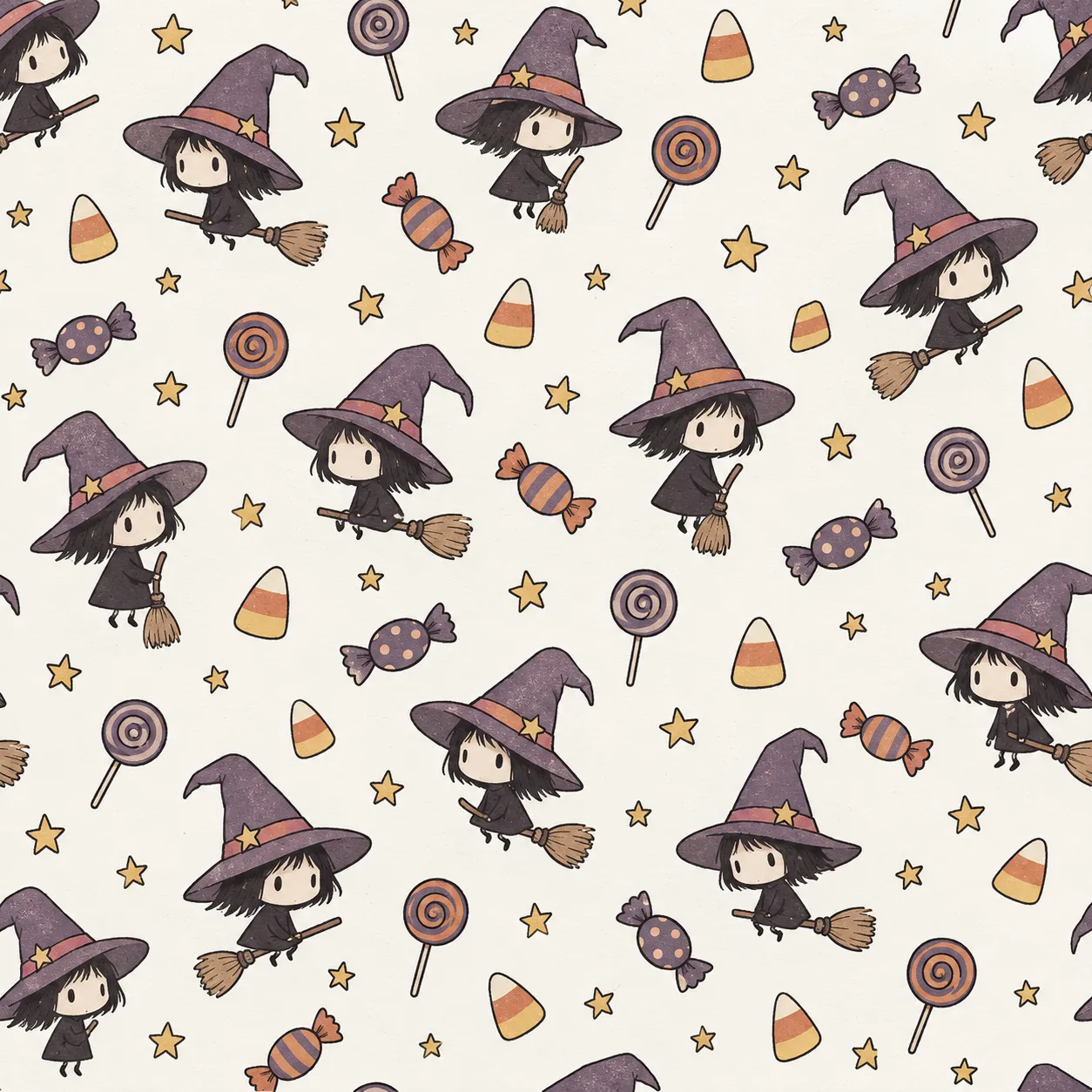
Build seamless Halloween pattern directions using characters, objects and repeating seasonal elements.
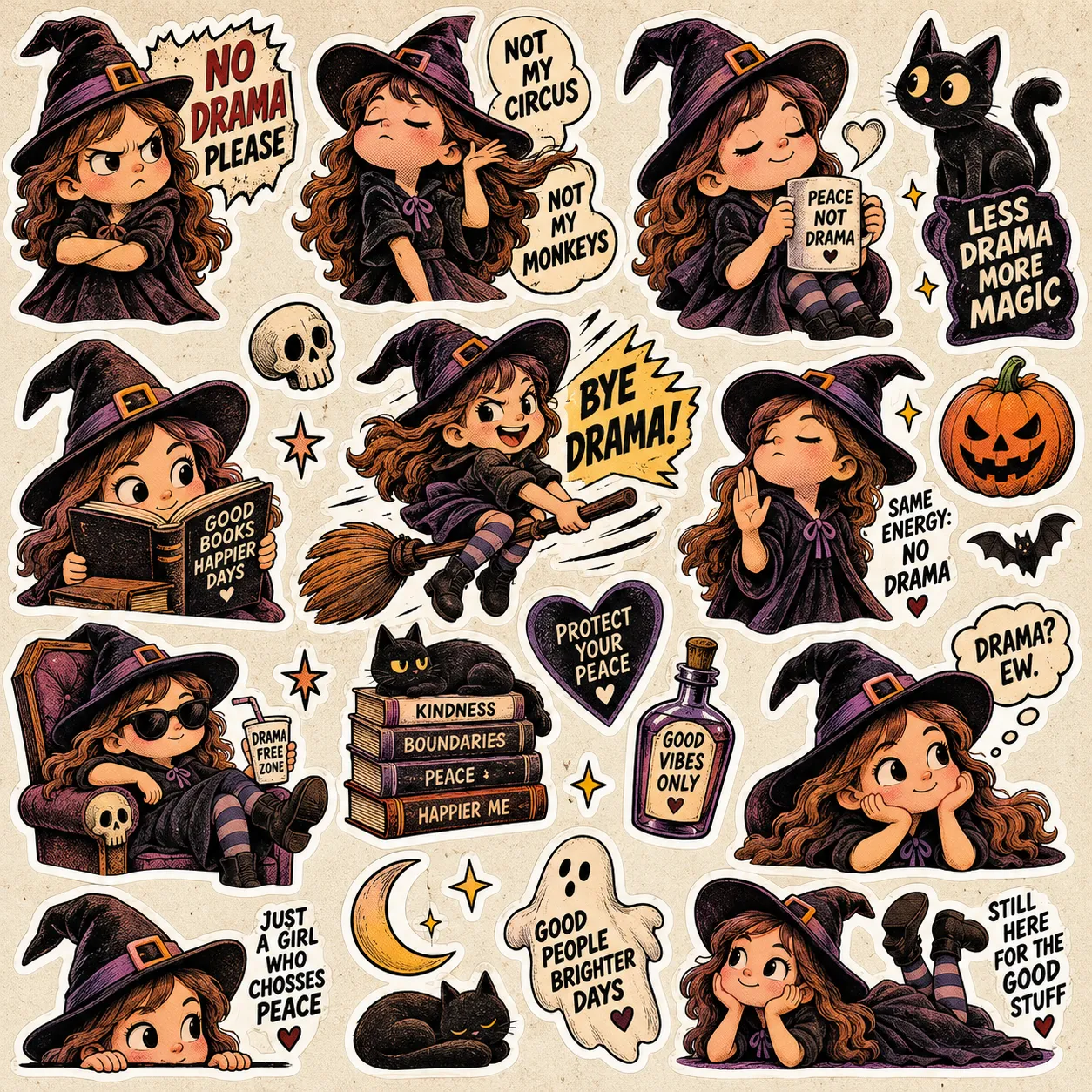
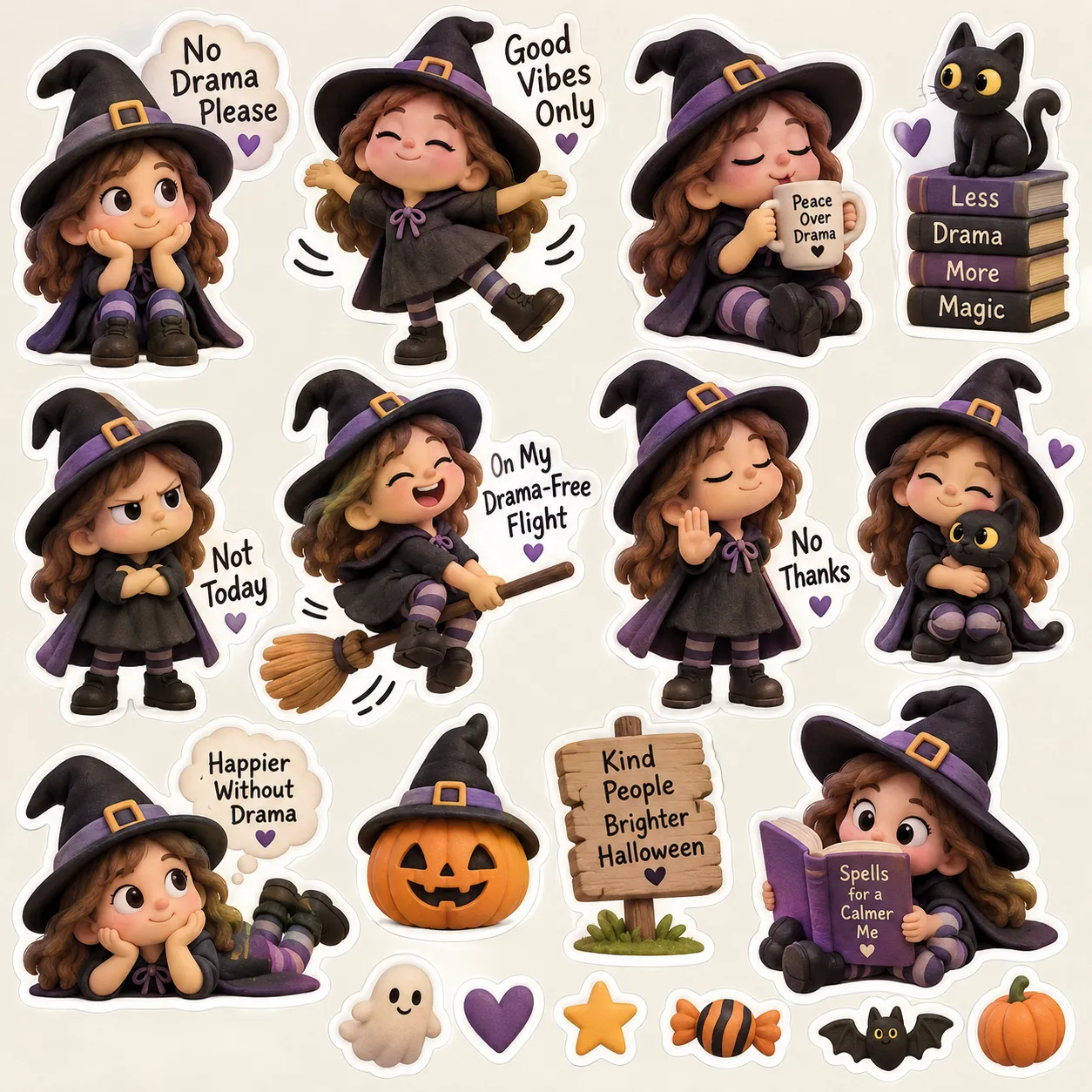
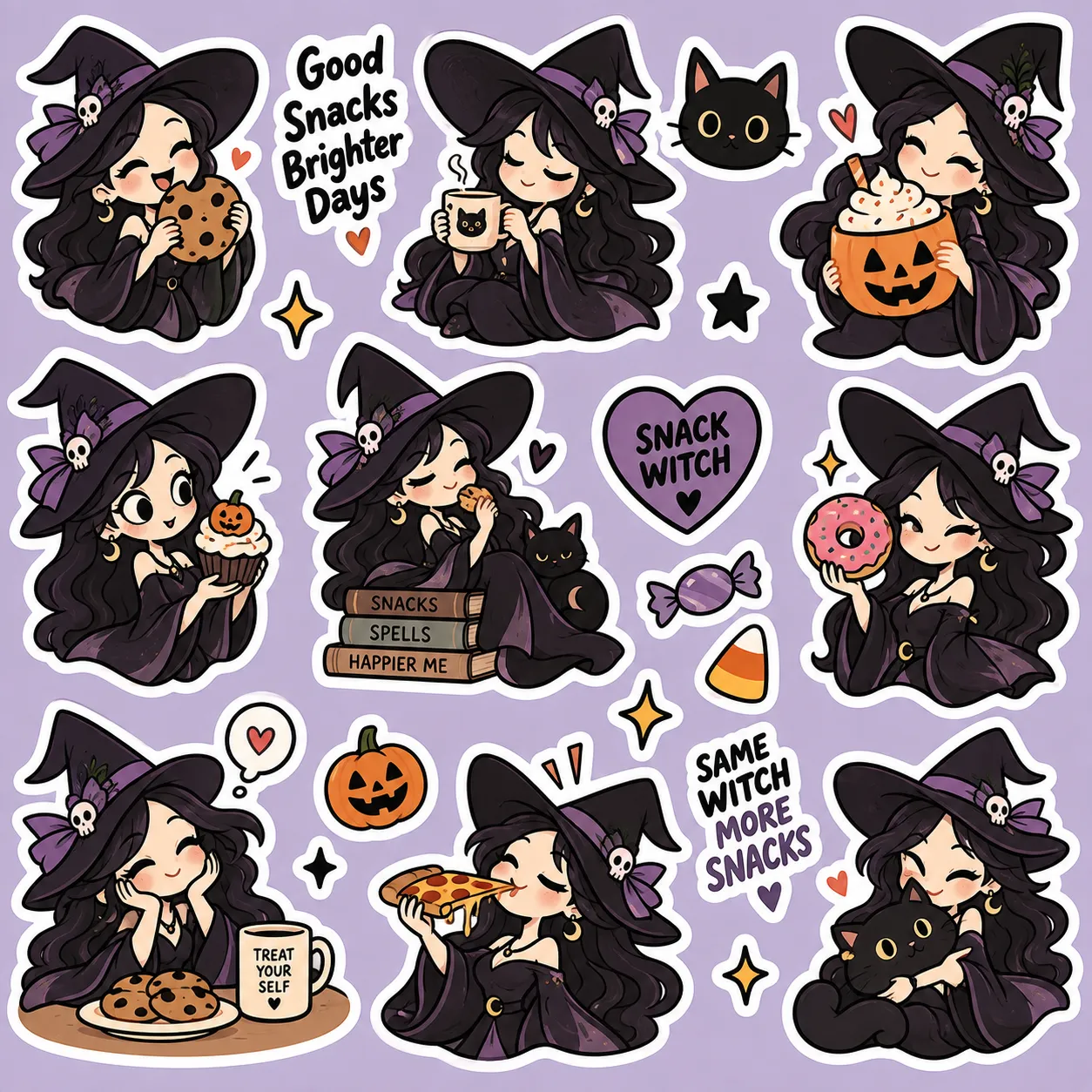
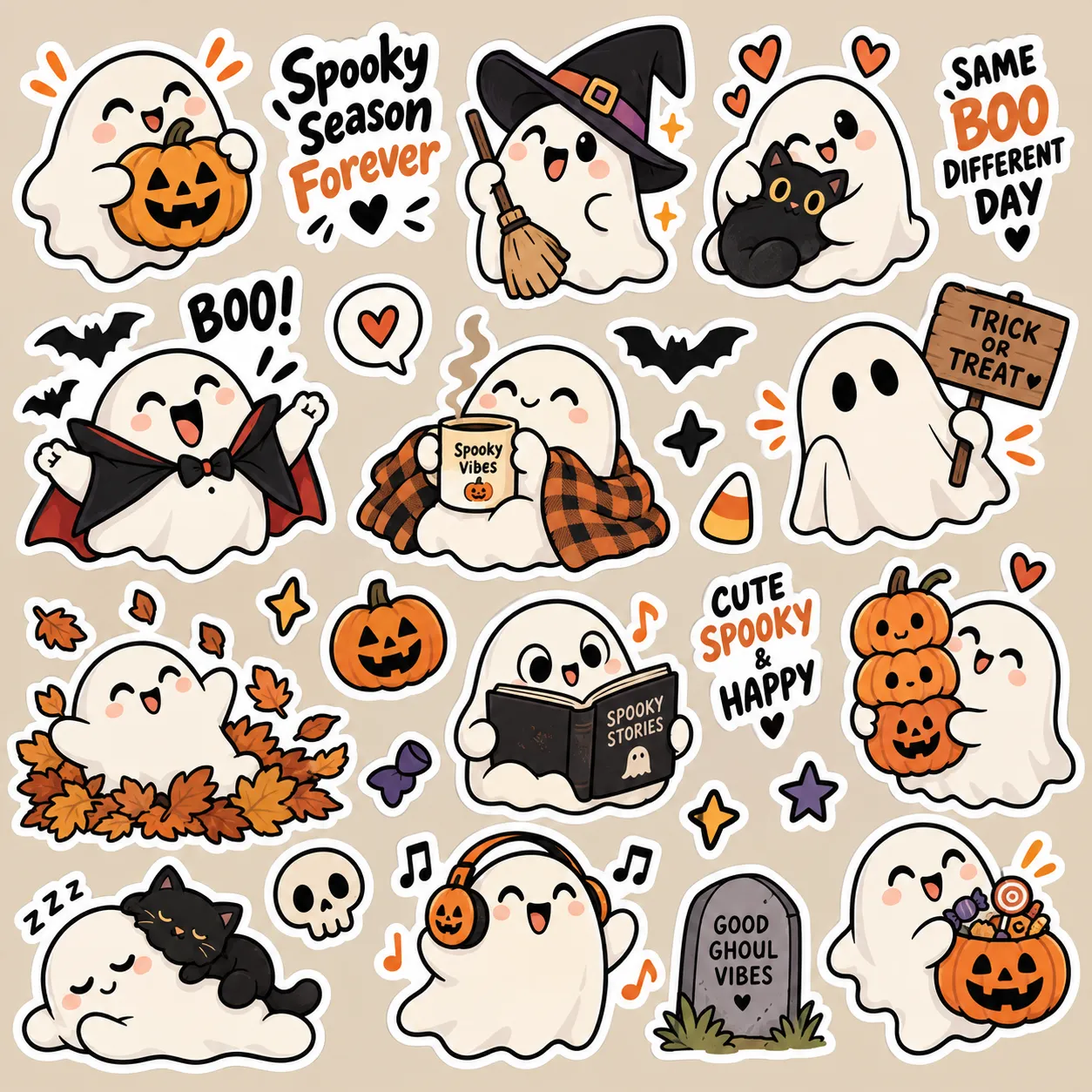
Create coordinated Halloween sticker directions built around characters, expressions and themed poses.
The studio doesn’t just give you a subject. Choose how the comic unfolds, how the joke is told and whether you want to direct the idea yourself — or let Randomize surprise you.
Some ideas need a quick setup and punchline. Others need a little more room for the chaos to build. Choose 4 panels or 6 panels, and Halloween Creator Studio structures the prompt around that comic length — giving your ghost, witch, vampire or monster enough room to land the joke.
Want an actual mini Halloween story? Choose Story + Dialogue and build the comic around character interaction, captions and spoken moments. Prefer a cleaner visual joke? Switch to Wordless Gag and let expressions, poses and the scene carry the punchline.
Not sure which character, scene or creative direction to choose next? Hit Randomize and let the studio spin up a fresh combination for you. Use what appears as-is or treat it as a starting point for your own twist — without going back to the blank prompt box.
Start with the built-in content, mix the pieces together and turn your direction into a structured prompt — without rebuilding the process from scratch every time.
Start with a ready-made Halloween cast instead of inventing a new subject every time you sit down to create.
More starting points, less blank-page timeSwitch the visual direction of your concept without rewriting the entire artistic description by hand.
Change the look without changing the workflowGive funny Halloween concepts a clear comedic structure instead of hoping the punchline appears by accident.
Built-in structure for stronger comic ideasJump into Halloween situations, locations and funny setups without brainstorming every scene from zero.
Fresh scene ideas already waiting insideTake your Halloween ideas in different creative directions without leaving the same studio.
Choose the AI workflow you’re creating for, so the finished prompt is prepared with your destination tool in mind.
Less cleanup before you paste and createSet the shape of your intended output before the final prompt is assembled, instead of fixing composition later.
Build with the final format already in mindKeep the creative process moving with quick tools for inspiration, customization and revisiting past prompts.
The front-end gives you the complete core creation workflow — choose your ingredients, assemble the direction and generate the finished prompt.
Choose the creative ingredients, fine-tune the direction and let the studio assemble everything into a structured prompt.
Choose the format, character and visual style you want the studio to build around.
Pick the joke formula and scenario, then choose the target AI tool and aspect ratio for your output.
Let the studio assemble your choices into one structured prompt, copy it and move straight into your AI image workflow.
Best part: most of these work as single images — so the Halloween artwork you create today can become a product or post you prepare today. No complicated assembly for every idea. And when you want something bigger, you can build those creations into a larger themed project.
Single Halloween characters, quote designs, sticker concepts and funny visual gags can become sticker packs, printable wall art, greeting cards and digital downloads. Generate the artwork, prepare the product and put the idea in front of buyers.
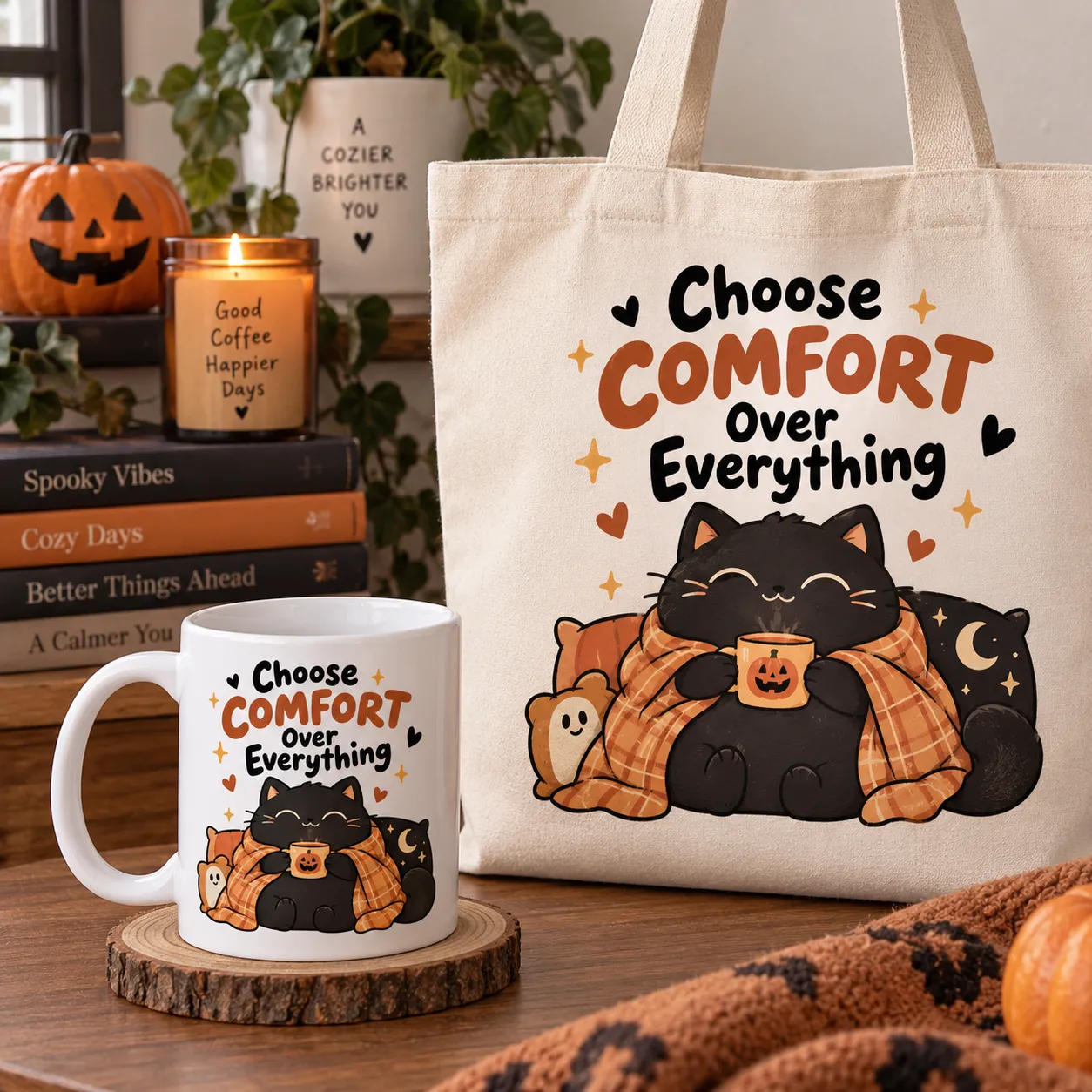
Drop your Halloween artwork onto a t-shirt, mug, tote, sticker or other POD product — or turn it into seasonal content for Facebook, Instagram, Pinterest or TikTok. Every post can also help point attention back toward your shop or product collection.
Want a book too? Use Halloween Creator Studio as an ongoing content source — create on-theme comics and visual ideas, generate the artwork and build your strongest results into a larger Halloween collection.
| Step | What You Do | What You Get |
|---|---|---|
| 01 | Pick a Halloween direction: character + style + scenario + format. | A consistent creative theme |
| 02 | Generate prompts, create the artwork and keep your favorite results. | Finished Halloween images |
| 03 | Fast path: turn the artwork into Etsy products, POD designs or social content. | Products & posts you can prepare today |
| 04 | Book path: create a themed collection and develop your favorite results into a larger book project. | A Halloween-themed book concept for Amazon KDP |
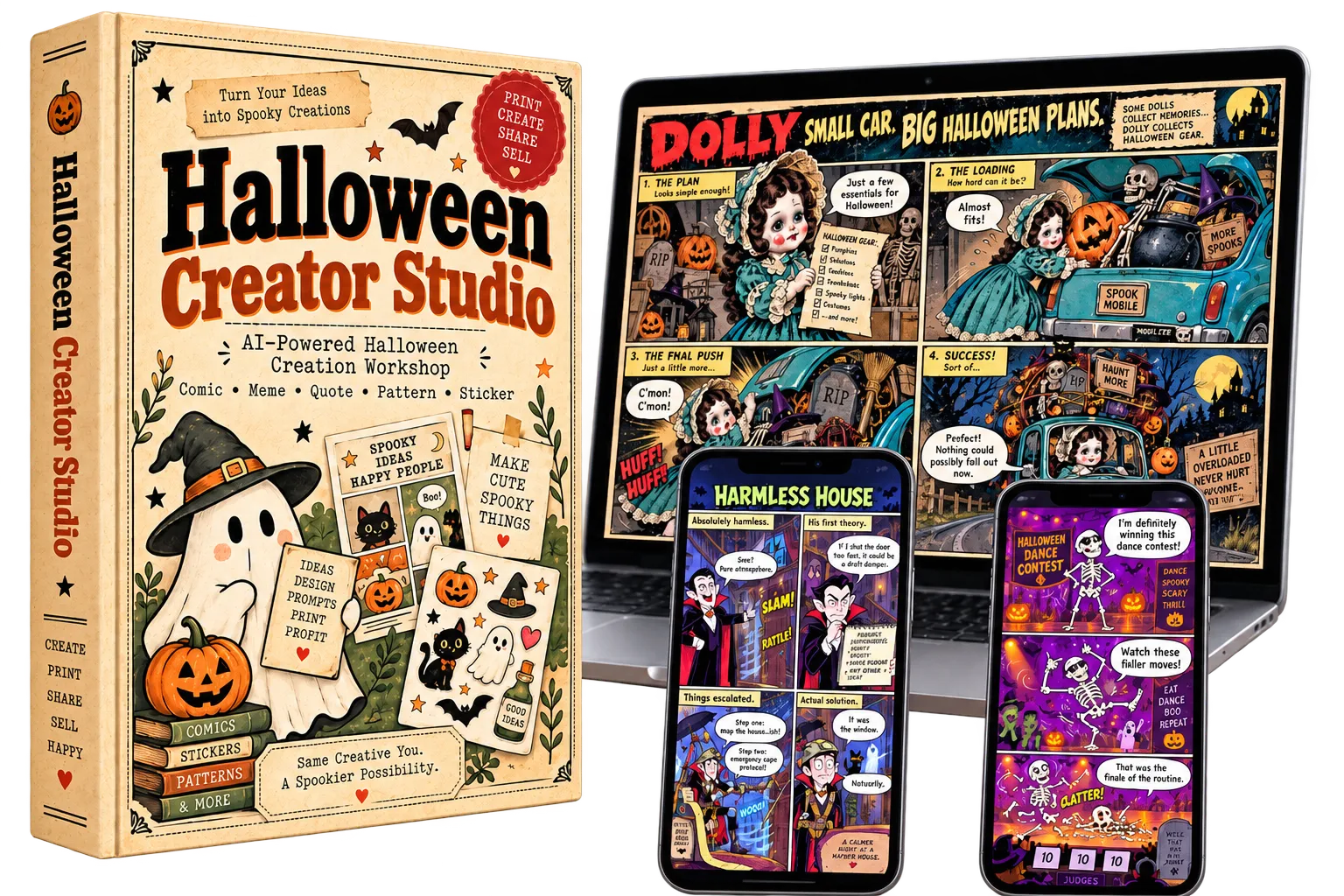
Turn the prompts you build inside Halloween Creator Studio into comics, memes, quote art, seamless patterns, sticker concepts and more using your favorite AI image tool.
Each part of Halloween Creator Studio has a specific job — giving you more starting points, more creative directions and one consistent way to turn them into finished AI prompts.
Instead of inventing a new subject every time, start with a built-in library of 36 Halloween characters across six classic Halloween character groups, ready to drop into different scenes, jokes and creative directions.
Pick the visual personality of your creation without rebuilding a long style description from scratch. The studio gives you 4 defined art styles that can be reused across different Halloween characters, scenes and formats.
Start with 140 ready Halloween scenarios and pair them with 10 built-in joke formulas to give each concept a clearer comedic direction before the final prompt is assembled.
Change the character, style, scene or joke — without changing the way you create.
AI can make the image. The real difference is whether you arrive with a blank box — or with a repeatable system already guiding the idea.
Every new idea starts with another round of brainstorming, rewriting and testing.
Start from a blank prompt box First you have to decide what to create.
Brainstorm characters manually Invent the subject before writing anything else.
Think up every scene from zero Another creative decision every single time.
Rewrite the art direction Describe the visual style again and again.
Figure out the joke structure The idea may exist, but the punchline still needs structure.
Rebuild the prompt for the next idea The process starts over instead of repeating cleanly.
Pick from ready-made building blocks, combine them and move straight into a structured prompt.
Start with 36 Halloween characters Choose a subject instead of inventing one first.
Choose from 4 core art styles Reuse a defined visual direction across new ideas.
Pull from 140 ready scenarios Start with a scene already waiting inside the studio.
Apply one of 10 joke formulas Give the funny idea a clear comedic structure.
Choose the image structure Single image, 4-panel or 6-panel direction.
Generate and repeat the workflow Move to the next idea without rebuilding the process.
The difference isn’t more AI. It’s having a repeatable creation system before you ever open your AI image tool.
Whether you create products, publish content or simply enjoy working with AI images, Halloween Creator Studio gives you a structured place to start.
Explore Halloween ideas for comics, quote art, sticker concepts and patterns without beginning every product direction from a blank prompt.
Build Halloween visual directions for apparel and merchandise while keeping the character, style and concept workflow easy to repeat.
Use the studio as a repeatable idea and prompt source when developing Halloween-themed visual projects and creative collections.
Pull together Halloween meme, comic and visual-content ideas faster when you need fresh seasonal directions for your content calendar.
If you already use AI image tools but dislike writing every Halloween prompt manually, the studio gives you a clearer, repeatable way to get started.
If you can pick an idea from a menu, you can use Halloween Creator Studio.
You’ll also get three practical bonuses to help you find new directions, promote what you create and turn finished Halloween artwork into product ideas you can actually use.
When you’re not sure what kind of Halloween product or audience to create for next, this idea pack gives you ready-made directions to explore.
Creating the visual is only one part of the job. This pack gives you fill-in-the-blank marketing copy to help turn your finished artwork into posts and promotions.
A practical guide for thinking beyond a single finished image and exploring ways your Halloween comic or artwork can fit into different product and content directions.
Create the prompt with the studio — then use the bonuses to help you find ideas, promote the result and plan what comes next.
Get the complete Halloween prompt-building system, the built-in creative libraries and all three bonuses in one package.
Everything you’ve seen on this page is organized into one Halloween creation workflow you can come back to again and again.
Get the core studio plus all three included bonuses.
Stop rebuilding Halloween prompts from zero. Start with a system built to give every new idea somewhere to begin.
Here are the answers to the most common questions about how Halloween Creator Studio works and what you’ll get inside.
No. Halloween Creator Studio is designed to build structured AI image prompts for you. Once your prompt is ready, copy it into the AI image tool you want to use to generate the artwork.
No prompt-writing experience is required. Pick your character, art style, scenario, joke formula and creative format, then let the studio combine those choices into a structured prompt.
The studio includes five creative directions: Comic, Meme, Quote, Pattern and Sticker. That gives you different ways to take a Halloween concept and shape it for the kind of visual you want to create.
Yes. You can use the built-in characters, scenarios and other creative options, or bring in your own direction with Custom Input when you want more control over the concept.
Halloween Creator Studio includes target-tool options for ChatGPT, DALL·E, Midjourney and a Universal option, so you can structure prompts for different AI image workflows.
Yes. The $17 offer includes Halloween Creator Studio plus the three bonus resources shown on this page: Halloween Niches & Product Ideas, Captions / Hooks / CTAs, and the Comics → Sellable Products Blueprint.
Pick the ingredients. Build the prompt. Take the finished prompt into your AI image tool and create.
Halloween Creator Studio gives you a repeatable way to choose the creative ingredients, build a structured AI prompt and move on to your next idea without rebuilding the entire process from scratch.
Pick your options. Generate your prompt. Take it into your AI image workflow and create.
You can keep brainstorming characters, scenes, styles and prompt structures manually — or start with a system where those creative building blocks are already waiting for you. Halloween Creator Studio is $17.
Your next Halloween idea doesn’t need to begin with an empty box. Give it a system to start from.
We are confident in the quality and value of our products, which is why every purchase is protected by a 30-day money-back guarantee. Review the materials, explore the included resources, and determine whether they meet your needs. If you are not satisfied, contact us within 30 days of purchase for a full refund.
We make every effort to ensure that we accurately represent this product and its potential for income. There is no guarantee that you will make money. As with any business or software, your results may vary and will depend on your individual capacity, business experience, expertise and level of desire. There are no guarantees concerning the level of success you may experience. We cannot guarantee your future results and/or success. There are unknown risks in business and on the internet that we cannot foresee which can reduce results.
All rights reserved. Unauthorized reproduction, distribution, or use of any content, images, text, graphics, or other materials on this website is strictly prohibited without written permission.