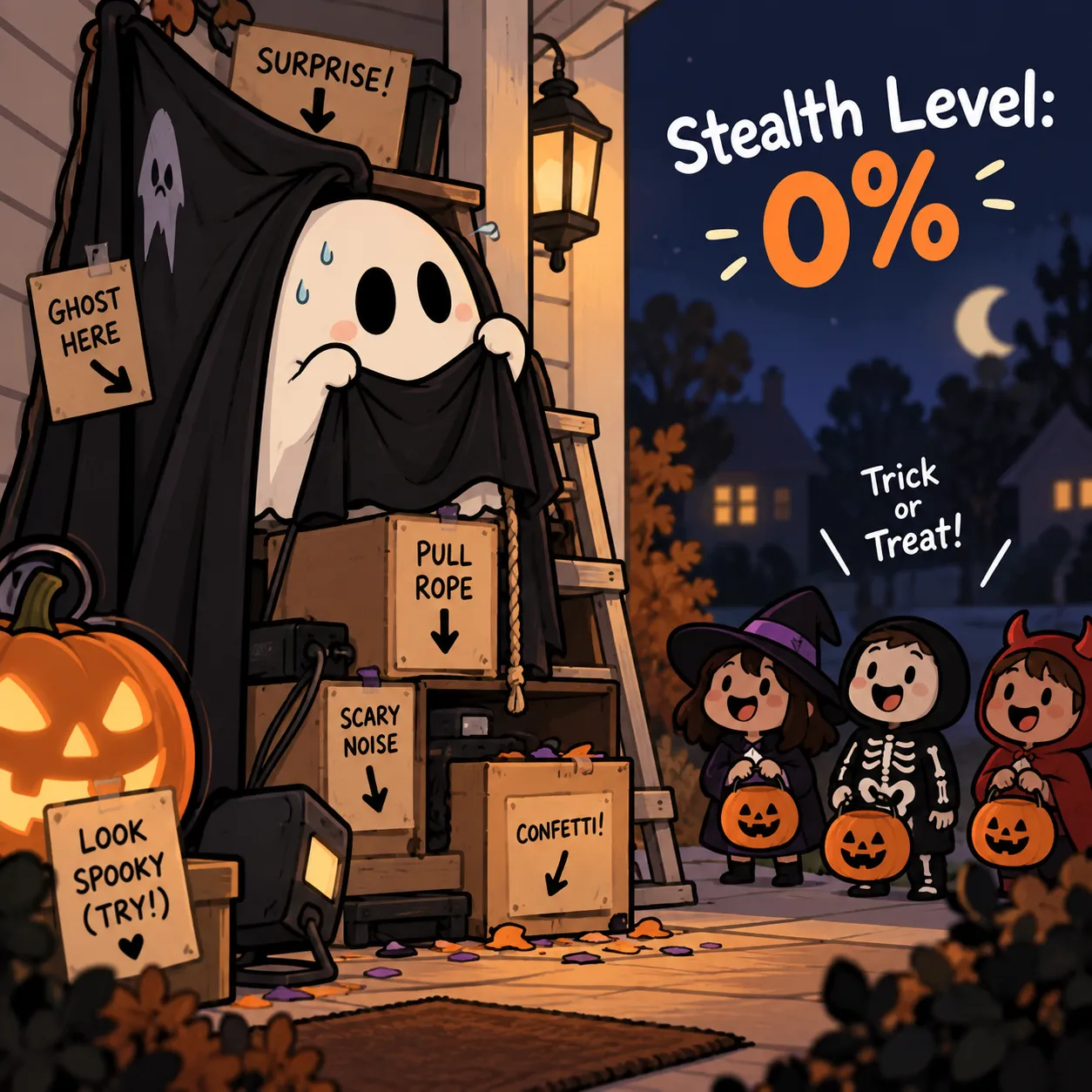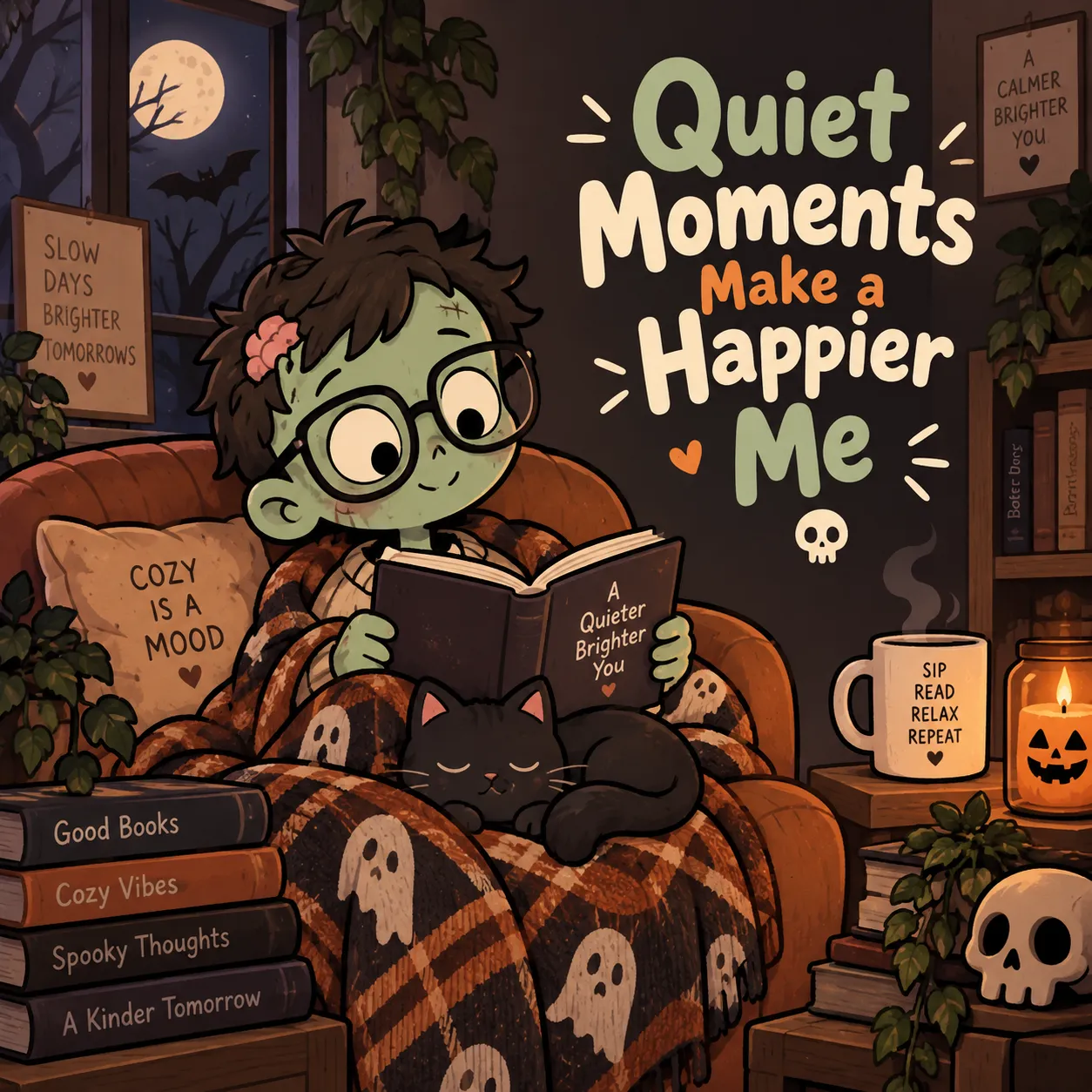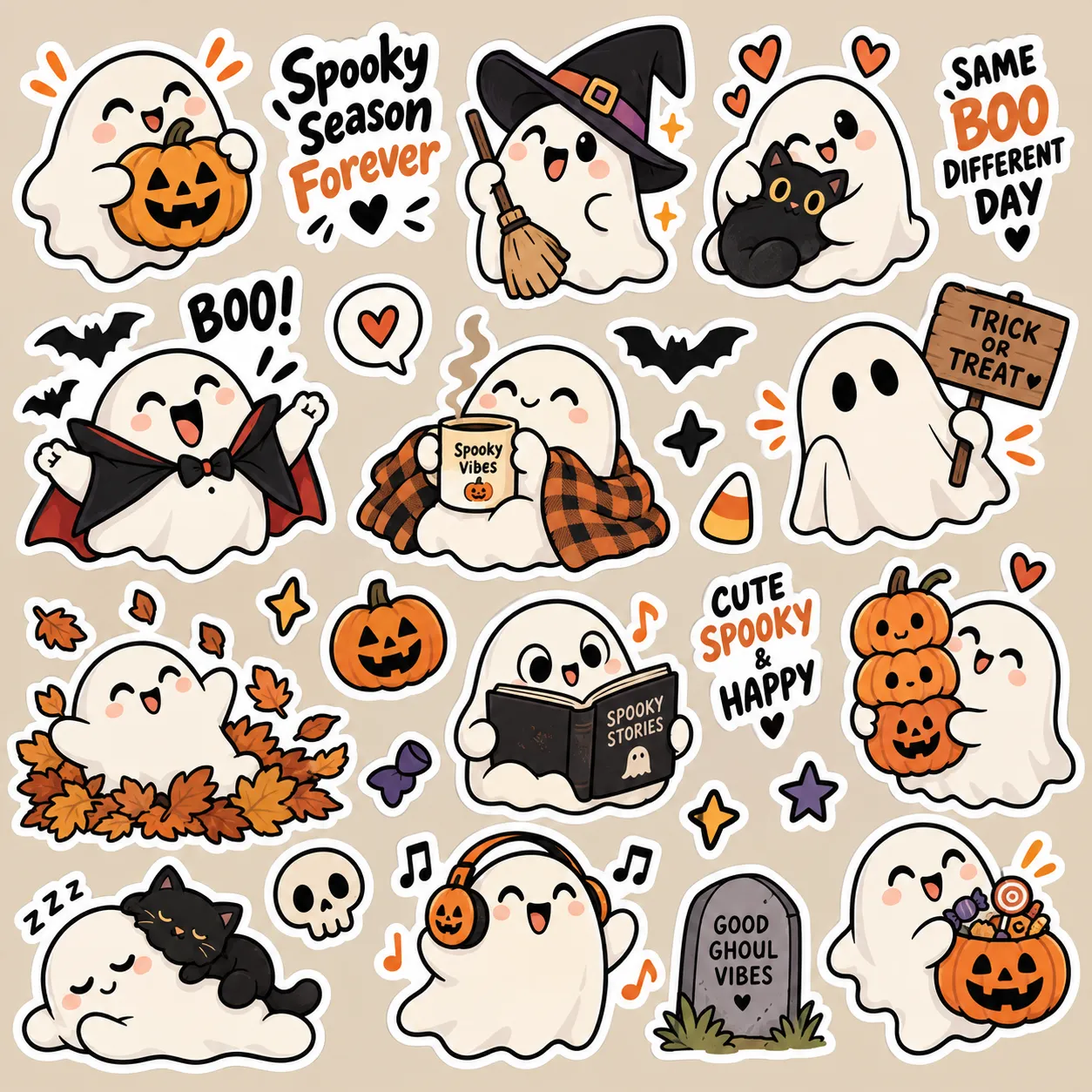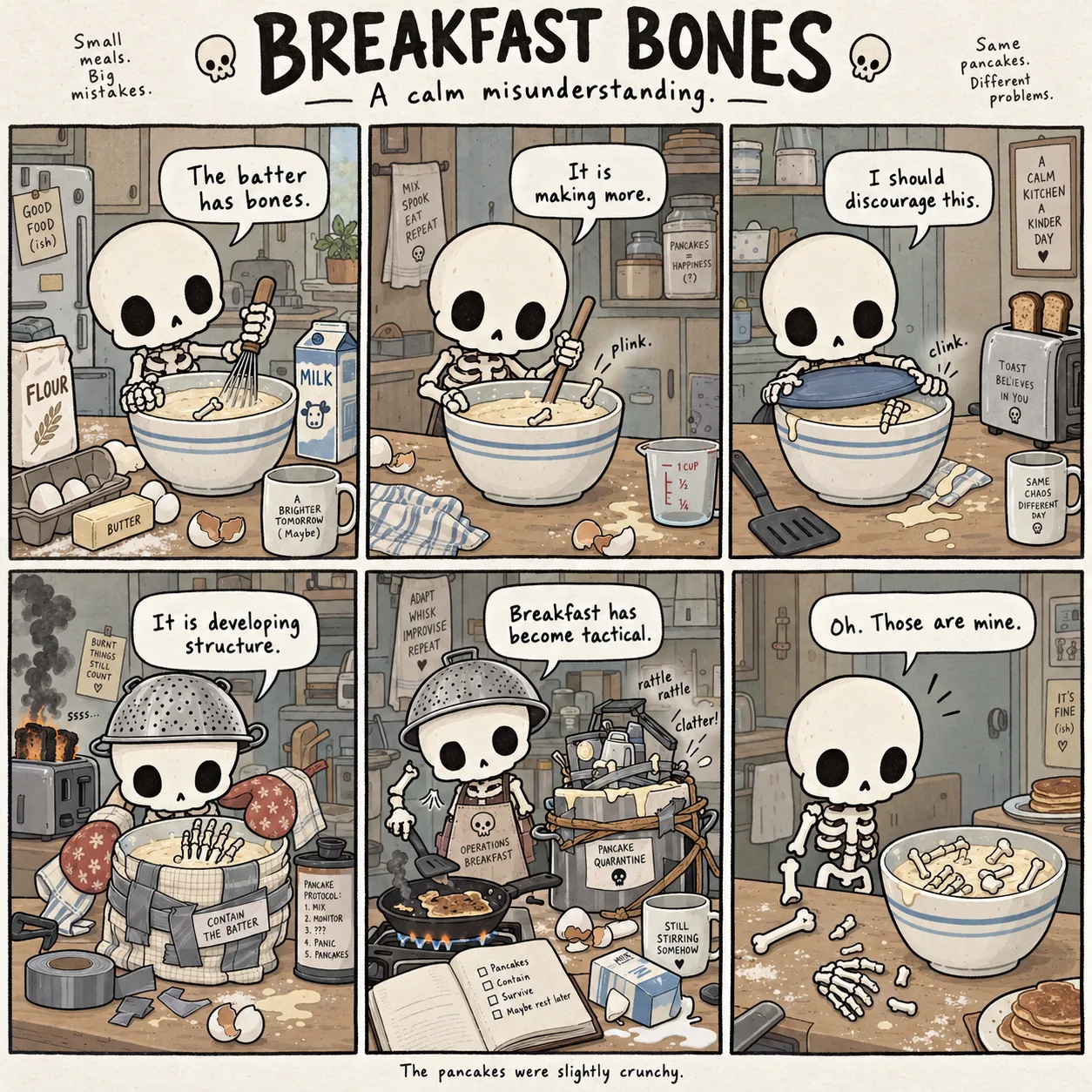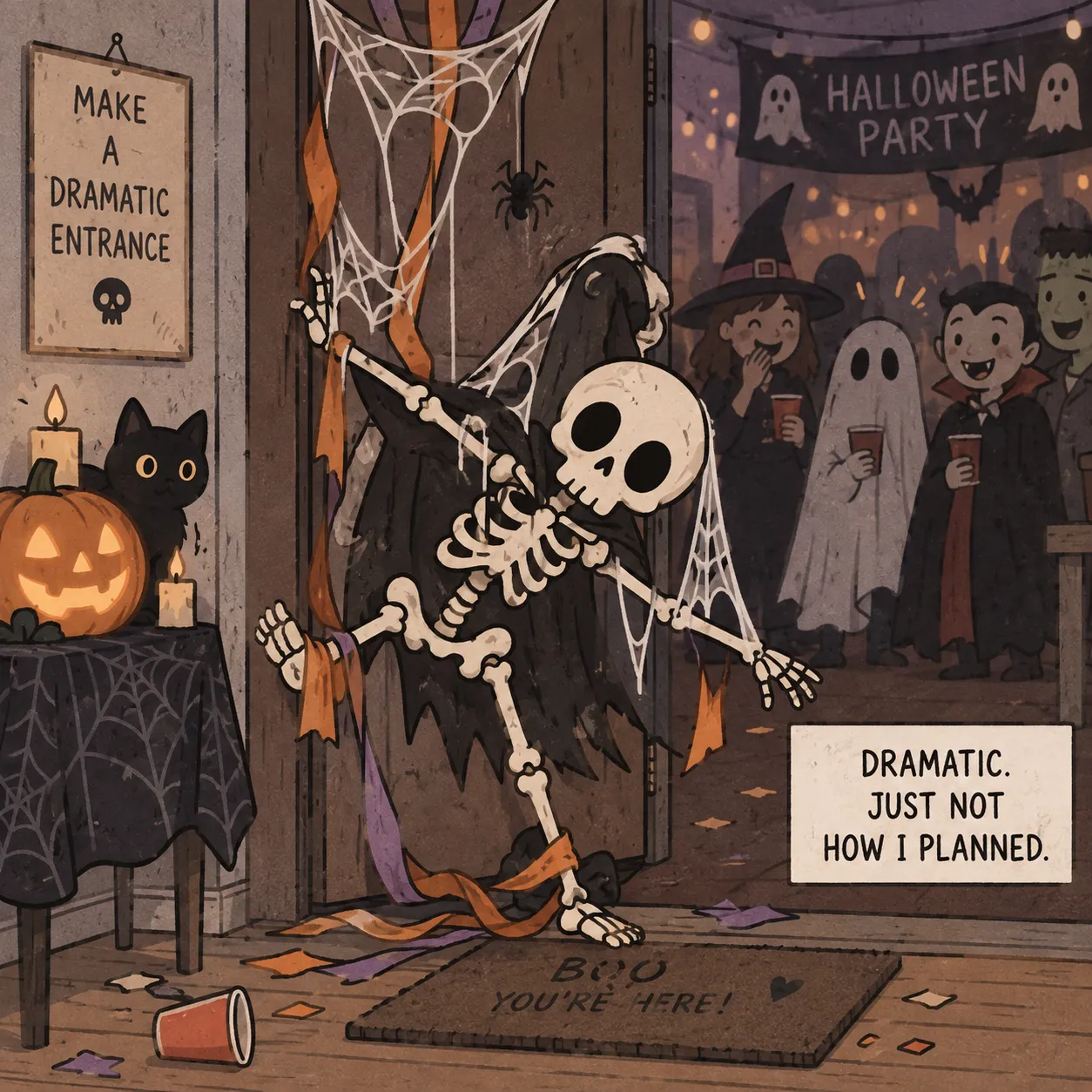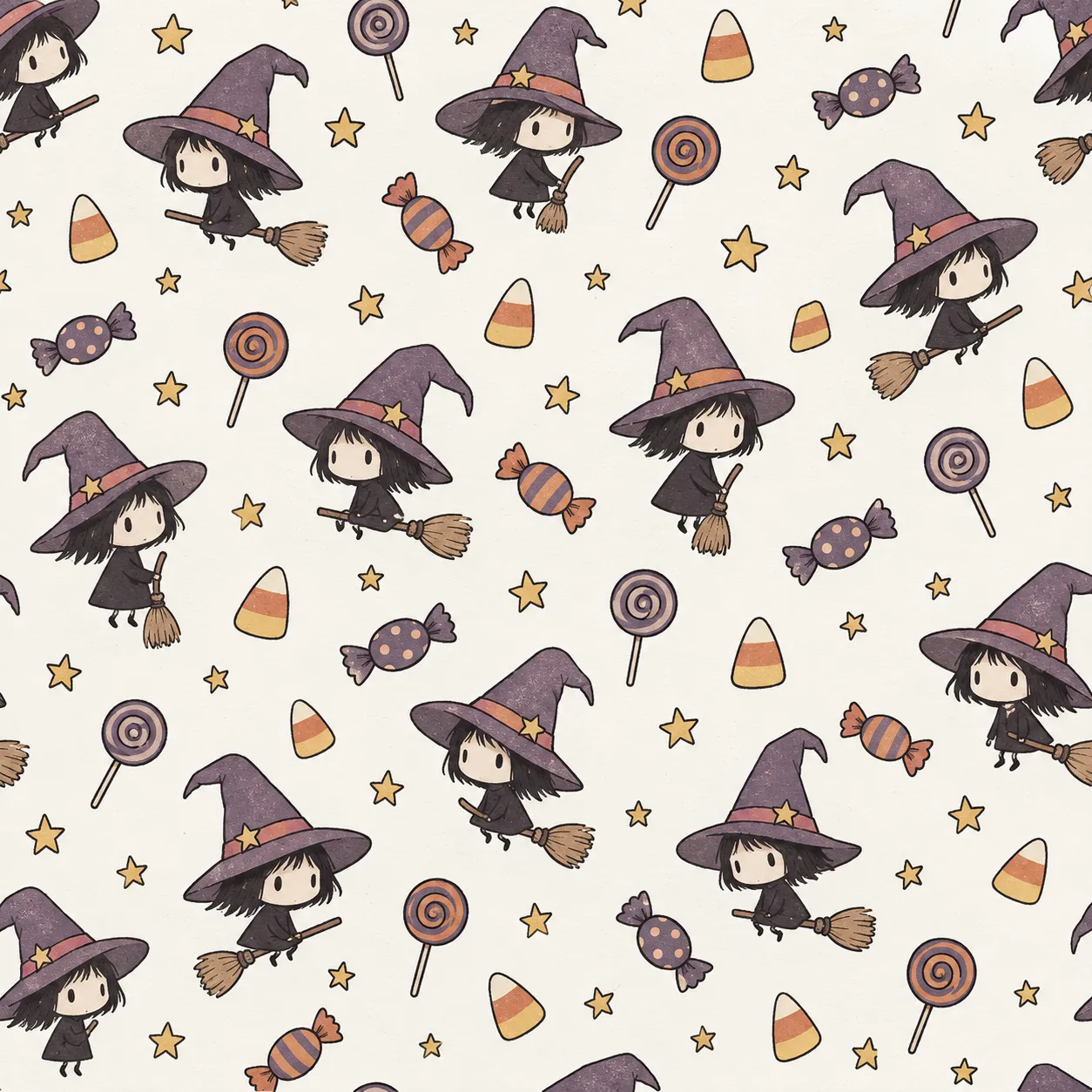
Halloween Launch Special — Get Full Access For $17
Comics · Memes · Quote Art · Patterns · Stickers

Create Halloween Designs For Etsy, POD, Social & KDP — Without Drawing Or Starting From Scratch

Halloween Creator Studio gives you ready-to-paste prompts for ChatGPT, DALL·E, Midjourney and more. Pick your creative options, generate the prompt, then paste it into your AI image tool. Create artwork for Etsy, POD, social content and KDP projects. No drawing skills. No prompt engineering. No blank-page guessing.

  • 36 characters + 140 ready scenarios
  • 5 creative formats
  • 10 joke formulas + Randomize
  • Ready-to-paste AI prompts
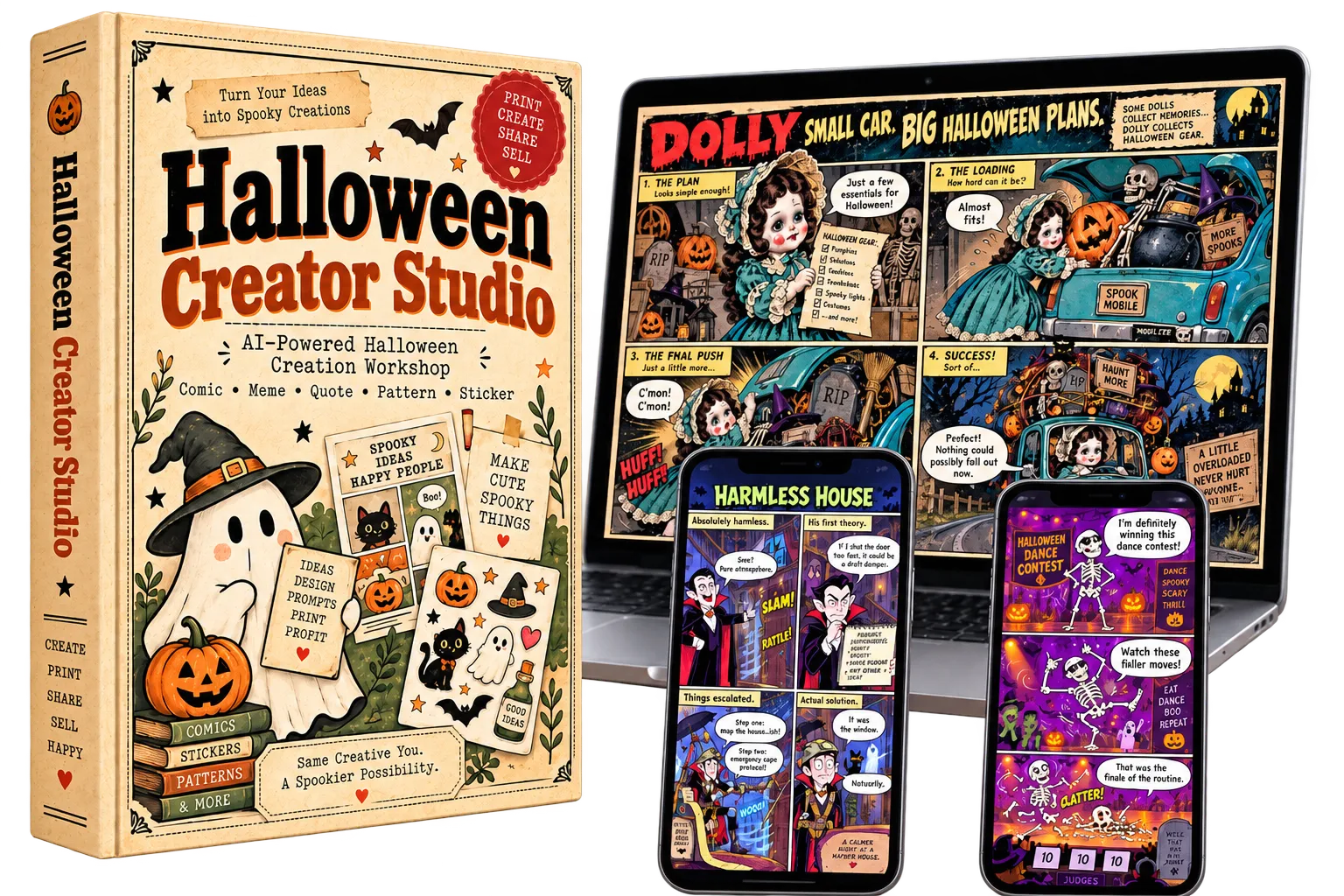
Halloween Creator Studio
Halloween Creator Studio Product Mockup
36 Characters
4 Art Styles
10 Joke Formulas
140 Ready Scenarios
5 Creative Formats
The Problem

The Hardest Part Isn’t Generating The Image — It’s Knowing What To Create Next.

AI can make the artwork. But before you ever click “Generate,” you still need the character, the scene, the visual direction, the joke and a prompt clear enough to pull everything together.

01
You Run Out Of Ideas Fast

Every new design brings the same decisions: Which character? What scenario? What joke? What visual direction? After a few concepts, you’re staring at the blank page all over again.

The bottleneck: constant brainstorming
02
Good Prompts Take Too Long To Build

Having the idea is only the beginning. You still need to explain the subject, style, scene, format and output clearly enough for your AI image tool to follow.

The bottleneck: rebuilding prompts from scratch
03
Every New Result Feels Like A Guess

One prompt works. The next one falls flat. Without a repeatable structure, your ideas can drift in style and execution — making it harder to keep the creation process moving.

The bottleneck: no repeatable creation system
Here’s The Real Problem

You don’t need to brainstorm harder. You need a repeatable system that turns the next Halloween idea into a structured AI prompt.

Imagine This...

One Creative Session Can Turn Into Five Different Halloween Directions.

Instead of reopening a blank prompt box every time you want to make something new, start with one structured Halloween workflow and use it to explore different output types. Move from a single idea into comics, memes, quote designs, seamless patterns and sticker concepts without rebuilding the whole process.

01
Start with one idea and branch fast

A character, a scene or a joke direction can become multiple Halloween outputs instead of a single result.

02
Explore different formats without changing systems

Comic, Meme, Quote, Pattern and Sticker all stay inside the same workflow, so the creative process feels cleaner.

03
Keep momentum while the ideas are still flowing

Spend less time reconstructing prompts and more time turning Halloween ideas into usable visual directions.

Meet The Studio

This Is Halloween Creator Studio In Action

Work through the same simple controls inside the studio — choose your format, character, style and creative direction, then generate a structured prompt ready for your AI image tool.

Choose a format
Comic
Quote
Meme
Pattern
Sticker

Panel count

4 panel
6 panel

Comic style

Story + dialogue Recommended
Wordless gag
Pick your character

Character group

Ghost
Skeleton
Witch
Vampire
Zombie
Mummy
01 Classic White Ghost
02 Tiny Cute Ghost
03 Chubby Ghost
04 Sheet Ghost
05 Wispy Floating Ghost
06 Sleepy Ghost
Style
Cute Spooky
Deadpan Spooky
Bold Cartoon
Soft Spooky Chibi
Write the gag
Comedy formula
Expectation vs Reality

Scenario group

Trick-or-Treat
Haunted House
Halloween Party
Witch & Magic Mishaps
Monster Daily Life
Scenario
Trick-or-Treat Disguise
Output settings

Target tool

ChatGPT
DALL·E
Midjourney
Universal

Aspect ratio

1:1
4:5
16:9
Draw the prompt
Roll the dice
Copy
Result
Your prompt
Create a 4-panel funny Halloween comic featuring Sheet Ghost: a playful sheet-style ghost with simple eye holes, soft folds and a rounded silhouette. Scene: Sheet Ghost trying to blend into a group of ordinary trick-or-treaters. Use a Soft Spooky Chibi art direction and an expectation-vs-reality comedic structure...
Recent prompts
Comic · Sheet Ghost · Soft Spooky Chibi
Sheet Ghost joins a trick-or-treat group and tries to pass as someone wearing a normal costume...
Comic · Classic White Ghost · Cute Spooky
A Halloween candy-bowl scene built around escalating visual comedy...
The Actual Workflow

No complicated prompt engineering. Work through the controls, generate the prompt, then take it straight into your AI image tool.

Everything That Makes It Work

Your Creative Advantages At A Glance

Start Faster

Pick your ingredients, generate the prompt and move straight into creating.

No Prompt Skills Needed

No complicated prompt writing — the studio builds the structure for you.

More Ideas On Tap

36 characters + 140 scenarios give every new session somewhere to begin.

4 Ready-Made Art Styles

Switch between four defined Halloween looks without rewriting the visual direction.

10 Joke Formulas

Give funny Halloween ideas a clear structure instead of guessing at the punchline.

Works With Your AI Tool

Build prompts for ChatGPT, DALL·E, Midjourney or Universal output.

5 Creative Formats

Comic, Meme, Quote, Pattern or Sticker — all inside the same workflow.

Inspiration On Demand

Use Randomize when you want a fresh direction without another brainstorming session.

One Studio, Many Products

Not Just Comics — 5 Sellable Formats

Start with the same Halloween idea, then take it in a different direction depending on what you want to create — without changing the workflow or rebuilding the prompt from scratch.

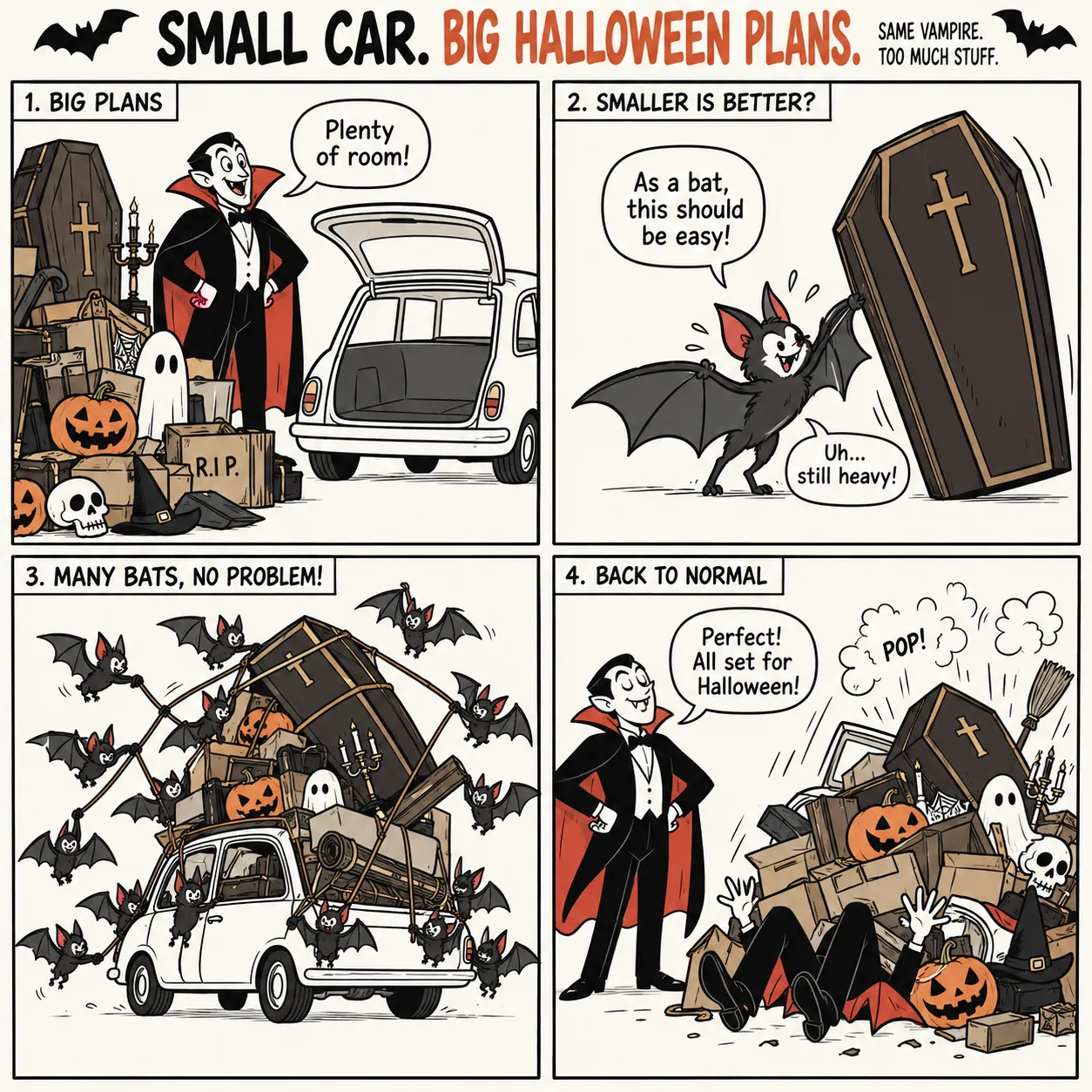
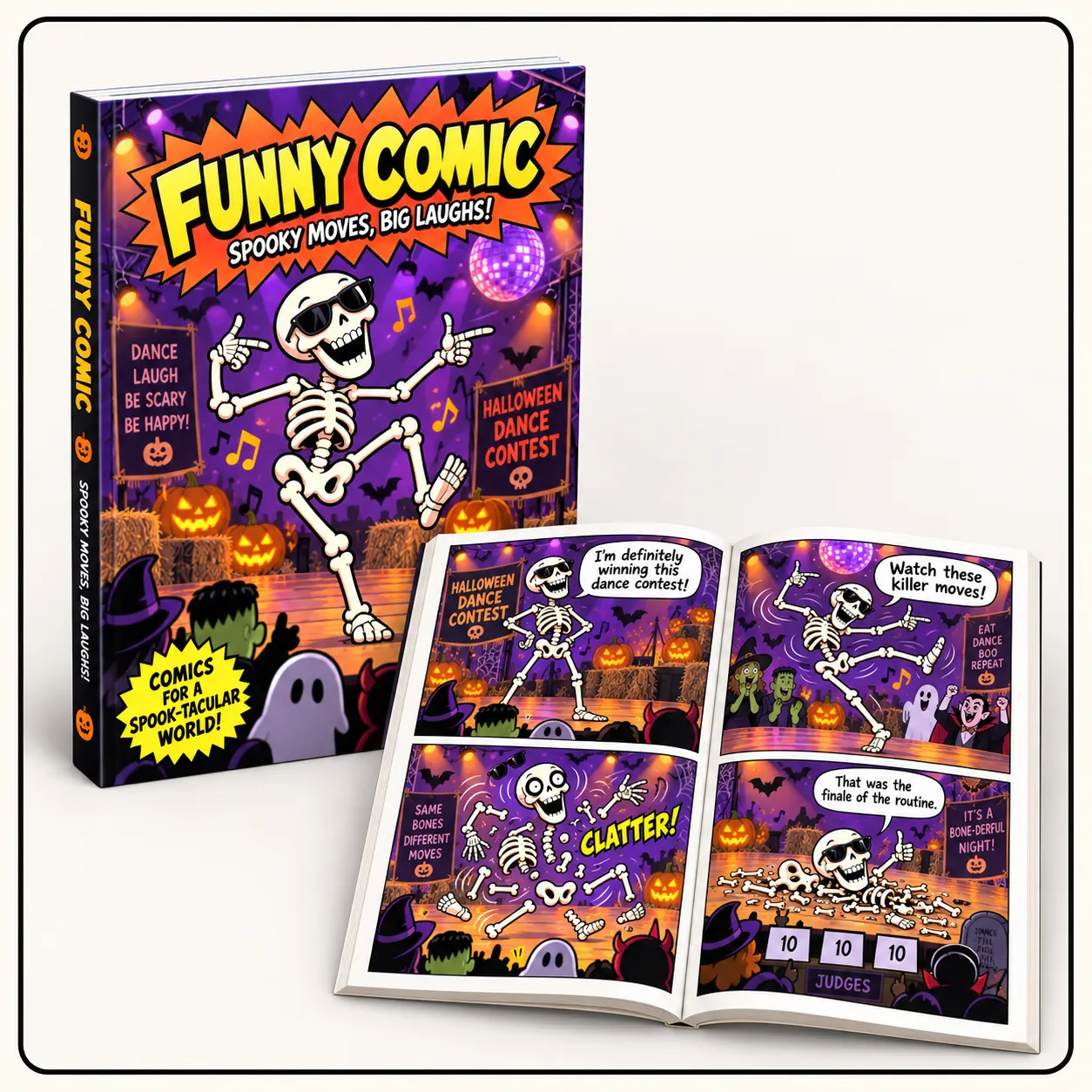
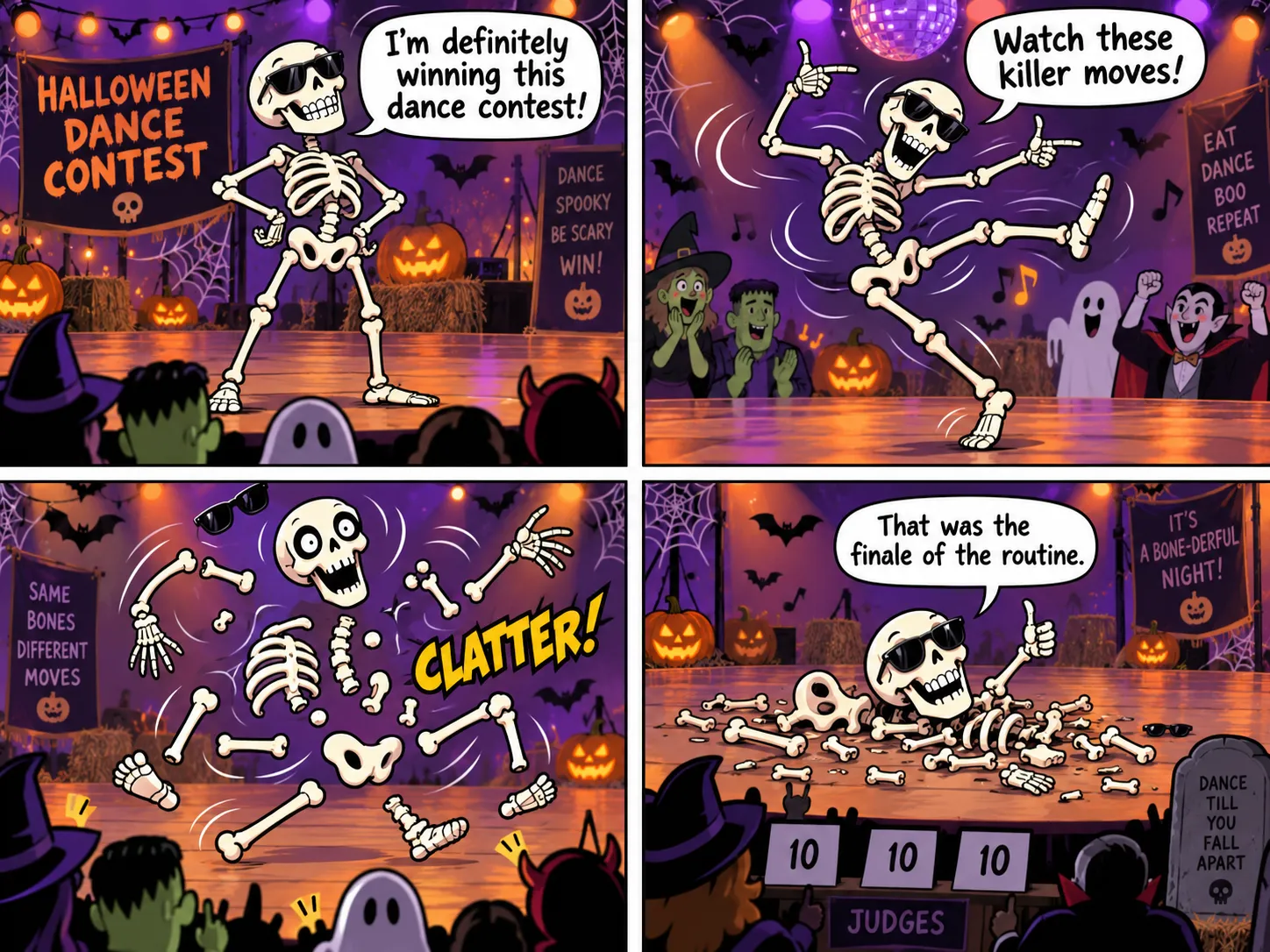
Halloween comic example
01 Comics

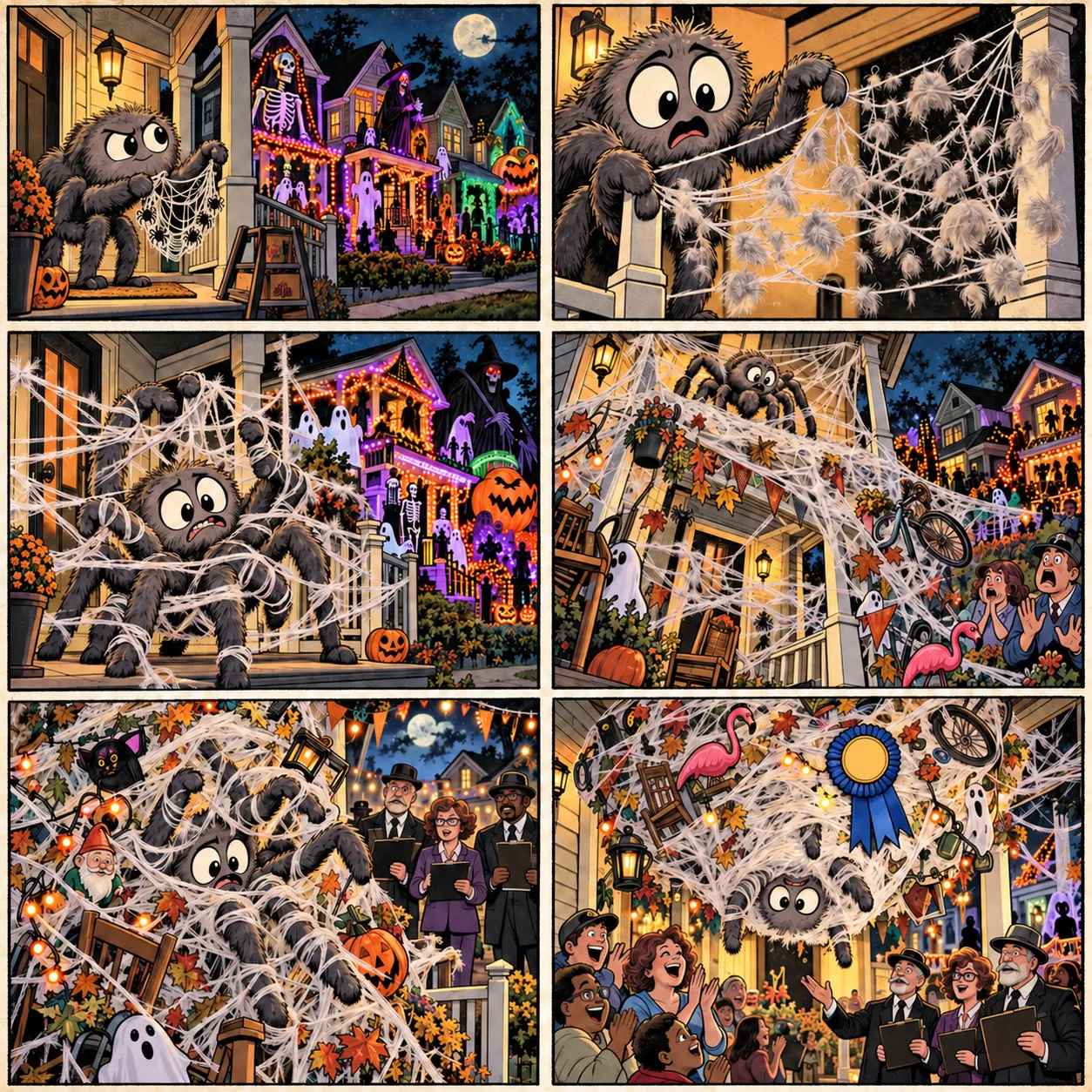
Build funny Halloween stories as structured 4-panel or 6-panel comic directions.

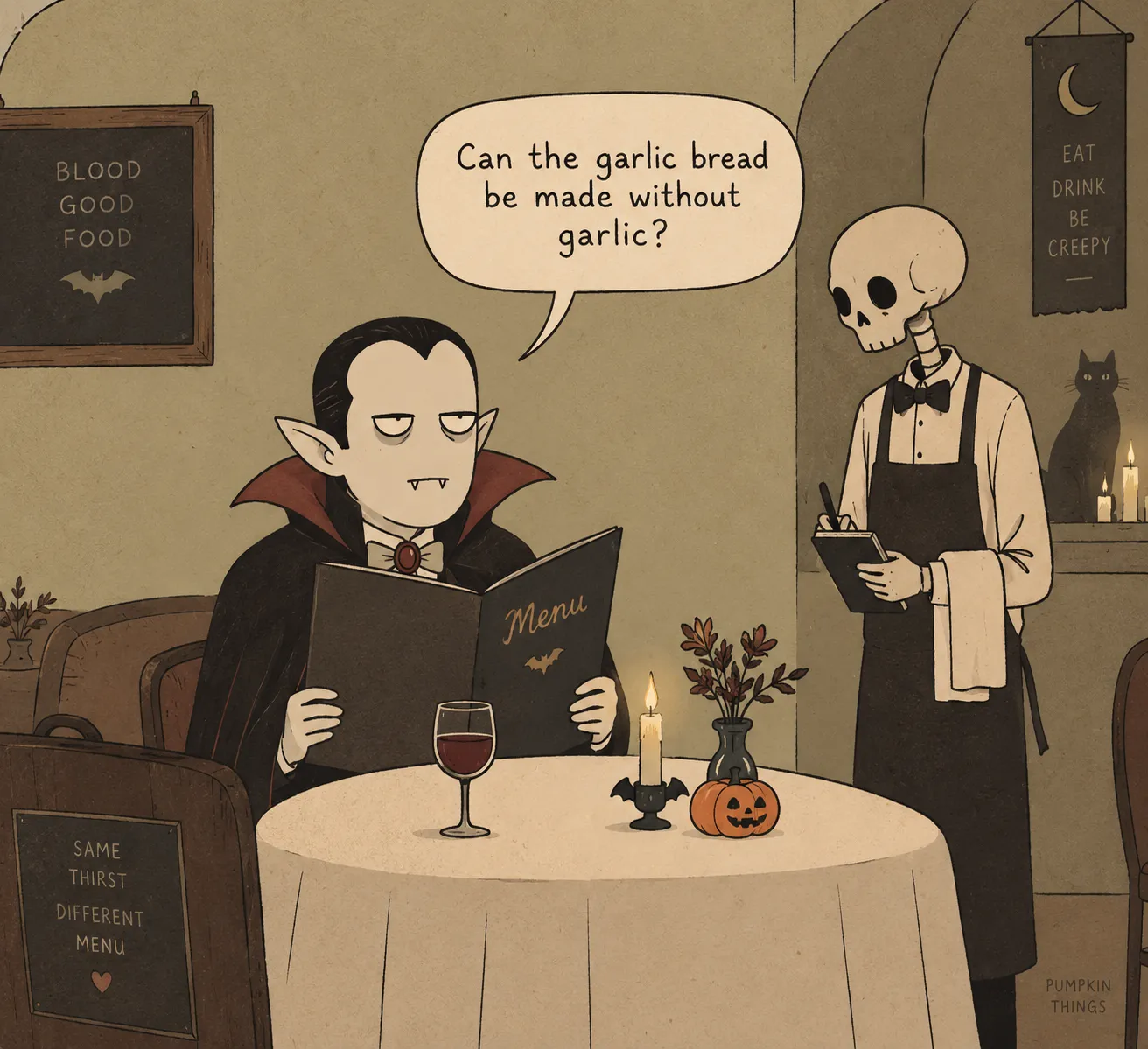
Halloween meme example
02 Memes

Turn relatable Halloween situations into simple, punchy visual concepts made for quick sharing.

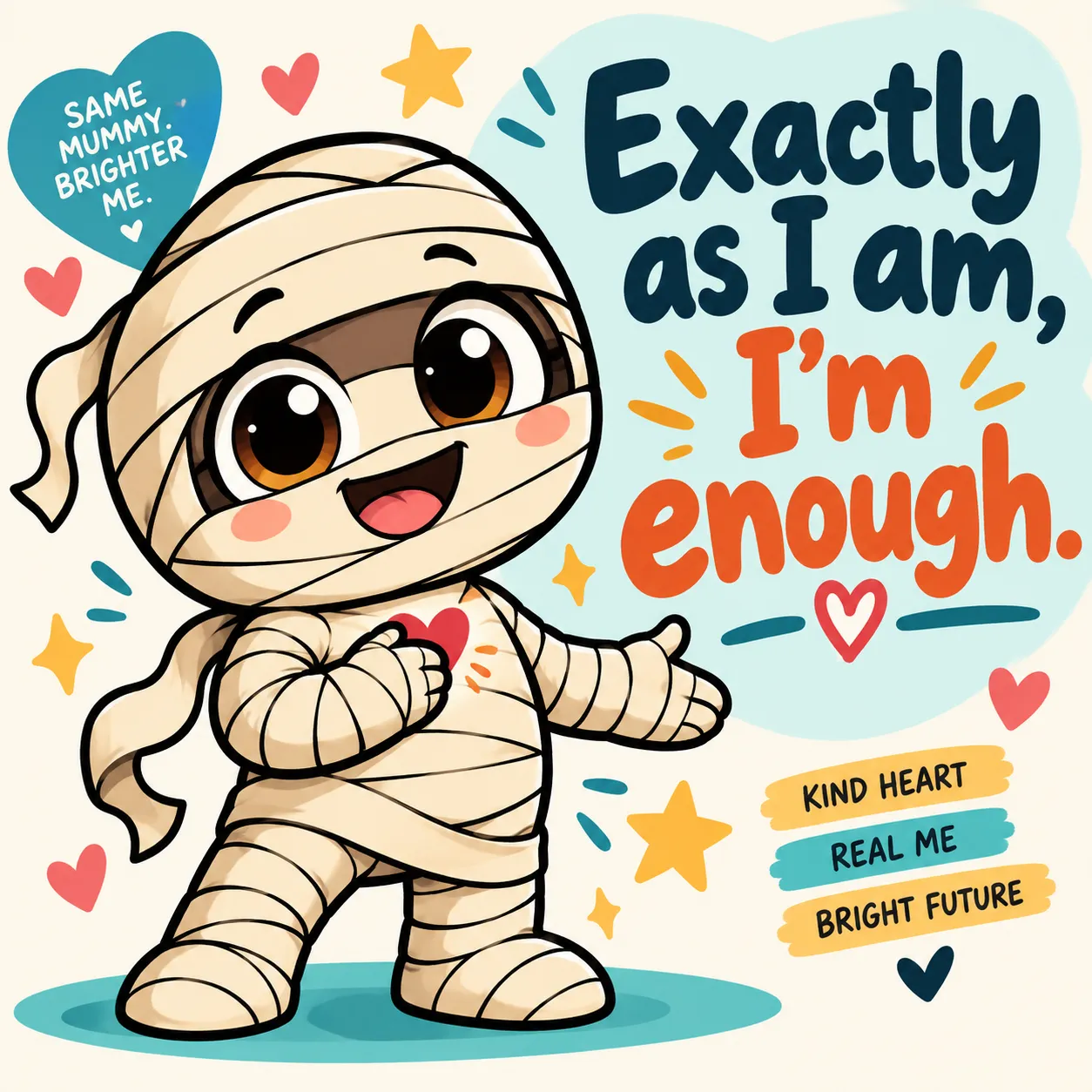
Halloween quote design example
03 Quote Designs

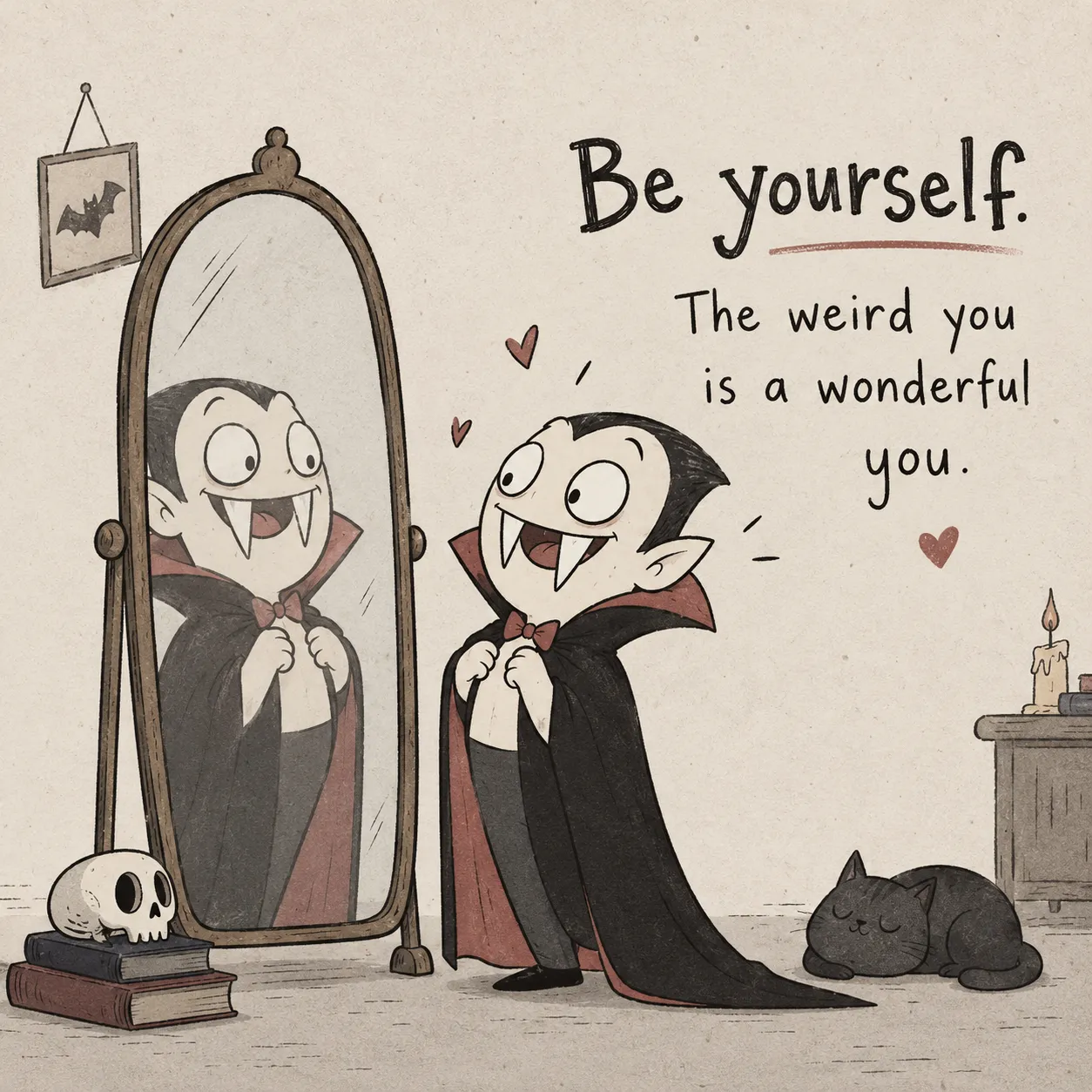
Pair Halloween characters with short quote-driven visual concepts for seasonal artwork.

Halloween seamless pattern example
04 Patterns

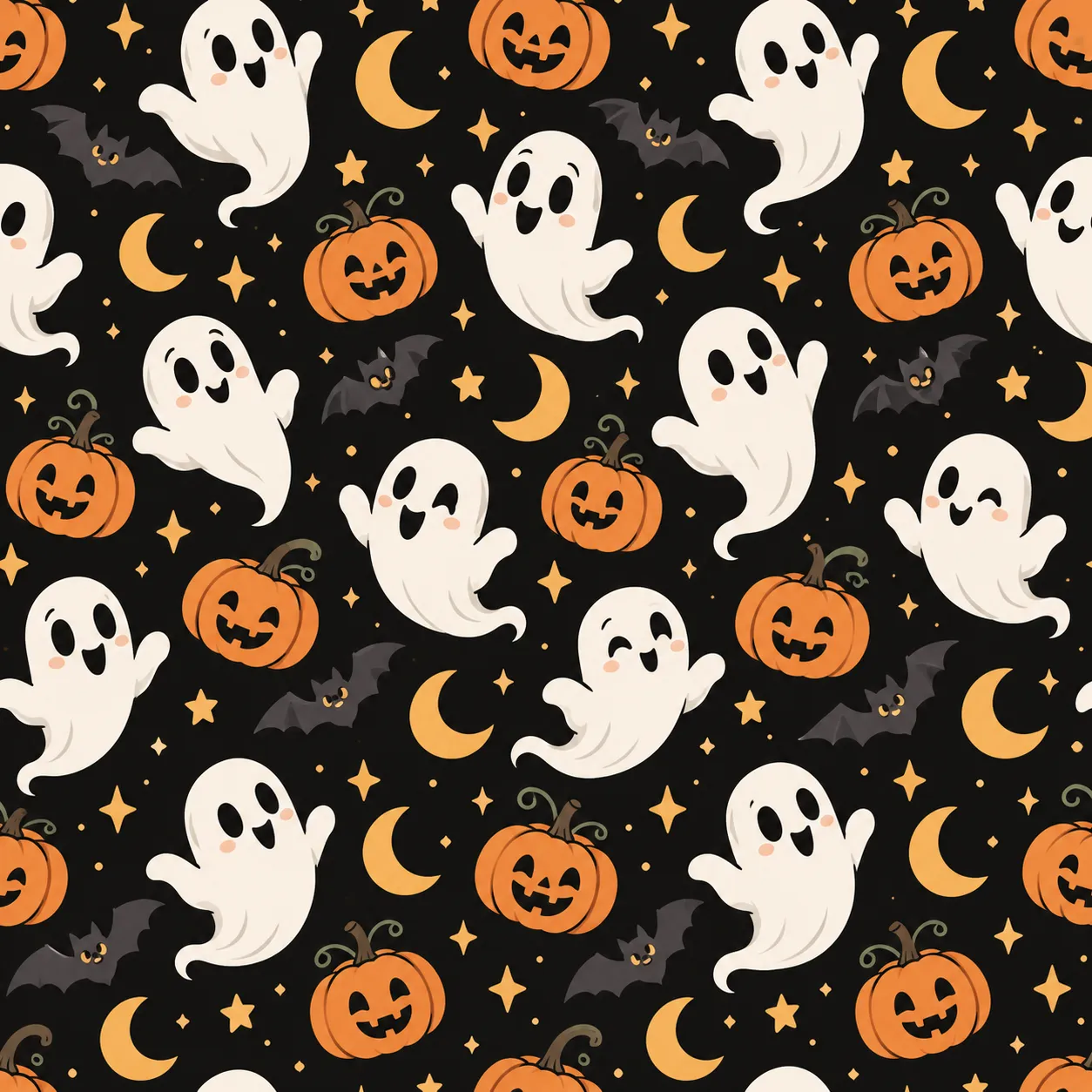
Build seamless Halloween pattern directions using characters, objects and repeating seasonal elements.

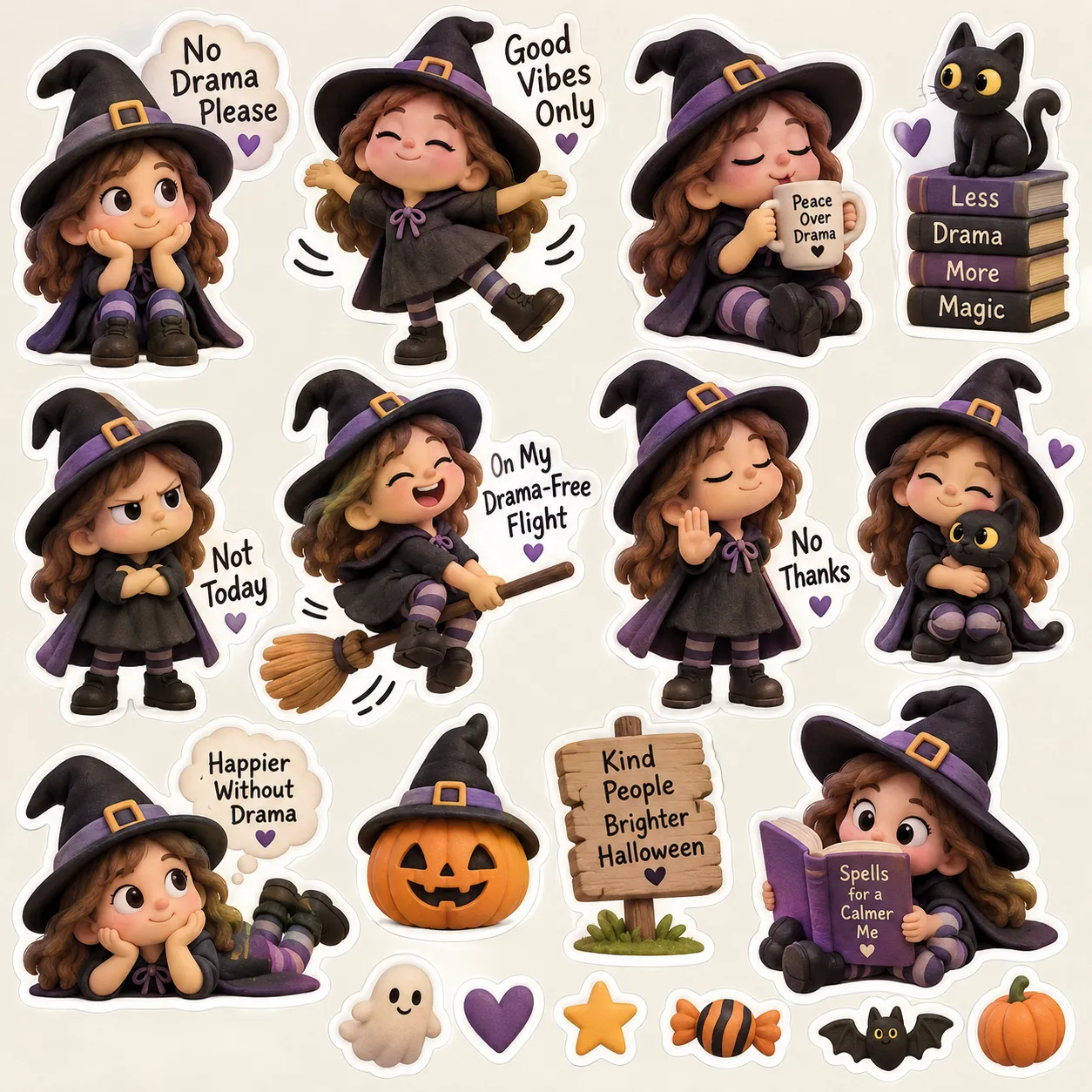
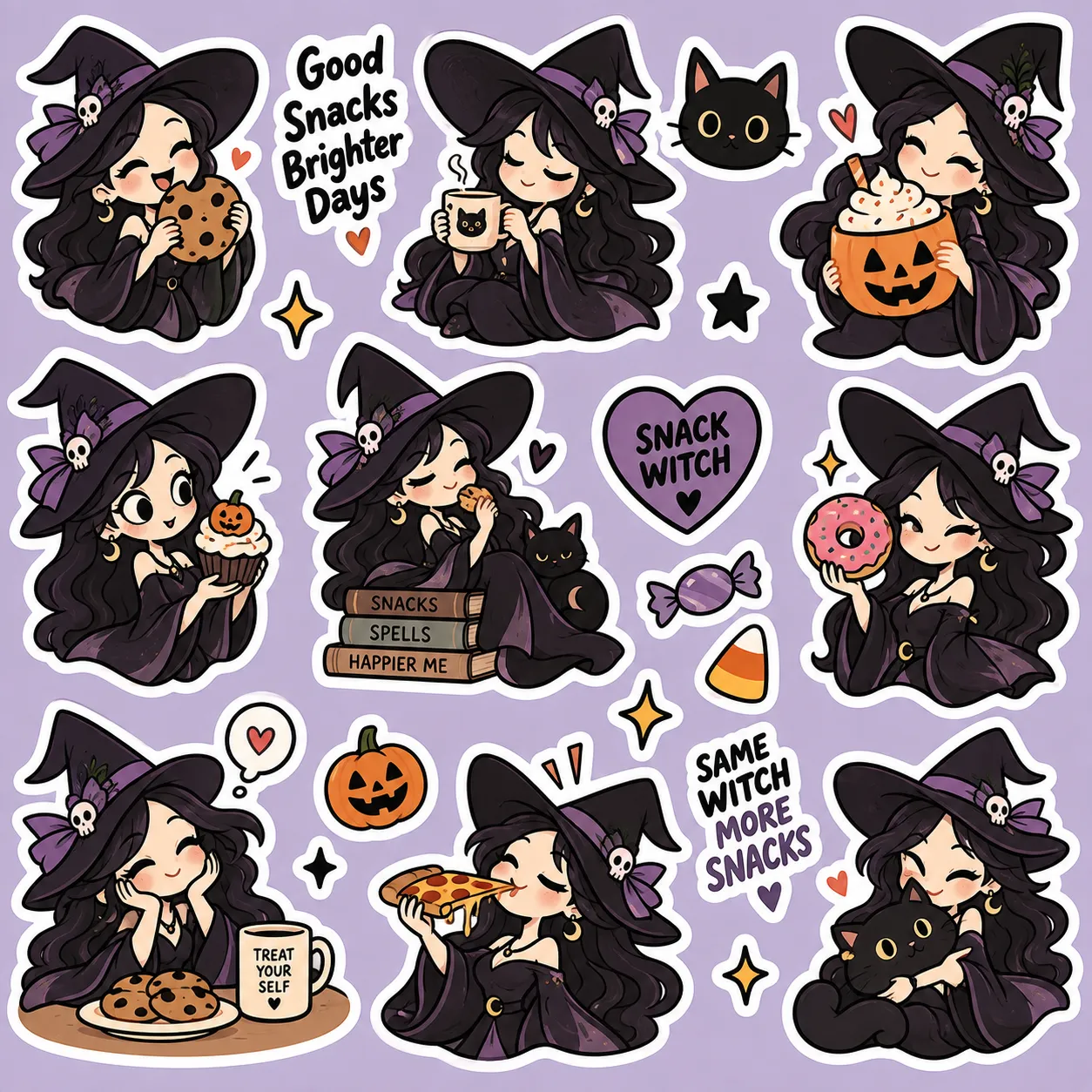
Halloween sticker collection example
05 Sticker Concepts

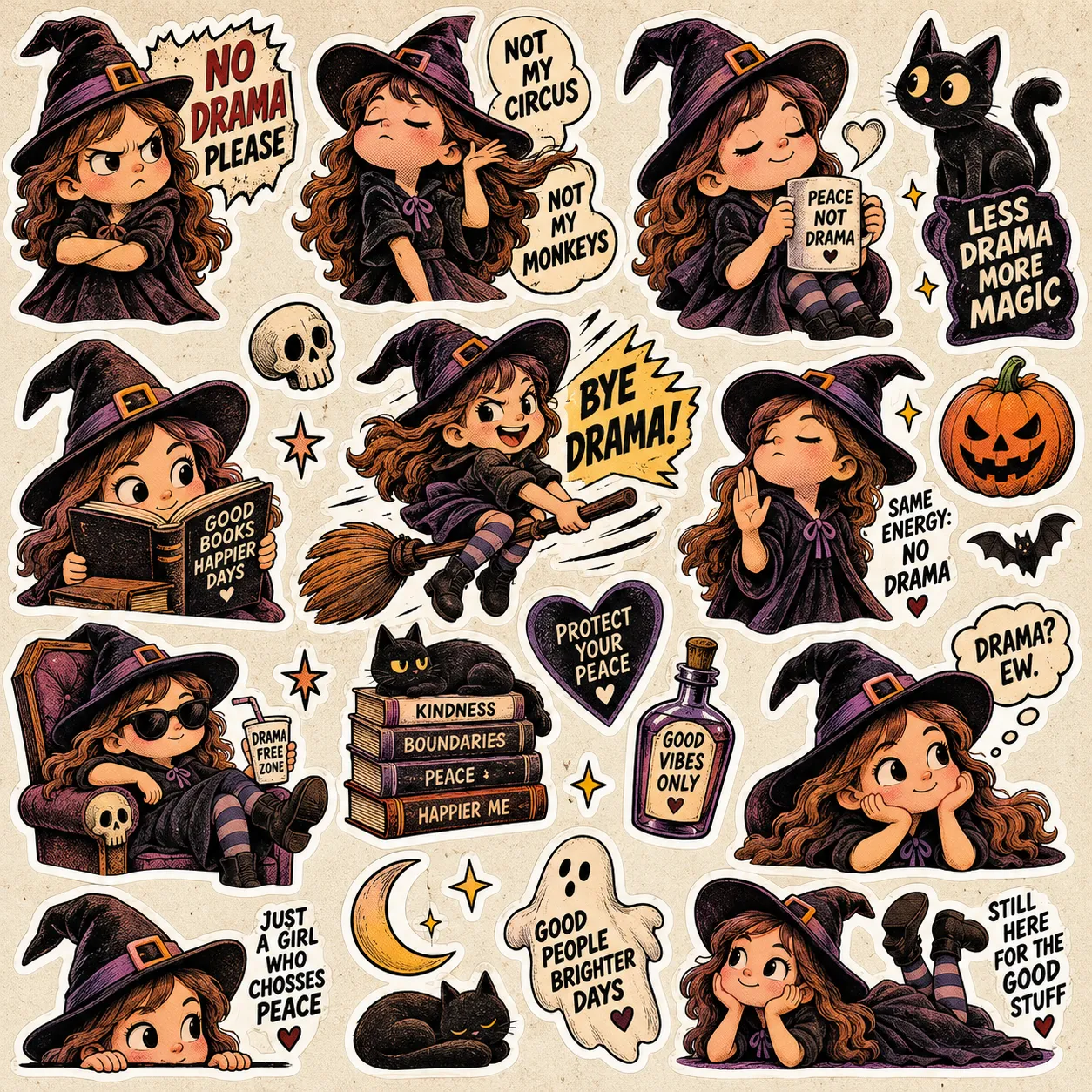
Create coordinated Halloween sticker directions built around characters, expressions and themed poses.

More Ways To Create

More Control Over How Your Halloween Idea Comes To Life

The studio doesn’t just give you a subject. Choose how the comic unfolds, how the joke is told and whether you want to direct the idea yourself — or let Randomize surprise you.

01 Comic Structure
4 Or 6 Panels — Choose How The Halloween Joke Unfolds

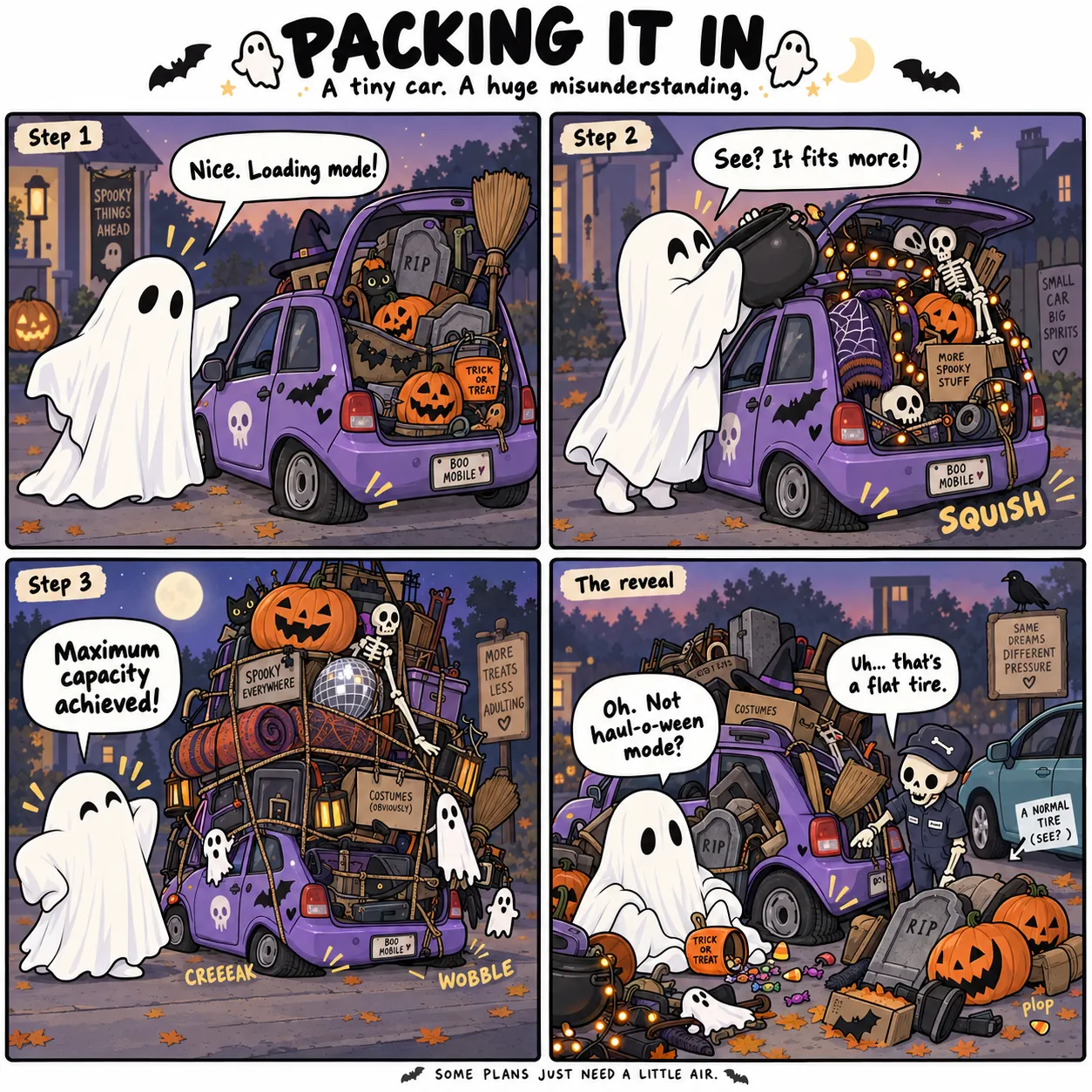
Some ideas need a quick setup and punchline. Others need a little more room for the chaos to build. Choose 4 panels or 6 panels, and Halloween Creator Studio structures the prompt around that comic length — giving your ghost, witch, vampire or monster enough room to land the joke.

Pick the panel structure before you generate — instead of trying to force the story into the wrong layout later.
4 / 6 Panel Comic
Halloween 4 or 6 panel comic example
Two Comic Styles
Halloween story and dialogue comic example
02 Comic Style
Story + Dialogue Or Wordless Gag — Tell It Your Way

Want an actual mini Halloween story? Choose Story + Dialogue and build the comic around character interaction, captions and spoken moments. Prefer a cleaner visual joke? Switch to Wordless Gag and let expressions, poses and the scene carry the punchline.

One Halloween idea — two completely different ways to structure the comic.
03 Instant Inspiration
Randomize — Fresh Halloween Ideas When Your Brain Has Nothing Left

Not sure which character, scene or creative direction to choose next? Hit Randomize and let the studio spin up a fresh combination for you. Use what appears as-is or treat it as a starting point for your own twist — without going back to the blank prompt box.

A quick way to discover combinations you may never have thought to build manually.
Roll A Fresh Direction
Randomized Halloween creative example
What’s Inside

Everything Built Into Halloween Creator Studio

Start with the built-in content, mix the pieces together and turn your direction into a structured prompt — without rebuilding the process from scratch every time.

36 01
Halloween Characters

Start with a ready-made Halloween cast instead of inventing a new subject every time you sit down to create.

More starting points, less blank-page time
4 02
Core Art Styles

Switch the visual direction of your concept without rewriting the entire artistic description by hand.

Change the look without changing the workflow
10 03
Joke Formulas

Give funny Halloween concepts a clear comedic structure instead of hoping the punchline appears by accident.

Built-in structure for stronger comic ideas
140 04
Ready Scenarios

Jump into Halloween situations, locations and funny setups without brainstorming every scene from zero.

Fresh scene ideas already waiting inside
5 05
Creative Formats

Take your Halloween ideas in different creative directions without leaving the same studio.

Comic Meme Quote Pattern Sticker
One studio, multiple creative outputs
AI 06
Target Tool Control

Choose the AI workflow you’re creating for, so the finished prompt is prepared with your destination tool in mind.

Less cleanup before you paste and create
Ratio 07
Aspect Ratio Controls

Set the shape of your intended output before the final prompt is assembled, instead of fixing composition later.

Build with the final format already in mind
Smart 08
Built-In Workflow Tools

Keep the creative process moving with quick tools for inspiration, customization and revisiting past prompts.

Randomize Custom Input Prompt History Copy & Reuse
Faster workflow from idea to prompt

The front-end gives you the complete core creation workflow — choose your ingredients, assemble the direction and generate the finished prompt.

How It Works

From Halloween Idea To Ready-To-Use Prompt In 3 Steps

Choose the creative ingredients, fine-tune the direction and let the studio assemble everything into a structured prompt.

1
Pick Your Creative Ingredients

Choose the format, character and visual style you want the studio to build around.

Choose a format
Comic Quote Meme Pattern Sticker
Panel count
4 panel 6 panel
Comic style
Story + dialogue Wordless gag
Pick your character
Ghost Skeleton Witch Vampire
Classic White Ghost
Tiny Cute Ghost
Sheet Ghost
Style
Cute Spooky
Deadpan Spooky
Bold Cartoon
Soft Spooky Chibi
Write the gag
Comedy formula
Expectation vs Reality
Scenario group
Trick-or-Treat Haunted House Halloween Party Monster Daily Life
Scenario
Trick-or-Treat Disguise
Output settings
Target tool
ChatGPT DALL·E Midjourney Universal
Aspect ratio
1:1 4:5 16:9
Draw the prompt
Roll the dice
Copy
2
Fine-Tune The Direction

Pick the joke formula and scenario, then choose the target AI tool and aspect ratio for your output.

3
Generate, Copy & Create

Let the studio assemble your choices into one structured prompt, copy it and move straight into your AI image workflow.

Halloween Creator Studio generated prompt and creative result
Where This Really Pays

Halloween Products On Etsy, POD & Social — Plus Books On KDP

Best part: most of these work as single images — so the Halloween artwork you create today can become a product or post you prepare today. No complicated assembly for every idea. And when you want something bigger, you can build those creations into a larger themed project.

01 Etsy
Digital Products & Printables On Tap

Single Halloween characters, quote designs, sticker concepts and funny visual gags can become sticker packs, printable wall art, greeting cards and digital downloads. Generate the artwork, prepare the product and put the idea in front of buyers.

  • 1:1 designs work naturally for stickers, square prints and digital artwork
  • One recognizable Halloween character + many ideas can become a themed shop
  • Build seasonal collections around ghosts, witches, vampires, skeletons and more
Etsy Halloween Mockup
Halloween Etsy sticker and printable mockup
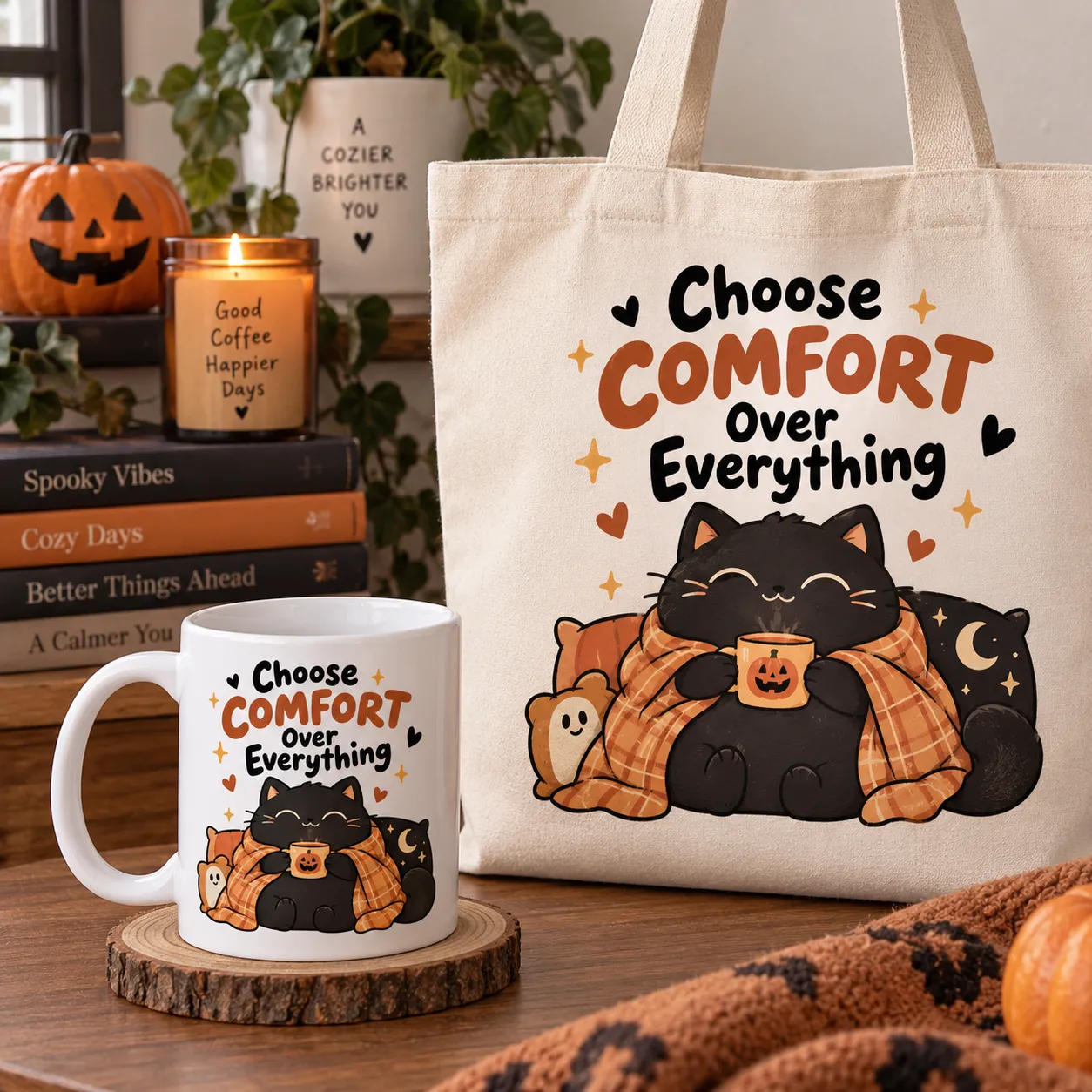
POD + Social Mockup
Halloween POD and social media mockup
02 POD & Social
Post It, Print It, Sell It

Drop your Halloween artwork onto a t-shirt, mug, tote, sticker or other POD product — or turn it into seasonal content for Facebook, Instagram, Pinterest or TikTok. Every post can also help point attention back toward your shop or product collection.

  • Built-in aspect ratios help you create for different placements and platforms
  • Characters, scenarios and formats give you fresh Halloween content directions
  • For many formats, the finished image itself becomes the design or post
03 Amazon KDP
A Content Engine For Your Halloween Book

Want a book too? Use Halloween Creator Studio as an ongoing content source — create on-theme comics and visual ideas, generate the artwork and build your strongest results into a larger Halloween collection.

  • Keep one style and character direction across the project for a more consistent look
  • 140 ready scenarios give you plenty of material for larger themed collections
  • Turn your strongest finished creations into pages for a larger book project
Halloween KDP Mockup
Halloween KDP book mockup
From Prompt To Product
One Creative Workflow — Multiple Ways To Use The Result
Step What You Do What You Get
01 Pick a Halloween direction: character + style + scenario + format. A consistent creative theme
02 Generate prompts, create the artwork and keep your favorite results. Finished Halloween images
03 Fast path: turn the artwork into Etsy products, POD designs or social content. Products & posts you can prepare today
04 Book path: create a themed collection and develop your favorite results into a larger book project. A Halloween-themed book concept for Amazon KDP
Made With Prompts From This App

See What You Can Create

Turn the prompts you build inside Halloween Creator Studio into comics, memes, quote art, seamless patterns, sticker concepts and more using your favorite AI image tool.

Bold Cartoon Quote
Bold Cartoon Quote
Bold Cartoon Sticker
Cute Spooky Funny Comic
Cute Spooky Meme
Cute Spooky Meme
Cute Spooky Quote
Cute Spooky Quote
Cute Spooky Sticker
Cute Spooky Sticker
Deadpan Spooky Funny Comic
Deadpan Spooky Meme
Deadpan Spooky Meme
Deadpan Spooky Pattern
Inside The Studio

More Than A Prompt Generator. It’s A Complete Halloween Creation System.

Each part of Halloween Creator Studio has a specific job — giving you more starting points, more creative directions and one consistent way to turn them into finished AI prompts.

Halloween Cast
Ghosts 6 characters
Skeletons 6 characters
Witches 6 characters
Vampires 6 characters
Zombies 6 characters
Mummies 6 characters
Character System 36
A Ready-Made Halloween Cast

Instead of inventing a new subject every time, start with a built-in library of 36 Halloween characters across six classic Halloween character groups, ready to drop into different scenes, jokes and creative directions.

Visual Directions
Cute Spooky Hand-drawn cartoon look with thick clean outlines, soft flat colors, rounded characters and large expressive eyes.
Deadpan Spooky Minimal indie-webcomic style with thin, slightly wobbly ink lines, muted colors, negative space and blank expressions.
Bold Cartoon Thick uniform outlines, clean vector shapes, strong flat colors, expressive faces and energetic poses.
Soft Spooky Chibi Painterly chibi style with textured pencil-brush lines, gentle watercolor shading, oversized heads and tiny rounded bodies.
Visual Style System 4
Distinct Art Directions Built In

Pick the visual personality of your creation without rebuilding a long style description from scratch. The studio gives you 4 defined art styles that can be reused across different Halloween characters, scenes and formats.

Idea Engine
Scenario Examples
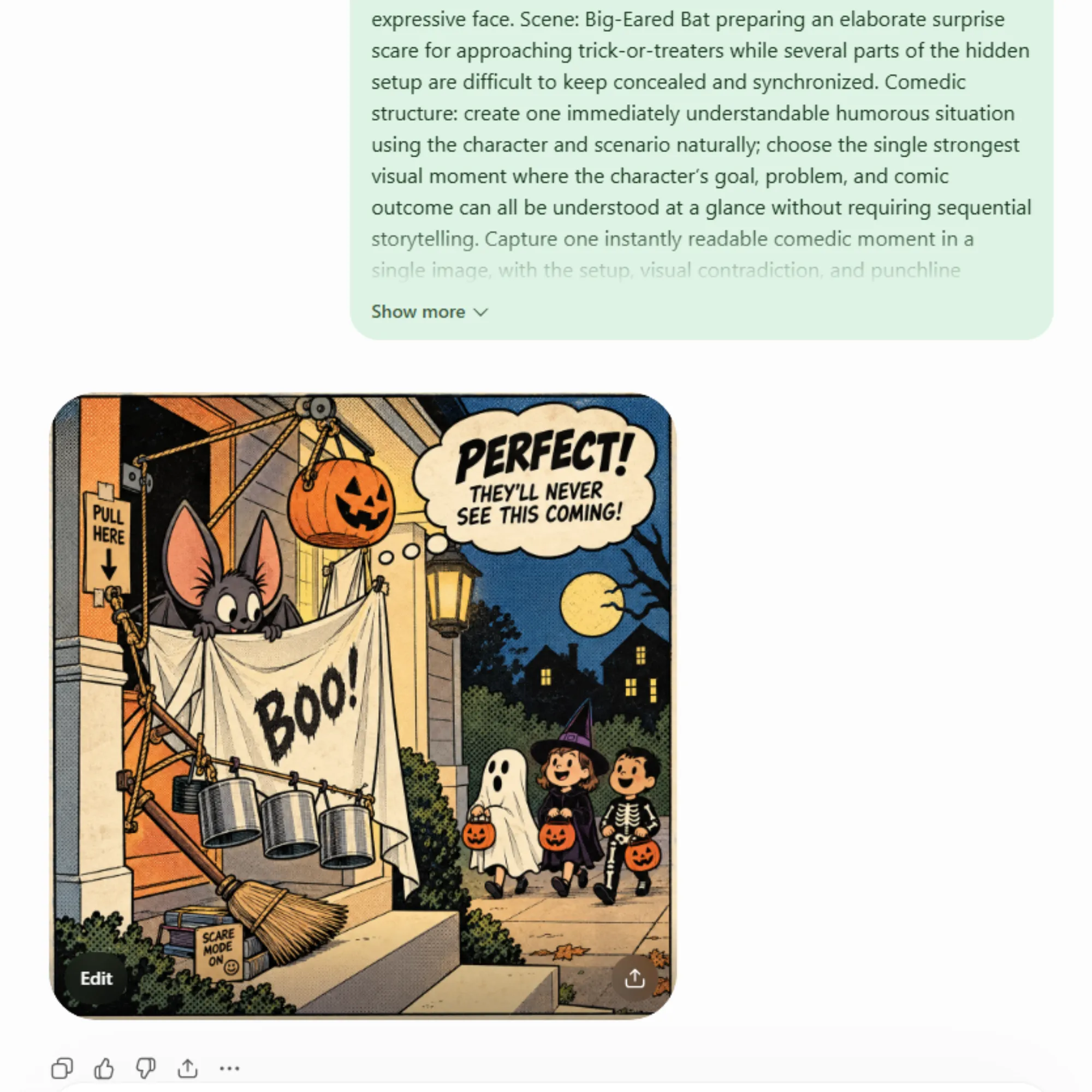
Surprise Scare Preparing an elaborate scare for approaching trick-or-treaters.
Candy Bowl Duty Handing out candy while an unruly bowl becomes difficult to control.
Trick-or-Treat Disguise Trying to blend in while supernatural traits threaten the disguise.
Joke Formulas
Escalation One simple problem grows more absurd from beat to beat.
Deadpan Reaction The chaos increases while the character stays unusually calm.
Expectation vs Reality Establish the expectation, then reveal a sharply contrasting reality.
Idea + Comedy Engine 140 × 10
More Scenes. More Ways To Make Them Funny.

Start with 140 ready Halloween scenarios and pair them with 10 built-in joke formulas to give each concept a clearer comedic direction before the final prompt is assembled.

140 Ready Scenarios
×
10 Joke Formulas
Built To Work Together

Change the character, style, scene or joke — without changing the way you create.

Before vs. After

Less Time Building Prompts. More Time Creating Halloween Ideas.

AI can make the image. The real difference is whether you arrive with a blank box — or with a repeatable system already guiding the idea.

Without The Studio
Build Everything From Scratch

Every new idea starts with another round of brainstorming, rewriting and testing.

×

Start from a blank prompt box First you have to decide what to create.

×

Brainstorm characters manually Invent the subject before writing anything else.

×

Think up every scene from zero Another creative decision every single time.

×

Rewrite the art direction Describe the visual style again and again.

×

Figure out the joke structure The idea may exist, but the punchline still needs structure.

×

Rebuild the prompt for the next idea The process starts over instead of repeating cleanly.

More Decisions Before You Even Generate
VS
With Halloween Creator Studio
Start With A System

Pick from ready-made building blocks, combine them and move straight into a structured prompt.

Start with 36 Halloween characters Choose a subject instead of inventing one first.

Choose from 4 core art styles Reuse a defined visual direction across new ideas.

Pull from 140 ready scenarios Start with a scene already waiting inside the studio.

Apply one of 10 joke formulas Give the funny idea a clear comedic structure.

Choose the image structure Single image, 4-panel or 6-panel direction.

Generate and repeat the workflow Move to the next idea without rebuilding the process.

More Structure Before You Open Your AI Image Tool
The Real Advantage

The difference isn’t more AI. It’s having a repeatable creation system before you ever open your AI image tool.

Who It’s For

Built For Halloween Creators Who Want More Ideas — Without More Prompt Work.

Whether you create products, publish content or simply enjoy working with AI images, Halloween Creator Studio gives you a structured place to start.

01
Etsy Sellers

Explore Halloween ideas for comics, quote art, sticker concepts and patterns without beginning every product direction from a blank prompt.

02
POD Creators

Build Halloween visual directions for apparel and merchandise while keeping the character, style and concept workflow easy to repeat.

03
KDP Publishers

Use the studio as a repeatable idea and prompt source when developing Halloween-themed visual projects and creative collections.

04
Social Creators

Pull together Halloween meme, comic and visual-content ideas faster when you need fresh seasonal directions for your content calendar.

05
AI Image Users

If you already use AI image tools but dislike writing every Halloween prompt manually, the studio gives you a clearer, repeatable way to get started.

No Prompt Engineering Required

If you can pick an idea from a menu, you can use Halloween Creator Studio.

Included Bonuses

And You’re Not Starting With The Studio Alone...

You’ll also get three practical bonuses to help you find new directions, promote what you create and turn finished Halloween artwork into product ideas you can actually use.

Bonus #01
50 Halloween Niches & Product Ideas

When you’re not sure what kind of Halloween product or audience to create for next, this idea pack gives you ready-made directions to explore.

What’s Inside
  • 50 Halloween niche directions
  • Audience angles to create for
  • Product-direction ideas
  • Inspiration for Etsy, KDP, POD & social
Use it when: you need a fresh niche or product direction before opening the studio.
Bonus #02
50 Viral Halloween Captions, Hooks & CTAs

Creating the visual is only one part of the job. This pack gives you fill-in-the-blank marketing copy to help turn your finished artwork into posts and promotions.

What’s Inside
  • Halloween social hooks
  • Ready-to-customize captions
  • Engagement-focused CTAs
  • Fill-in-the-blank copy structures
Use it when: your artwork is ready but you still need something useful to say around it.
Bonus #03
Comics → Sellable Products Blueprint

A practical guide for thinking beyond a single finished image and exploring ways your Halloween comic or artwork can fit into different product and content directions.

What’s Inside
  • KDP project directions
  • Etsy printable ideas
  • POD product applications
  • Social-content directions
Use it when: you’ve created the artwork and want ideas for where that creative asset could go next.
More Than The Generator

Create the prompt with the studio — then use the bonuses to help you find ideas, promote the result and plan what comes next.

Get Started Today

Get Halloween Creator Studio Today For Just $17

Get the complete Halloween prompt-building system, the built-in creative libraries and all three bonuses in one package.

Everything Included
Here’s What You Get

Everything you’ve seen on this page is organized into one Halloween creation workflow you can come back to again and again.

Halloween Creator Studio The complete point-and-click prompt creation system.
36 Halloween Characters A ready-made cast for new concepts and scenarios.
4 Core Art Styles Reusable visual directions built into the workflow.
140 Scenarios + 10 Joke Formulas Ready scene ideas paired with structured comedy directions.
5 Creative Formats Comic, Meme, Quote, Pattern and Sticker directions.
Built-In Workflow Controls Randomize, custom input, target tool, aspect ratio and prompt history.
Plus All 3 Bonuses Halloween Niches & Product Ideas, Captions / Hooks / CTAs and the Comics → Sellable Products Blueprint.
Complete Package
Halloween Creator Studio

Get the core studio plus all three included bonuses.

One-Time Price
$ 17
Halloween Creator Studio + 3 Bonuses
Complete Halloween prompt-building system
Built-in characters, styles, scenarios & joke formulas
All 3 practical bonus resources included
One Studio. One Workflow.

Stop rebuilding Halloween prompts from zero. Start with a system built to give every new idea somewhere to begin.

Frequently Asked Questions

Questions Before You Start Creating?

Here are the answers to the most common questions about how Halloween Creator Studio works and what you’ll get inside.

Does Halloween Creator Studio create the images for me?

No. Halloween Creator Studio is designed to build structured AI image prompts for you. Once your prompt is ready, copy it into the AI image tool you want to use to generate the artwork.

Do I need to know how to write AI prompts?

No prompt-writing experience is required. Pick your character, art style, scenario, joke formula and creative format, then let the studio combine those choices into a structured prompt.

What kinds of creative prompts can I build?

The studio includes five creative directions: Comic, Meme, Quote, Pattern and Sticker. That gives you different ways to take a Halloween concept and shape it for the kind of visual you want to create.

Can I use my own Halloween ideas?

Yes. You can use the built-in characters, scenarios and other creative options, or bring in your own direction with Custom Input when you want more control over the concept.

Which AI image tools can I use with the prompts?

Halloween Creator Studio includes target-tool options for ChatGPT, DALL·E, Midjourney and a Universal option, so you can structure prompts for different AI image workflows.

Are the three bonuses included with the $17 offer?

Yes. The $17 offer includes Halloween Creator Studio plus the three bonus resources shown on this page: Halloween Niches & Product Ideas, Captions / Hooks / CTAs, and the Comics → Sellable Products Blueprint.

Keep It Simple

Pick the ingredients. Build the prompt. Take the finished prompt into your AI image tool and create.

Ready To Create?

Stop Starting Every Halloween Idea From A Blank Prompt Box.

Halloween Creator Studio gives you a repeatable way to choose the creative ingredients, build a structured AI prompt and move on to your next idea without rebuilding the entire process from scratch.

36 Halloween Characters 140 Ready Scenarios 10 Joke Formulas 5 Creative Formats 3 Included Bonuses

Pick your options. Generate your prompt. Take it into your AI image workflow and create.

P.S.

You can keep brainstorming characters, scenes, styles and prompt structures manually — or start with a system where those creative building blocks are already waiting for you. Halloween Creator Studio is $17.

Your next Halloween idea doesn’t need to begin with an empty box. Give it a system to start from.