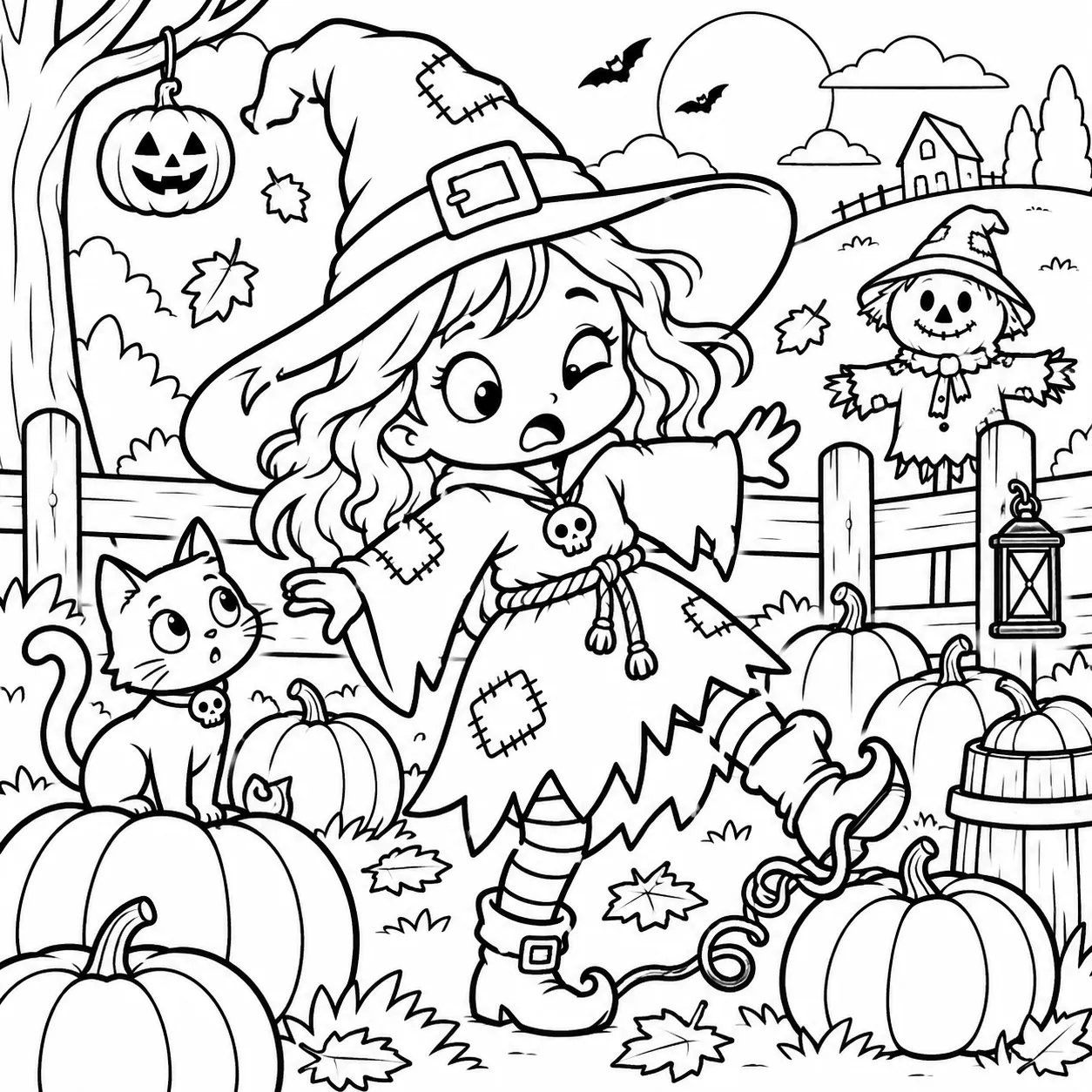
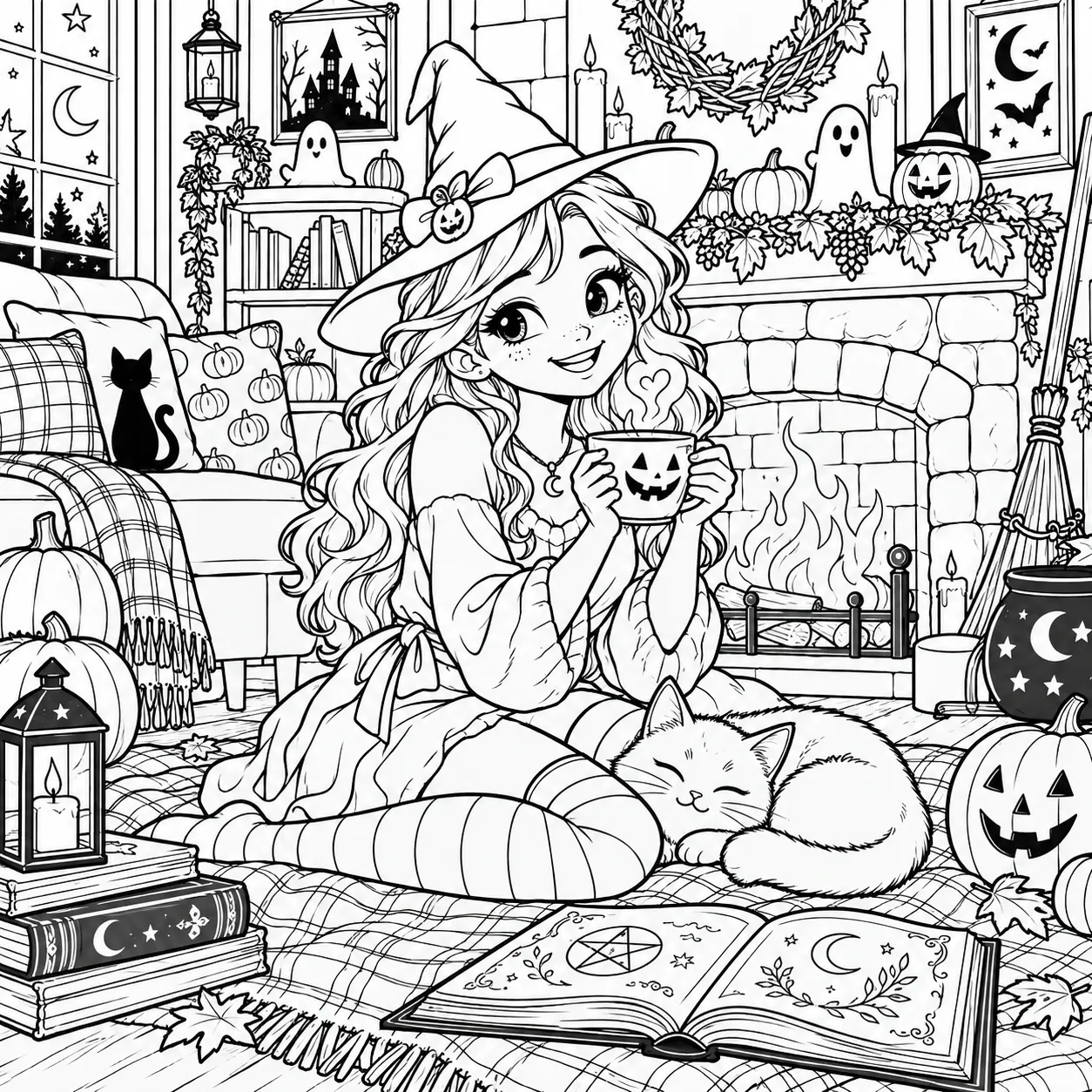
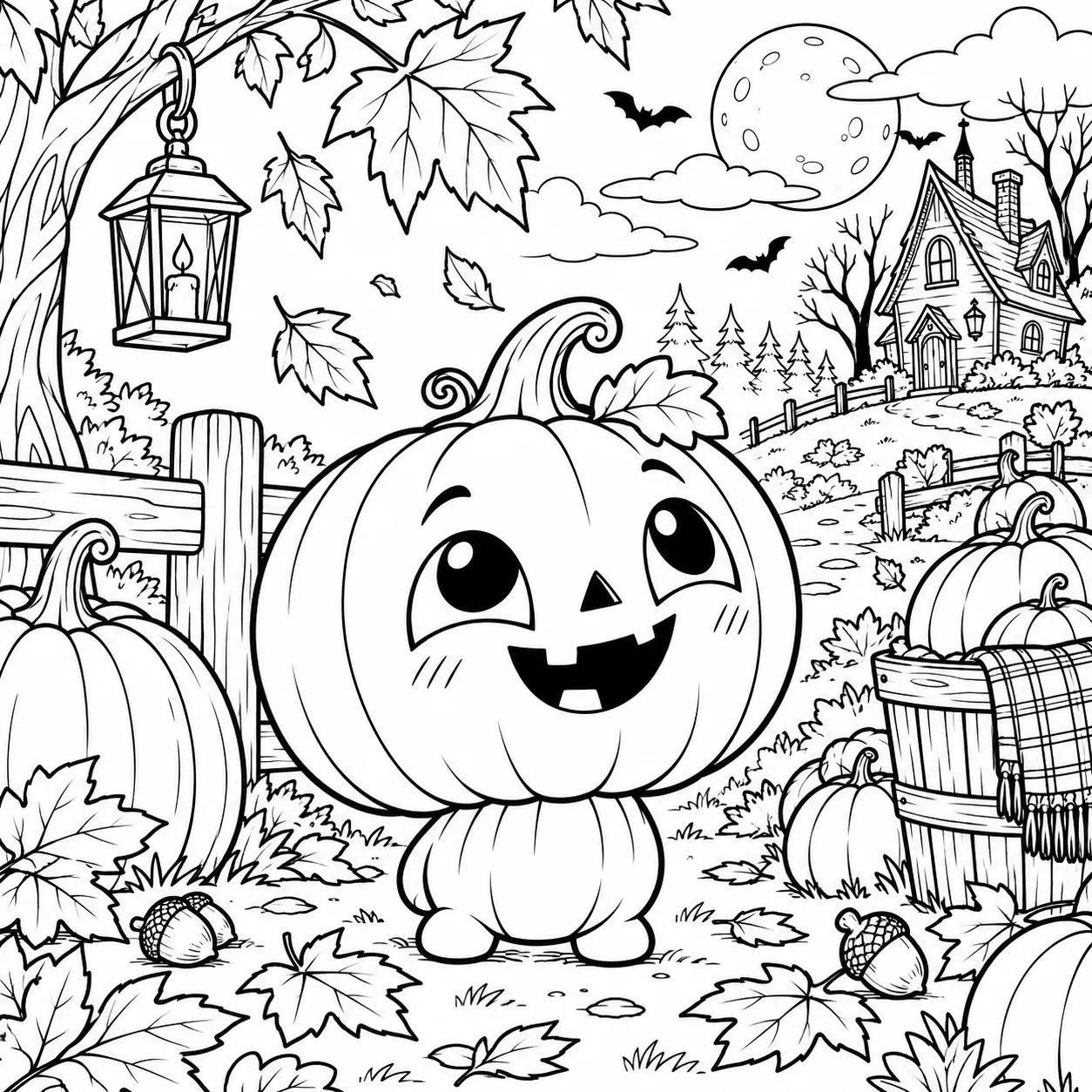
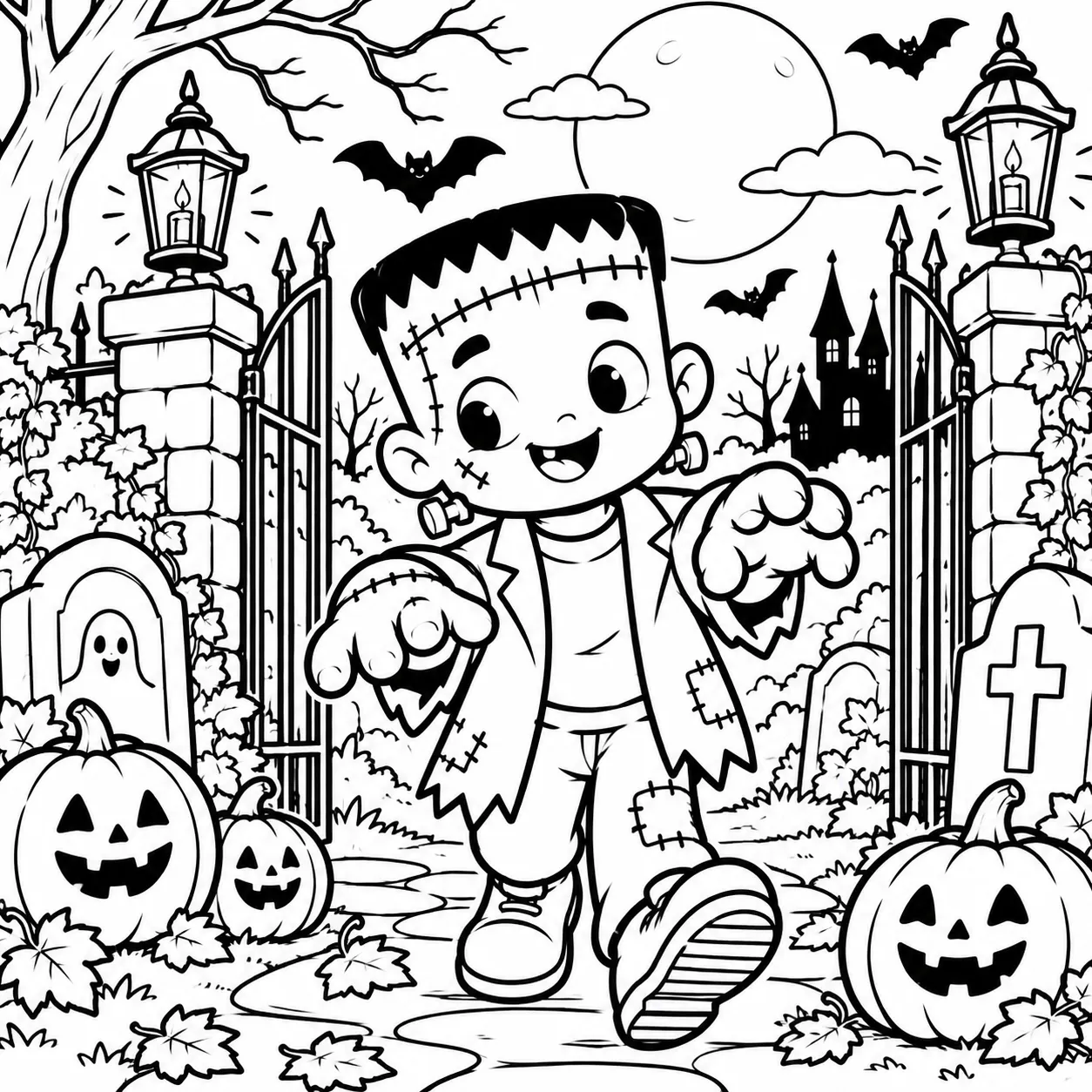
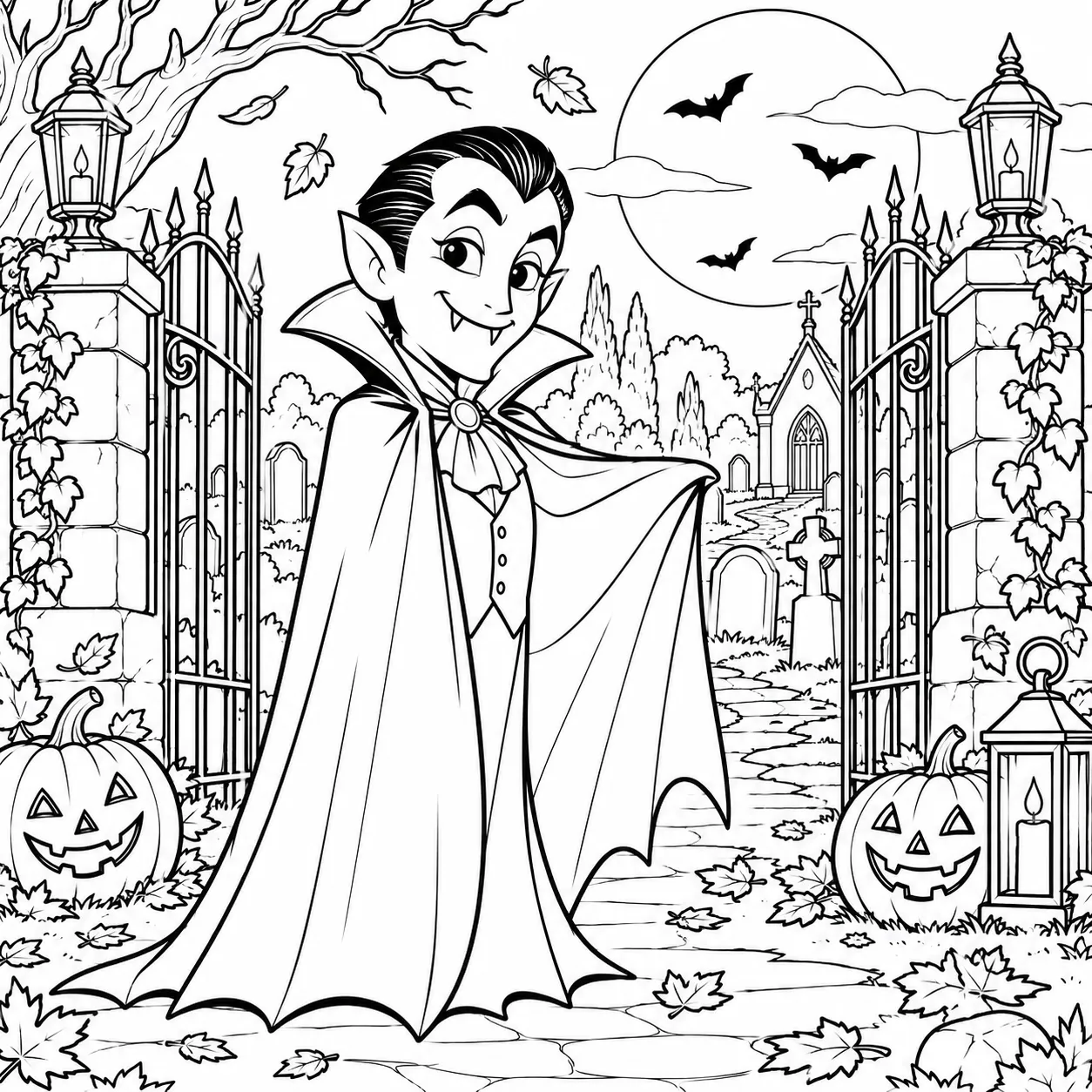
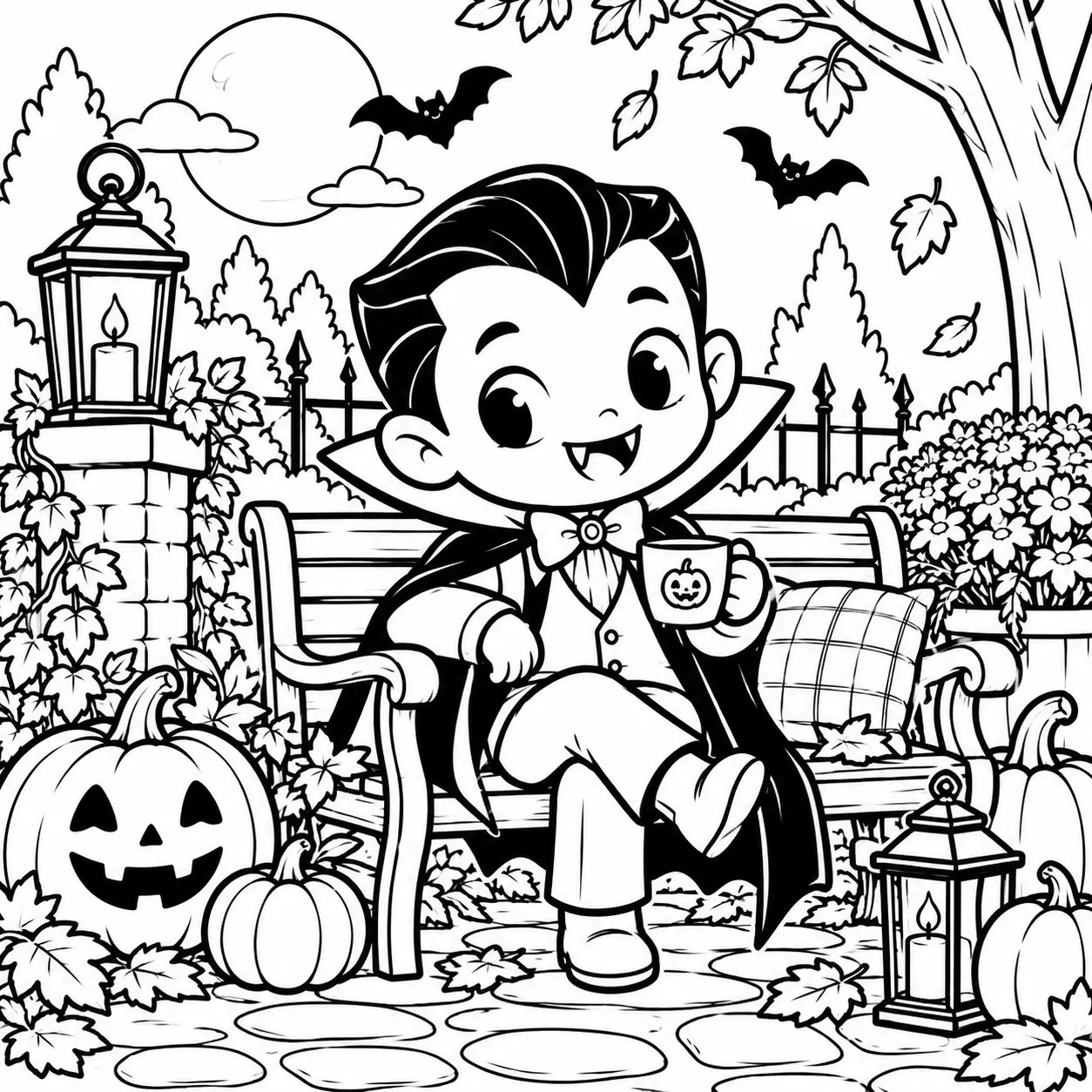
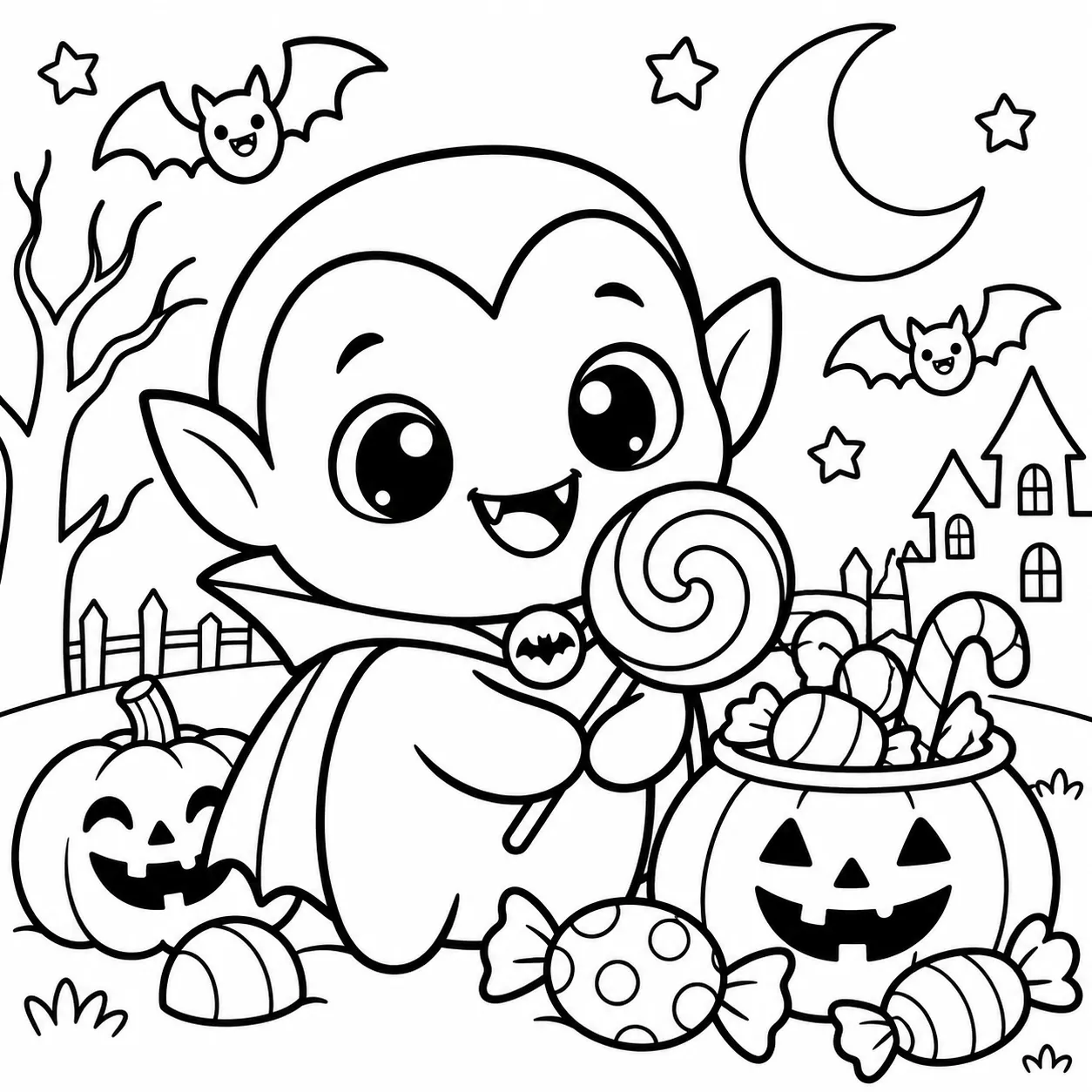
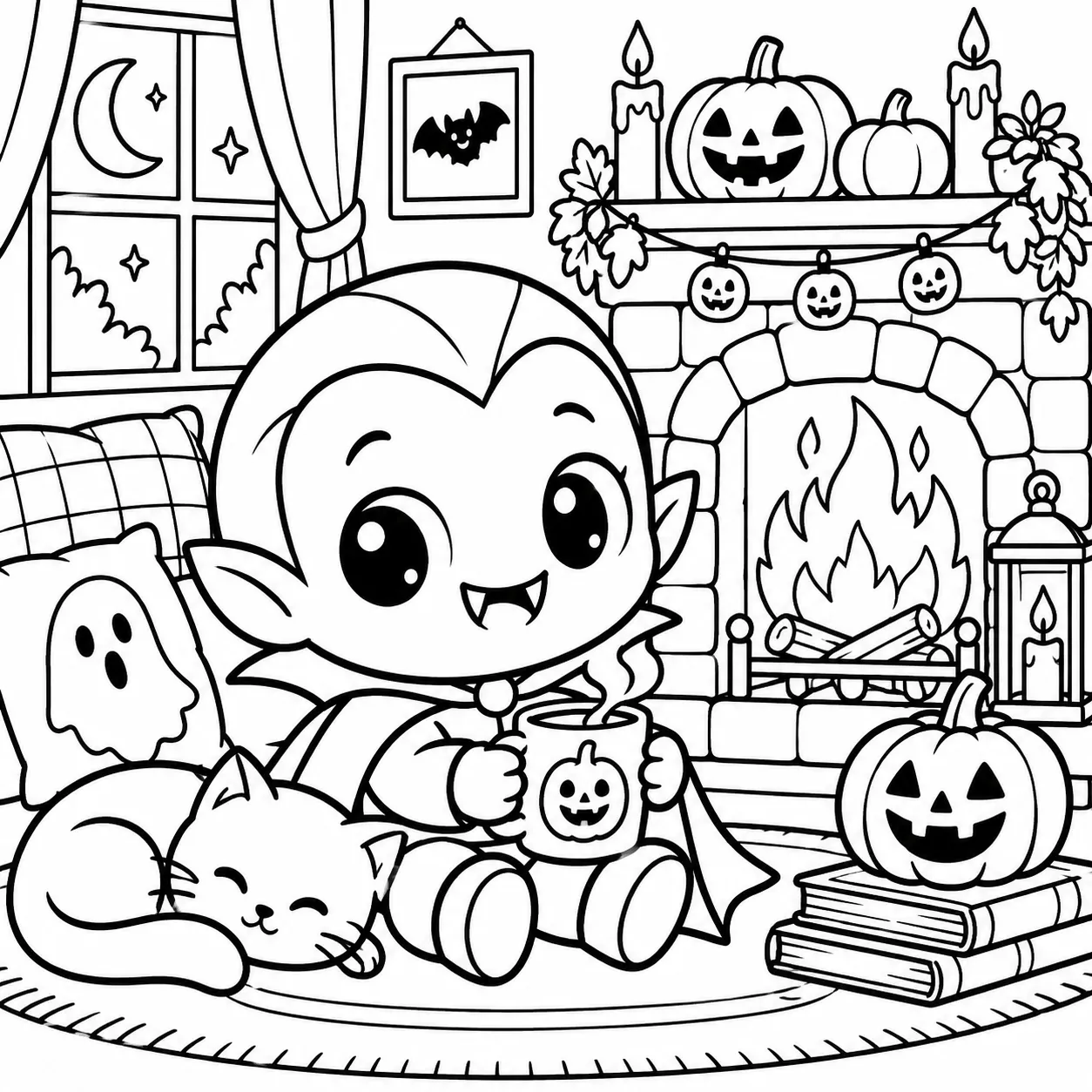
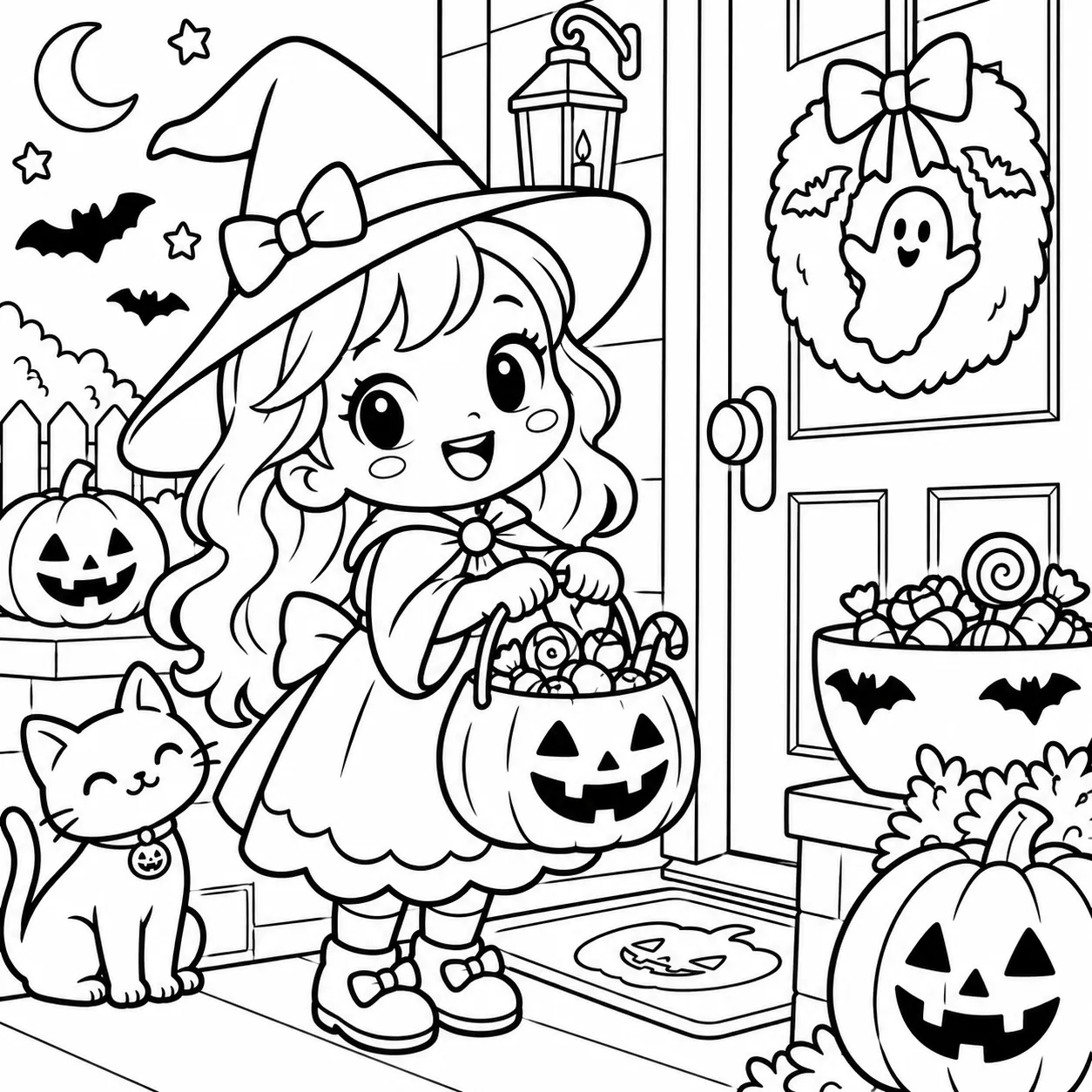
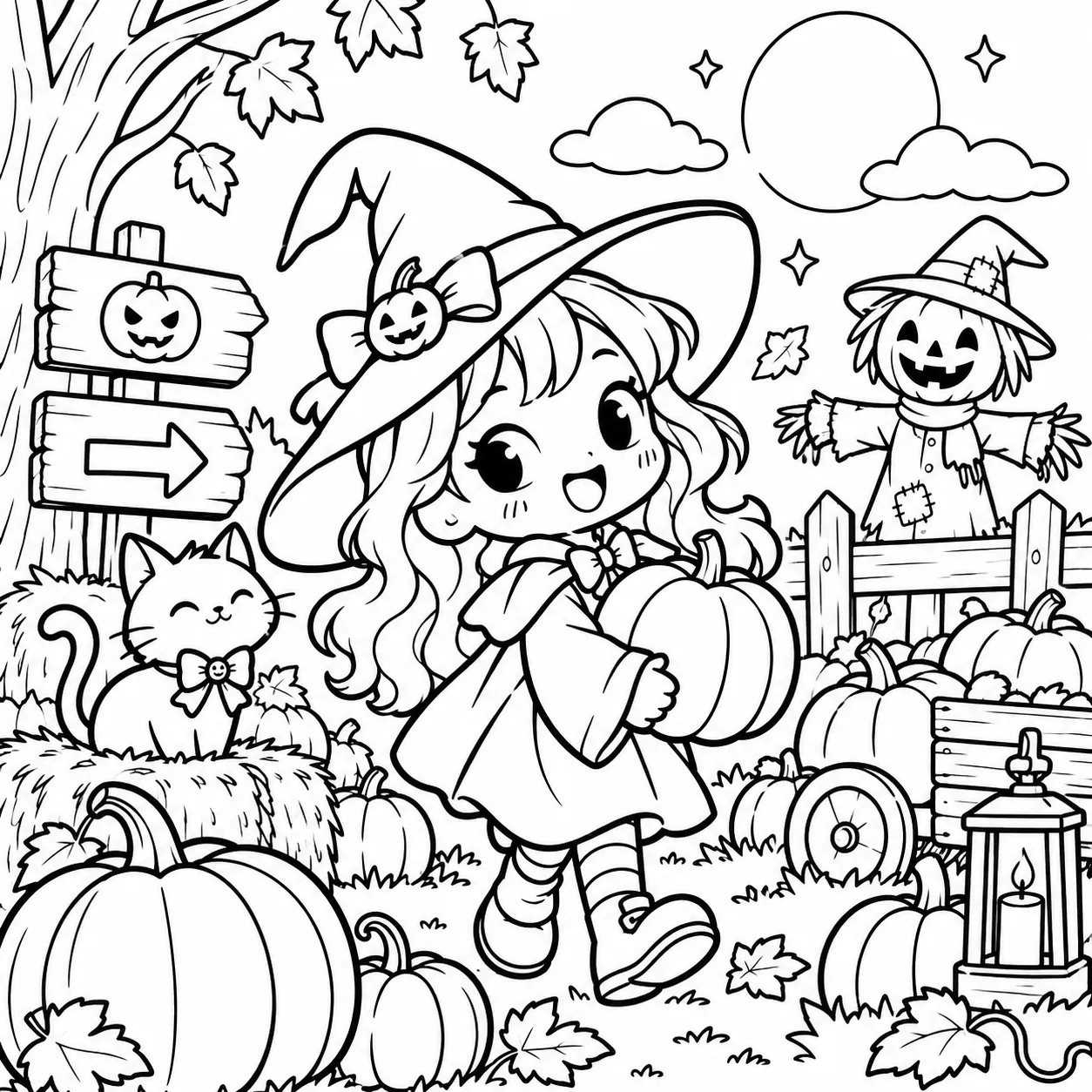
Stop thinking up coloring scenes one page at a time. Choose your audience, scene group, scene, character or saved mascot — and build structured prompts designed for clean, print-friendly black-and-white coloring pages.
One-time upgrade · Built for printable coloring pages and book interiors
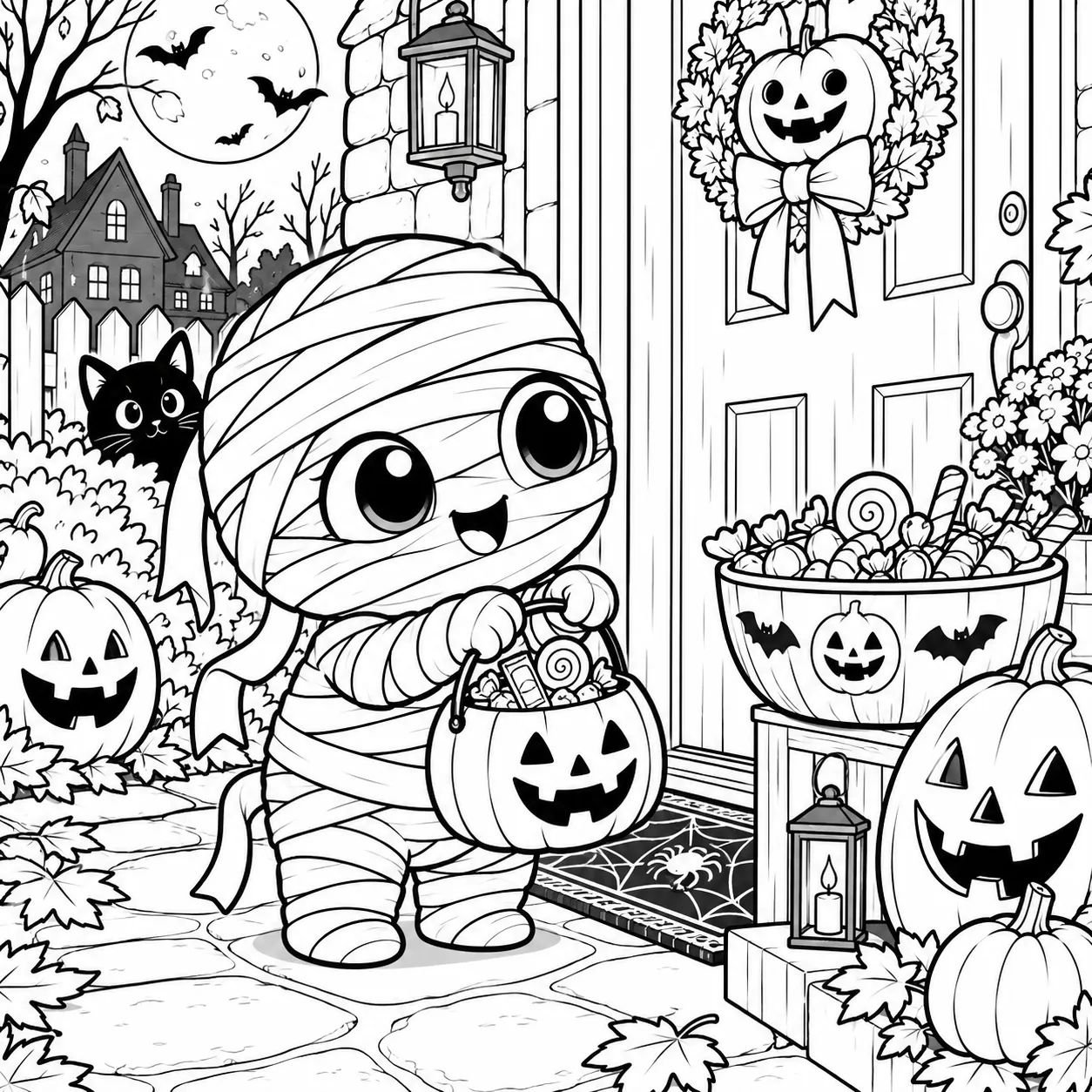
Your Halloween characters and saved mascots don’t have to stop at comics, memes, stickers or visual designs. The Coloring Book Engine gives you a new way to reuse the same character system and move into coloring books, printable pages and coordinated coloring collections.
Reuse the characters you’re already working with instead of building a completely separate asset system.
Turn individual Halloween scenes into structured coloring-page prompt ideas for downloadable printables and digital page bundles.
Build simpler, clearer Halloween coloring scenes around ghosts, witches, monsters, mascots and other kid-friendly character ideas.
Move into more detailed Halloween compositions designed for older coloring audiences and themed page collections.
Bring the same ghost, witch, skeleton, monster or saved mascot into multiple coloring themes so your products feel connected.
You’re not starting another product business from zero. You’re extending the character system you already own into another sellable category.
The ghost, witch, monster or mascot you already use doesn’t have to appear in just one design. Now imagine that same character showing up across printable coloring packs, a full book interior and an ongoing character-based series.
Turn multiple coordinated scenes into a downloadable Halloween coloring collection instead of relying on a single standalone printable. More scenes give you room to build larger product bundles.
Move from isolated coloring pages toward a coordinated collection of scenes that can be assembled downstream into Kids or Adult coloring-book interiors.
Use a recurring character across new coloring scenes, themes and collections so future products can share the same recognizable star instead of introducing another unrelated character every time.
One coloring page is an asset. A coordinated library of pages can become an entire product line.
Pick what you want to create, let the engine structure the coloring-page prompt, then take that prompt into your preferred AI image tool.
Start with Kids or Adult, choose one of the 20 scene groups, then select the specific Halloween scene you want to turn into a coloring page.
Select the Halloween character you want on the page, or bring in a saved mascot if you own the Character Brand Engine. Then choose your target tool and preferred aspect ratio.
Generate a structured prompt designed around black-and-white, print-friendly coloring-page output. Copy the prompt into your selected AI image tool and create the page.
You choose the audience, scene and character. The Coloring Book Engine turns those choices into a ready-to-use coloring-page prompt.
Take the same Halloween character idea and build it into different coloring-page directions — from simpler cute pages to more detailed classic Halloween scenes.
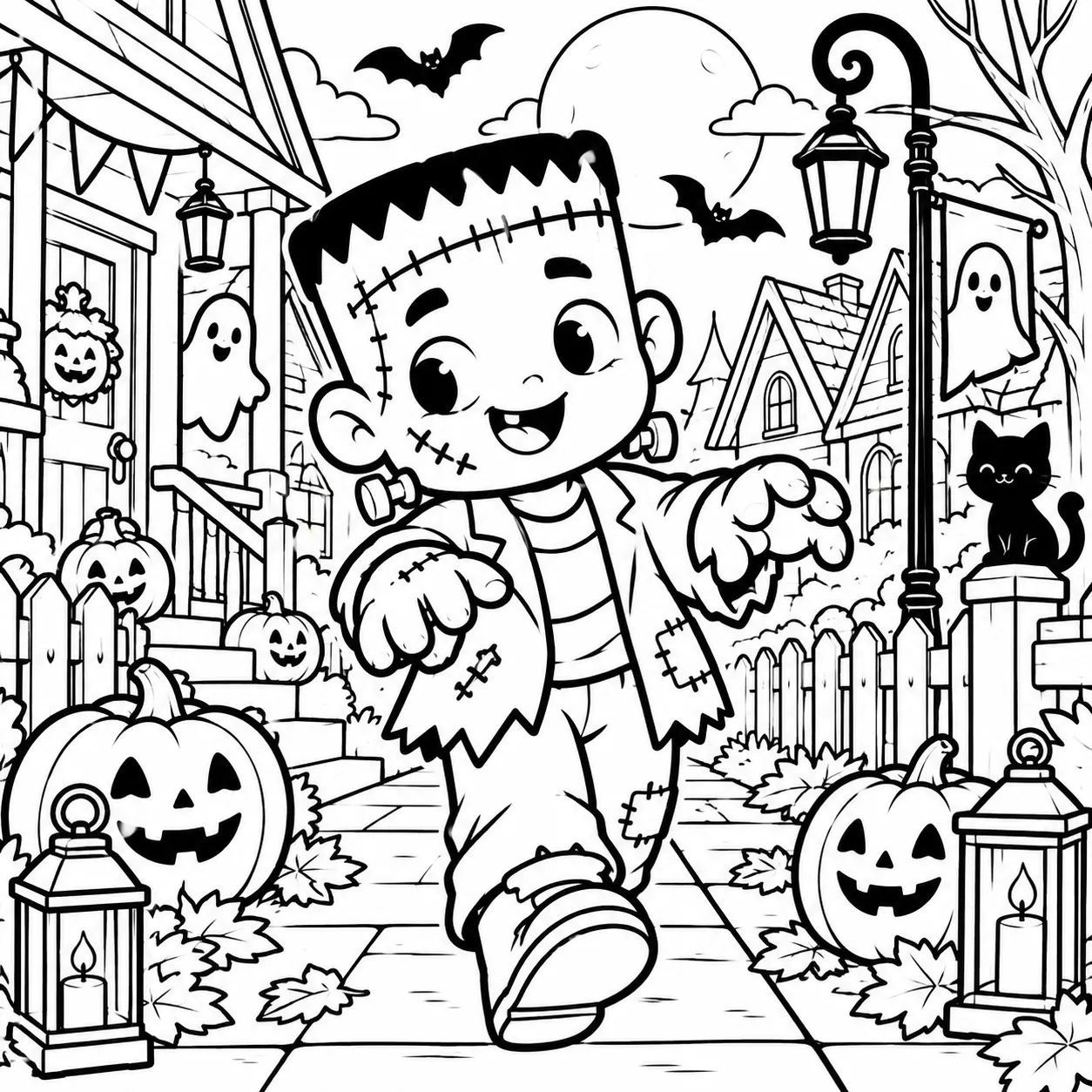
One character doesn’t have to become one page. Change the scene, audience and composition — and keep expanding the collection.
A real coloring collection needs variety. Instead of sitting down and inventing every page idea from scratch, you can browse a structured library of 400 Halloween coloring scenes organized across 20 scene groups.
A large pool of scene directions gives you room to create multiple pages without repeatedly brainstorming the next Halloween idea.
Browse scenes in structured groups instead of digging through one long, random list of prompts every time you want a new page.
Move beyond a few isolated pages and pull from enough scene ideas to develop fuller printable bundles and book concepts.
Change the scene while keeping your chosen character or mascot at the center of the collection.
Use the scene system with the Kids or Adult audience direction so the page composition adapts to the type of coloring product you’re building.
Pair new scenes with Halloween characters or a saved mascot and keep creating fresh page directions around the same star.
The character can stay familiar. The 400-scene library gives you hundreds of new directions to put that character into.
A real coloring collection needs variety. Instead of sitting down and inventing every page idea from scratch, you can browse a structured library of 400 Halloween coloring scenes organized across 20 scene groups.
A large pool of scene directions gives you room to create multiple pages without repeatedly brainstorming the next Halloween idea.
Browse scenes in structured groups instead of digging through one long, random list of prompts every time you want a new page.
Move beyond a few isolated pages and pull from enough scene ideas to develop fuller printable bundles and book concepts.
Change the scene while keeping your chosen character or mascot at the center of the collection.
Use the scene system with the Kids or Adult audience direction so the page composition adapts to the type of coloring product you’re building.
Pair new scenes with Halloween characters or a saved mascot and keep creating fresh page directions around the same star.
The character can stay familiar. The 400-scene library gives you hundreds of new directions to put that character into.
The Halloween Coloring Book Engine is built for creators who want to expand into a very specific product category: printable coloring pages and coloring books.
Especially if you already have Halloween characters, product ideas or mascots and want another way to turn them into sellable product directions.
You want to add Halloween coloring pages, themed bundles and coordinated printable collections.
You need enough structured scene ideas to develop pages that can later be assembled into Kids or Adult book interiors.
You want a library of 400 scenes across 20 groups so you can keep expanding a collection without inventing every idea yourself.
You want to create simpler coloring-page compositions for Kids or more detailed directions for Adult coloring products.
You want the same Halloween character or saved mascot to appear across multiple coloring scenes and collections.
This upgrade has a focused purpose. It generates structured prompts for Halloween coloring pages — not every type of printable or publishing tool.
This is a coloring-page prompt generator, not a maze, puzzle or general activity-book generator.
The engine creates structured prompts. You still take those prompts into your chosen AI image-generation tool.
OTO3 handles the coloring-page workflow. Batch creation is part of the separate Seller Toolkit upgrade if you own it.
The engine helps create the page prompts. Book assembly, formatting and publishing remain downstream steps.
If coloring books and printable coloring pages aren’t a product category you want to enter, this focused upgrade probably isn’t necessary.
If coloring is the category you want to add next, this gives you the scenes, structure and workflow to start building it.
The Halloween Coloring Book Engine is built for creators who want to expand into a very specific product category: printable coloring pages and coloring books.
Especially if you already have Halloween characters, product ideas or mascots and want another way to turn them into sellable product directions.
You want to add Halloween coloring pages, themed bundles and coordinated printable collections.
You need enough structured scene ideas to develop pages that can later be assembled into Kids or Adult book interiors.
You want a library of 400 scenes across 20 groups so you can keep expanding a collection without inventing every idea yourself.
You want to create simpler coloring-page compositions for Kids or more detailed directions for Adult coloring products.
You want the same Halloween character or saved mascot to appear across multiple coloring scenes and collections.
This upgrade has a focused purpose. It generates structured prompts for Halloween coloring pages — not every type of printable or publishing tool.
This is a coloring-page prompt generator, not a maze, puzzle or general activity-book generator.
The engine creates structured prompts. You still take those prompts into your chosen AI image-generation tool.
OTO3 handles the coloring-page workflow. Batch creation is part of the separate Seller Toolkit upgrade if you own it.
The engine helps create the page prompts. Book assembly, formatting and publishing remain downstream steps.
If coloring books and printable coloring pages aren’t a product category you want to enter, this focused upgrade probably isn’t necessary.
If coloring is the category you want to add next, this gives you the scenes, structure and workflow to start building it.
Instead of starting from a blank page every time, use a dedicated coloring workflow built around scenes, audiences, characters and print-friendly prompt structure.
A focused workspace for turning Halloween characters and mascots into structured coloring-page prompts for printable collections and book projects.
Choose from 400 Halloween scene directions instead of inventing every new coloring-page concept yourself.
Browse the scene library through 20 structured groups so it’s easier to find the direction you want for the next page or collection.
Choose the intended audience and let the workflow adapt the coloring-page direction toward Kids or Adult coloring products.
The prompt structure adjusts around your selected audience, scene and character instead of treating every coloring page as the same generic layout.
Generate prompts structured around clean black-and-white coloring-page output rather than ordinary full-color illustration prompts.
Place your chosen Halloween character into new coloring scenes and keep expanding that character into additional page directions.
If you own the Character Brand Engine, you can bring a saved mascot into the coloring workflow and build new coloring scenes around that recurring character.
Choose the AI image tool you’re creating for and set the aspect ratio before generating your ready-to-use coloring-page prompt.
You already have Halloween characters and ideas. Now turn them into another product category you can keep expanding.

Here’s how the coloring workflow works, what it creates and what is included in this $37 upgrade.
It’s a dedicated coloring-page prompt generator that helps you turn Halloween characters and scenes into structured prompts for printable black-and-white coloring pages. It includes separate directions for Kids and Adult coloring products.
You get access to 400 coloring scenes organized across 20 scene groups. That gives you a much larger pool of directions to work from when building individual pages, printable bundles or larger coloring collections.
Yes. The workflow supports Kids and Adult audience directions. Your audience selection is used as part of the prompt structure so the composition can be adapted toward the type of coloring product you want to create.
No. The Coloring Book Engine generates the structured prompt. You then copy that prompt into your selected AI image-generation tool to create the actual coloring-page image.
Yes. You can choose a Halloween character and place that character into different scenes from the coloring library. This lets you create multiple coloring-page directions around the same character.
Yes — if you also own the Character Brand Engine, your saved mascot can be used in the coloring workflow. That gives you another way to bring the same recurring character into new coloring scenes and collections.
Yes. The workflow includes a target-tool selection so you can generate the prompt for the AI image tool you plan to use. You can also choose your preferred aspect ratio before generating the prompt.
No. This upgrade is specifically focused on coloring-page prompt generation. It is not a maze generator, puzzle generator or general activity-book generator.
Batch generation is not included inside the Coloring Book Engine itself. The separate Seller Toolkit includes the Batch Builder, which can create multiple coloring prompts when you own that upgrade.
No. The engine helps you create the prompts for the coloring pages. Book assembly, formatting and publishing are downstream steps.
The workflow is designed to help you create page concepts for products such as printable coloring pages, coordinated page bundles and Kids or Adult coloring-book interiors.
The Halloween Coloring Book Engine is available on this page as a $37 one-time upgrade.
You already have the Halloween characters. Now give them hundreds of new pages to appear in.
We are confident in the quality and value of our products, which is why every purchase is protected by a 30-day money-back guarantee. Review the materials, explore the included resources, and determine whether they meet your needs. If you are not satisfied, contact us within 30 days of purchase for a full refund.
We make every effort to ensure that we accurately represent this product and its potential for income. There is no guarantee that you will make money. As with any business or software, your results may vary and will depend on your individual capacity, business experience, expertise and level of desire. There are no guarantees concerning the level of success you may experience. We cannot guarantee your future results and/or success. There are unknown risks in business and on the internet that we cannot foresee which can reduce results.
All rights reserved. Unauthorized reproduction, distribution, or use of any content, images, text, graphics, or other materials on this website is strictly prohibited without written permission.